A startup business looking to grow and establish its operations will find the value of an IT consultant life-changing. Here are a few benefits that startup businesses can expect when they hire an IT consulting company: 1. Adoption of IT Best Practices – Many business owners handle several tasks daily. Since startup businesses are still at their formative stage, all hands are typically on deck. Because of this, business owners won’t have the time to learn about the current IT best practices. Hiring an IT consulting company allows the best IT practices to be implemented while you focus on getting your business started. 2. Less Downtime – New businesses need every minute of operational time to maximize productivity. Whenever there is an IT issue, that is potentially costing the business money. However, hiring an IT consulting company can help your business quickly identify and fix the issue. Additionally, consultants can provide and develop monitoring protocols to help prevent and reduce future incidences. 3. Security and Compliance – Are you familiar with the data compliance laws in your industry? Do you know the security protocols you need when running your IT infrastructure? If not, hiring an IT consulting company can help you find the answers you need. In addition, IT consultants can help you identify your security weak spots and help design technical protocols that help deter unwanted actors. 4. Seamless Transitions – When it’s time to covert to new technology tools or a new IT system, you may not be too sure how your business will adapt. IT consultants can provide a smoother transition when making the switch. This will help your business avoid potential disruptions in operations and allow you to focus on your business and less on its technology.
If you’re seeking comprehensive, customized IT consulting services for your startup business, give the experts at WesTec a call today.
Learn more about our IT consulting services.
While business is driven by technology and the internet, many companies today will deal with their computer network problems and frustrations instead of considering a needed upgrade to a wireless internet network, or WiFi.
If your business is facing network challenges, such as network glitches and breakdowns, or accessing your network from home or on-the-go, it may be time to consider implementing a wireless internet network. Here a few advantages of installing a wireless network for your business:
Convenience Wireless internet allow users to access network resources from nearly any convenient location within their primary networking environments, such as a home or office. With the increasing saturation of laptops and smart phones, this is particularly relevant.
Mobility
Wireless internet networks allow users to access the web even outside of their normal work environment. Most coffee shops or restaurants offer their customers a wireless connection to the internet at little or no cost.
Productivity
When users can connect to a wireless network, they are able to maintain connectivity to their desired network as they move from place to place. For a business, employees can become more productive because work can be completed from nearly any location.
Expandability
Wireless networks can serve a suddenly-increased number of users with the existing equipment. On the other hand, in a wired network, additional clients would require additional wiring.
Cost
Although cost is difficult to quantify, there is a cost to constant computer glitches. Also, failure to access a wireless network on-the-go can keep projects from meeting their deadlines, ultimately causing company downtime.
If your business is ready to make the switch to wireless internet networking, call the experts at WesTec today, or read more about our network installation services.
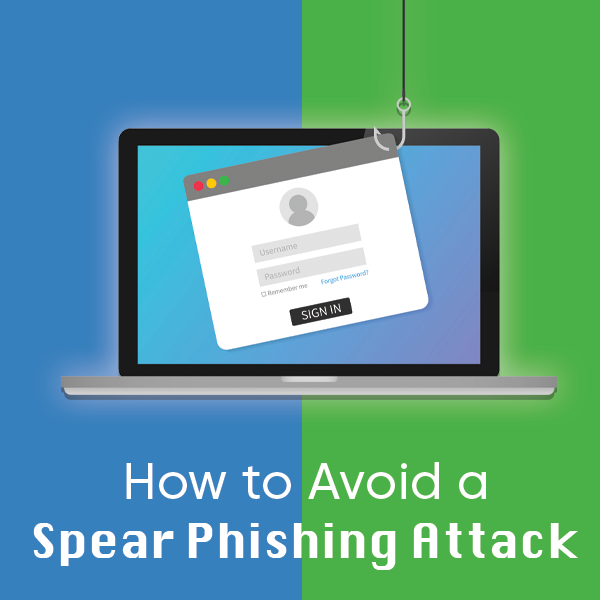
As we discussed in a previous article, phishing is an attack that uses disguised emails as weapons aimed at masses of people. However, spear-phishing is a targeted attempt to steal sensitive information from a specific victim, such as account credentials or financial information.
During a spear-phishing attack, the perpetrator attempts to acquire personal details on the victim’s friends, hometown, employer, hang-outs, and their recent online purchases. This is typically done by disguising themselves as a trustworthy friend or entity through email, social media, phone calls, or text messages.
Because spear-phishing is the most successful form of acquiring confidential information online, it is important to practice how to avoid an attack. 1. Beware what you post: Review your online profiles. How much personal information is available for potential attackers to view? If there is something you do not want the public to see, delete it, or ensure your privacy settings are properly configured. 2. Use smart passwords: It is not wise to use the password for every account you own. In this case, if an attacker has access to one account, they effectively have access to all of your accounts. Passwords with random phrases, letters, and numbers are secure. 3. Use logic with emails: If an organization sends you a link in an email requesting a specific action or sort of personal information, go directly to the organization’s site rather than clicking on the link. Calling the organization can also help clarify the issue. Real businesses will not email you asking for your username and password. 4. Update your software: Software systems include security updates that should help protect you from spear-phishing attacks, as well as others. If you receive notice of a new update, be sure to take advantage, or enable automatic updates.
To learn more about how you can protect your data or sensitive information, contact the experts at WesTec.
We place our information online every day. We’re more than happy to hand over our email, phone number, address and credit card information to purchase a product on the internet. In a world where ecommerce is becoming the standard, businesses must do what they can to protect customer data.
Follow Current Encryption Practices
Encryption practices change regularly to evolve and combat cybercriminals. Often, organizations who failed to stay up-to-date with the latest data protection trends fall victim to cyberattacks. To help protect customer data, create a recurring reminder to analyze your company’s security practices and make updates as necessary.
Limit Access to Customer Information
For additional protection, limit who within your business can view customer data. Not every employee needs access to customers’ personal information. When only necessary employees have access to customer information, hackers have a harder time finding a weak point to break into company databases.
Don’t Ask for Unnecessary Information
As a company, it is important to only collect the information you need to complete a transaction or service to your customer. Customers get weary when a business asks for unnecessary information. By only collecting necessary information, there is less for a hacker to steal. This protects customers and their livelihoods.
Educate All Employees on Security Policy
While you may limit who can view customer data, make sure every employee knows and understands the company security policy. Even though an employee may not have access to the customer database, their actions could affect the privacy of customers. For example, if someone were to take a company laptop to a coffee shop and used the open wifi, a nearby hacker could potentially break into the company’s database through the network and steal personal information.
Let Consumers Know Their Information is Protected
The best way to build consumer trust is transparency. Let customers know you value their privacy. Take it one step further by detailing how you work to keep customer information stored safely in a privacy policy.If you’re unsure of how your business should protect customer data, or if your company wants information on the latest encryption practices, contact the experts at WesTec Services. We can help you create strong security protocols and install encryption software for data security.
Phishing is defined as a cyber attack that uses disguised emails as weapons. Hackers try to trick email recipients into clicking links or attachments they designed to steal personal information.
What is Phishing?
Here’s an analogy to better understand: Imagine a fisherman baiting a hook and tossing it into a lake in hopes of getting a bite. If a fish bites, the fisherman reels it in. But, if it doesn’t, the fisherman fails and the fish keeps swimming.Phishing is the same way. A cybercriminal can only gain access to your accounts or information if you fall for the bait. For example, a hacker might design an email disguised as your bank telling you your account has been compromised. They ask you to click on a link to verify your identity. If you click on the link and fill out the information, you have now provided them with the information to access your finances.
Types of Phishing
Hackers attempt to get victims to do one of two things to get what they want. Some cybercriminals try to trick you into giving up your information. This is similar to the bank example above. Other hackers prefer to have you download malware. Often, these types of emails will include a download attachment, often a .zip file or Microsoft document, embedded with malicious code.
How to Prevent Phishing Attacks
If you know how to spot a phishing attempt, you can avoid compromising your data and report it to the Federal Trade Commission. Here are the steps you can follow to confirm the identity of an email sender:
Always check the spelling of URLs in email links before you click
Watch out for URL redirects, where hackers sent you to a different website with identical design
If you receive a suspicious email from a source you know, contact them with a new email, rather than replying
To learn more about how you can protect your data and sensitive information, contact the experts at WesTec.
This holiday season, experts expect cyberattacks to rise by 60 percent. Retailers and consumers will see a spike in cybersecurity alerts on Black Friday and Cyber Monday, with heightened risk for the remainder of the year. Below are practices WesTec recommends to avoid online scams this Christmas.
Analyze Email Advertisements and Deals
Most attacks are a result of commodity malware. Scammers send phishing emails, often posing as your favorite brand, to try and steal your financial information. These emails often include misspelled words and misused grammar. If you suspect any email you receive is a scam, avoid clicking any URLs. This is how scammers steal your data or install malware on your computer. Instead, to verify the email came from the true brand, visit their website and see if they are offering the same deal.
Shop from Established Brands
Sometimes deals look too good to pass up. If an unknown website is offering a seemingly impossible deal, you could be looking at an online scam designed to steal your credit card information. Shoppers can look for the https in a retailer’s site URL, compared to http. The ‘s’ stands for secure and ensures all communications between the browser and website are encrypted.
Avoid Public WiFi
If you plan to shop online, avoid purchasing on public WiFi. These networks are often unsecured, meaning anyone with a computer acumen can view what you are browsing and steal your personal information.
Use a Credit Card
Pay with a credit card when making gift purchases. A credit card offers the best liability protection against potential fraud, unlike debit cards. If scammers gained access to your debit card information, they could drain your accounts.
Make Sure All Passwords are Unique
It’s easier to use the same password for all accounts. But is it safer? If a hacker discovered your login credentials, they could easily hack into other accounts and steal your information. To best protect yourself, your data, and your financial information, make sure each account has a random and unique password. For more information about password security, visit our recent blog post.With the holiday season quickly approaching, be proactive in identifying online scams. For more information about cybersecurity and avoiding attacks from scammers, contact us.
Have you ever been the victim of a cyber attack? Do you use the same password for all of your accounts? Follow our guide to outsmart the hackers with increased password security.
How Hackers Get Your Passwords
Before you can better protect your accounts, you must understand how cybercriminals access steal your information. Typically, a hacker will compromise your account in one of three ways.
Personal attack: Hackers target your account specifically. They will typically guess your email password and use password recovery options to access other accounts.
Brute-Force attack: Hackers systematically check all possible passwords until the correct one is found.
Data Breach: Hackers attack large companies, resulting in millions of compromised accounts.
What Makes a Good Password?
Ideally, your password should be at least 16 letters and contain a combination of numbers, symbols, uppercase and lowercase letters. Passwords should not include any repetition, dictionary words, usernames, pronouns or IDs. Make a strong password by thinking of a phrase and then use the initials of each word, as well as the numbers and symbols, to combat potential attacks. For example, if your phrase is “Do you think a hacker will guess my 16 character password for Facebook?!”, your password might be: Dytahwgm16cp4F?!
Enable Two-Step Authentication When Possible
If any sites or accounts offer two-factor authentication, take advantage of it. This system works to limit hacking attempts by making a user authenticate their identity with a second method of verification. Check out our recent blog post about two-factor authentication for more information.
Use a Password Manager
The best thing you can do for your accounts is have a different password for each one. However, if you follow this one cardinal rule of password security, keeping up with all passwords can be difficult. Using a password manager allows you to save all of your passwords in a secure spot with a strong master password. WesTec offers consulting for any individuals or businesses wanting more information about password security, network installation, or managed IT services. Contact us for more information.
Access control systems continuously evolve with the newest technology trends. In fact, they must keep up with updates to protect companies, their employees and data from threats. With a rising number of security breaches, we can expect more companies to install access control systems.
Access Control Reviews
Security breaches are encouraging companies to conduct full audits of access controls. Enterprises will review risks by user, role and business process to isolate and mitigate risks before they turn into high-profile breaches. By noting weak security measures, companies can make changes to better protect assets.
Individualized Access
In 2019, we saw to see a rising trend in individualized access. This ensures each person has their own username, password or identification code. Companies now have access to automated provisioning, which sets up user accounts and creates automated workflows based on job duties.
Security Patching
Hackers will do anything to break into security systems. While this has been a problem for decades, hackers are now specifically targeting overlooked points of access. To combat external threats, we expect access control systems to begin patching vulnerabilities, even if it means temporarily disrupting productivity.
Threat Identification
Next year, systems will continue and expand their use of data analytics to monitor and mitigate threats. Companies will use their dashboards to monitor access, but they will also run possible scenarios to reduce risk and conflict.
Cloud-based Systems
The need for analytics, automation and access will encourage more businesses to install cloud-based control systems. As companies increase their technology and mobile tools, they will want to protect their system in an effective way. As we prepare to enter a new year and decade, businesses shouldn’t ignore threats from potential breaches. Our expert IT professionals at WesTec Services can help you analyze your current strategies and install a system designed to deflect security breaches. Contact us to learn more about our access control systems.
As technology continues to advance, additional security measures become necessary. Until now, single-factor authentication has been the standard. Single-factor authentication requires a username and password to enter an account. Consumers need additional security measures as cybercriminals become smarter. This is where two-factor authentication helps protect sensitive information and log-in credentials. Two-factor authentication (2FA) isn’t a new concept, but is a necessary additional layer of security. It usually works by requiring the submission of a username and password, then asks for something additional to prove you are who you say you are. For example, some businesses will send a pin number to your cell phone you must provide for entry into a site.
Improved Security
With a second form of identification needed for verification, two-factor authentication makes it harder for an attacker to impersonate a user. In the event a cybercriminal gains password access, they can’t produce the additional element required to authenticate.
Increased Productivity and Flexibility
Employees can work remotely when their employers implement a second factor of authentication. They can securely access important applications, data, documents and back-office systems from any device or location with little risk.
Lower Security Management Costs
Approximately 40% of all help desk calls are related to password resets. With secondary authentication, businesses can expect less of the budget to be spent on security needs. It provides a safe way for employees or consumers to reset their account password by using the additional element to prove their identity, meaning they can handle the issue without contacting an IT professional.
Reduce Fraud
Identity theft is a common goal of cybercriminals. With two-factor authentication, businesses add extra mobile protection for customers, the site and the transaction. Adding a second element in your authentication process builds a sure brand consumers trust. Ready to add two-factor authentication to your website? Contact your Houston IT experts.
Is your technology equipment outdated or running slow? New equipment may be the solution. Before making a big purchase, check out all of your options. At WesTec Services, we help businesses lease IT equipment that keeps them ahead of the competition.
Up-To-Date Equipment
With every new model tech companies release, your current equipment set-up becomes irrelevant. When you lease IT, you can upgrade to whatever is newer, faster and cheaper when you finish your equipment contract. If your business relies on having the latest equipment, leasing is the most affordable option.
Predictable Expenses
WesTec offers its customers a fixed-price guarantee without surprises and hidden fees. Leasing IT equipment allows you to know your set monthly expense, giving you a firmer grasp on your budget.
Tax Incentives
When you lease IT equipment, you qualify for tax credits. Under Section 179 of the IRS tax code, leasing is often entirely tax-deductible. This means a company can possibly deduct up to 100% of their leasing expenses, pending qualification.
Keep Up with Competitors
Leasing can give a company access to technology that might be out of reach otherwise. In competitive markets, new or advanced equipment might give you the upper hand against competitors. Let WesTec take your business to the next level with our IT services. Contact us to learn more about how you can get the latest IT equipment for an affordable price.
Places of business who have frequent visitors can benefit from having an additional WiFi network for guests. With a guest Wifi network, temporary visitors enjoy full internet connectivity without being able to access sensitive internal network information. Continue reading to find out how both your business and customers can benefit from a guest wifi account.
Security and Privacy
By reserving a section of your WiFi for guests, you protect your company’s data. This allows you to control who has access to the network of computers, servers and printers. Giving guests their own WiFi account also limits the ability of viruses and malware to infect your server.
Changeable Passwords
Offering a guest network allows you to keep your primary password a secret. Guest passwords are also cached differently, meaning guests do not have permanent access to your network.
Access and Parental Controls
A guest WiFi account allows you to set different levels of access. With a guest network, you can also implement parental controls to limit the types of sites your customers can visit, providing added security to your business.
Network Usage Controls
Guest networks can limit the amount of data your customers can use. By regulating the bandwidth of your guests’ WiFi network, you can limit the speed of customer internet access. This means their network usage will not affect the business network and employee efficiency.The experts at WesTec are ready to answer any questions you may have about installing a guest WiFi network at your place of business. Contact us today for more information.
Small businesses can benefit from outsourcing their IT to a qualified business technology company. With managed IT service, WesTec can monitor and improve your company’s IT practices to ensure your employees can focus on their daily duties.
What is Managed IT Service?
Managed IT service allows a company to pay a fixed monthly rate for IT services and equipment. With a fixed monthly rate, customers benefit from automatic software updates, regular equipment upgrades and relief from the day-to-day IT frustrations. Partnering with WesTec gives a company flexibility to set clear goals and objectives.
What’s Included?
WesTec Services offers two plans with fixed fees for network management solutions. With WesTec Guardian Professional, companies receive network management and basic IT needs based on their current network infrastructure. With this program, businesses also benefit from discounted on-site support rates. WesTec Guardian All Covered provides our clients with maintenance, network management and technical support needs all in one fixed monthly rate. This ensures a company’s network is running efficiently without hourly rates.
Why Your Business Needs to Outsource IT
In today’s society, technology is crucial for a company to thrive in a competitive market. Because of this, businesses can not wait until something is broken to fix it. Managed IT service changes the way companies are looking at technology. Instead of embracing the old fix-it mentality, IT companies can manage a company’s IT and prevent any issues that might disrupt employees or clients. Let WesTec Services manage your IT and keep your company on its toes. Our managed IT services reduce the cost of replacing new equipment and keep you from paying hourly rates when your network fails by offering all-inclusive, fixed rates. Contact us to learn more about managed IT today.
When your focus is on running a business and selling a product or service to customers, outsourcing IT can save valuable time. Before signing a contract, it is important to understand the services an IT provider offers and how it fits with your company.
What is Included in the Cost?
First, determine what is included in your bill. Some providers claim to offer all-inclusive deals but sneak in hidden costs. Be sure to ask the potential IT provider questions about their services, prices and how you will be billed. This will keep you from receiving unexpected charges in the future.
Are You Compatible?
When choosing an IT provider, it is important your company is compatible with theirs. Make sure their platforms and technology help your business. Keep in mind the goals and changes you hope to make to your business in the future. By establishing goals for your company in advance, you lessen the risk of having to break a contract with an IT provider later if they can no longer support your growth.
How are Passwords Protected?
Knowing how an IT provider saves passwords can easily help you determine if they are a good fit for your company. Ask potential providers how they handle passwords internally. Since IT companies are easy targets for hackers, making sure a provider has complete protocols for keeping passwords and data secure is crucial.
How do They Train Employees?
Make sure potential providers regularly train their employees. Their job is to protect your information and they should know how to avoid phishing or other security breaches. A good IT provider understands the importance of your business and protecting its information. Make sure potential providers have similar goals to your business. WesTec Services strives to serve all clients with a servant’s heart to ensure their goals are met. Contact us today to discuss how we can benefit your company.
Computer networking allows the sharing of information across computers linked together by a common network. Businesses rely on networking to transfer messages and information with others.
Easier Sharing
Computer networks give individuals access to useful material such as facts, news or industry-specific information. With computer networking, employees can easily share with others. For example, resources can quickly be shared with an entire company and saved for employees to reference at a later time. Networking also saves individuals time by providing them with a way to share files efficiently.
Cost Efficiency
Installing a computer network is affordable. It requires minimal updates that are often completed in the background, allowing employees to keep working. Networks also save money by keeping a company from purchasing additional hardware. For example, without a network each computer would need it’s own printer. By installing a network, multiple computers can share the same printer, saving a company money and helping employees by simplifying their tasks.
Increased Storage Capacity
Computer networking increases storage capacity. Networks allow data and content to be properly shared within the system. A company’s files are also protected from malware, theft or natural disasters by being saved in different manners. For example, information can be stored on-site on tape drives to provide an extra layer of safety.
Enhanced Communication
Networks make it easier for employees to communicate with one another. Files can be shared with the click of a button. Instant messaging also allows for quick, useful communication with others. Instead of drafting an entire email, an employee can send a message to the recipient for a rapid response. This works well for questions, clarification and updates.WesTec employees are experts at computer networking. Contact us to see how we can install a computer network for your business.
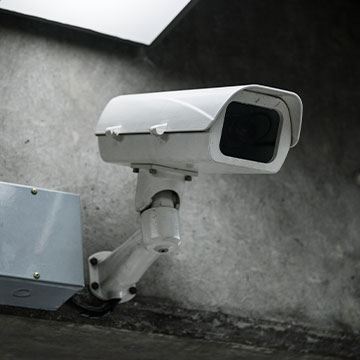
CCTV, or closed-circuit television cameras, allow a company to monitor and record areas on their property. Video surveillance offers many benefits to companies looking for added security and safety.
Prevent and Reduce Theft
By placing CCTV cameras strategically, businesses can lower risk of theft, vandalism and other crimes. Video surveillance allows management to view real-time footage. This means employees are more likely to catch a thief before product or information is stolen.
Better Employee Productivity
Installing video surveillance can influence efficiency among employees. When employees know they are being monitored, they tend to perform their duties better. However, it is crucial to maintain a trusting relationship with all employees. Make sure that you do not go overboard when installing CCTV cameras to keep staff feeling comfortable in their work environment.
Monitor High-Risk Areas
Factories and other businesses with dangerous areas benefit from installing CCTV cameras. In some instances, video surveillance can replace employees and keep them from having to monitor potentially harmful processes. Cameras placed in accident-prone areas also allow management to quickly react if injury takes place.
Cut Costs
Installing CCTV cameras decreases security costs. Hiring security officers can sometimes become expensive depending on how long they are on the premises. By strategically placing cameras on the premises, a company can reduce the amount of security officers it needs.Let the experts at WesTec Services help you install CCTV cameras for your business. Contact us today for more information about video surveillance.
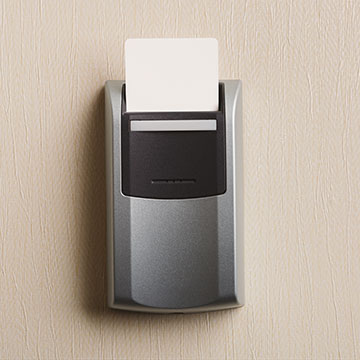
Installing an access control system proactively protects your business. ID key entry, fingerprint scanners and video monitoring can ensure only authorized individuals enter a space. WesTec’s access control systems are completely customizable, making it easy for companies with all budgets to protect its employees and assets.
Customizable Access
An access control system can be customized to fit the needs of a business. For example, you can restrict access to certain areas to specific employees. A company can also restrict the times employees enter the building, but give 24/7 access to necessary personnel. Systems can also track an employee’s hours by recording when he or she clocks in and out.
Protection From Intruders
Access control systems make it difficult for unauthorized individuals from entering a space. With the right hardware, including video monitoring, management can monitor a door when an intruder forces it open.
Data Security
If you store expensive equipment, sensitive data or financial information on-site, consider installing an access control system. WesTec employees can set up two-factor authentication for added security. With an additional authentication measure, such as a fingerprint scanner or pin code, there is no risk of an intruder entering with a keycard.
Employee Safety
Today’s society becomes more violent with each passing day. In a world where threats could be anywhere, it is important employees feel protected. Door access control guarantees the only individuals in a space are the ones meant to be there.WesTec offers a variety of access control systems from leading manufacturers. To find the perfect access control system for your business, contact WesTec Services’ highly trained personnel.
Threats to a company’s data come in many forms. Cyber-attacks like malware, spyware and viruses attack valuable data from companies each day. While anti-malware and anti-virus can help prevent breaches, these softwares can’t protect data from physical disasters. Data backup is imperative for a company’s continued success.
Local and Network Backups
Storing information on-site is one of the easiest ways to backup data. It can be stored on hard drives, tape drives, or other storage systems connected to a company’s network. Copying files to USB drives or external drives also provide an easily accessible copy of files. However, this should not be the sole method of data backup. Physical disaster, theft and ransomware all pose threats to local backups.
Cloud Backups
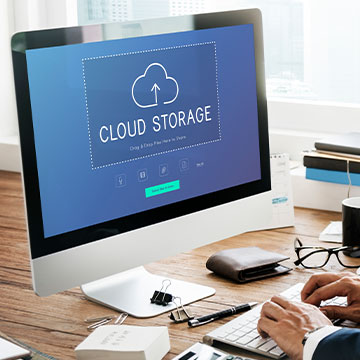
Cloud backups are quickly being integrated into businesses looking for added protection. This method of data backup allows copies of data to be stored on remote servers and accessed by internet connection. Unlike other methods, the cloud allows for automated backup of data to provide up-to-date copies of files.
Online File Storage
Similar to cloud backup, online file storage stores files on the internet. Sites like Dropbox and Google Drive allow businesses to store and share files off-site. While online file storage works well as an additional backup method, it also comes with limitations. Depending on the files, backup can cost time and bandwidth.The experts at WesTec Services recommend a business keep at least three copies of data in different places and on two different formats for proper data backup. Our team can help protect your data from threats. Contact us to get started.
As a small business, outsourcing your IT can be an easy way to save time and money. However, not all IT providers are the same. WesTec assists customers with a servant’s heart by offering efficient and effective solutions. Here are some things you should take into consideration when choosing an IT provider.
Response Time
With businesses relying more on technology than ever before, you need an IT provider who responds quickly and solves your problems. WesTec’s employees pride themselves on being able to fix a problem the first time, saving your company from scheduling multiple return visits for repairs.
Security
As an IT provider, WesTec offers its customers safety and security. Networks are protected from viruses and malware. However, if your data becomes compromised or is lost by system failure, human error or natural disaster, WesTec offers data backup and recovery.
Fixed Price Guarantee
Companies can rest knowing what their bill will be for the services they request. Sometimes an IT provider will quote a business a price, then add hidden fees to the bill. WesTec offers its customers a fixed price guarantee, whether it is for a repair or monthly IT management.
Proactivity
Sometimes, an IT provider will only provide temporary fixes to a company’s problems. WesTec’s employees work hard to prevent IT issues from occurring. WesTec believes preventative maintenance is a surefire way to increase productivity and save a company money.
Ready for a new IT provider? The experts at WesTec Services are ready to help your business reach the next level through technology. Let our employees help determine the best IT management plan for you and create a custom quote tailored to your company’s needs. Contact us today for more information.
A slow or outdated computer network can be detrimental for your company. It can compromise worker efficiency, limit what you can do on your business’s network, and can even cost you money. Here are three tell-tale signs that you should upgrade your network.
Does your computer network consistently give you problems?
If you feel like your employees are spending more time resolving problems or waiting for files to load then they are actually working, you’re losing money. Don’t let your problematic network be the source of frustration in the office. A few simple upgrades or a new installation can make the difference between a struggling business and an efficient one.
Do you have issues accessing your computer network remotely?
An efficient computer network in your office space is crucial, but being able to access from home or on the move is important, too. Your network shouldn’t be inaccessible or slow just because you aren’t in the office. Make sure whatever upgrades you decide on let you work just as efficiently from home.
Do you have more problems with your computer network than your IT support company can handle?
If you answered “yes” to this last question, then not only should you update your network, but you should also consider letting WesTec Communications handle your next network installation. Whether it is sharing media, connecting to other devices on your network, or sharing files, we can make sure your computer network is running at top-speed for your company. WesTec experts can recommend a high-speed computer network and handle all of the installation so you and your business can work efficiently. Our skilled professionals can update your network and take the headache out of installation. Contact us today!
Technology seems to continually advance in contemporary business. While this is great, business practices need to keep up with that virtual acceleration. Getting accurate data about your business’s efficiency is key, and a telecom audit help with that.
Here are five reasons why continuous telecom audits are more beneficial than simply conducting annual ones.
Maintaining Visibility: Small and medium-sized businesses need to gain as much visibility as possible. Periodic audits provide periodic visibility. When the audit is over, however, and companies shift locations or grow in size, that previous visibility no longer applies. Conducting a continuous telecom audit can fill those gaps.
Minimal Disruptions: Conventional audits that take place quarterly or annually can be a real inconvenience. They are invasive and often very time-consuming. Performing frequent or continuous audits severely minimizes this inconvenience so employees can maximize their productivity while you still get the information you need.
Maximum Flexibility: If your telecom audit is continuous, it allows for adaptation. Your business can be more flexible and audits can coincide with other projects. You can also customize and breakdown your reports more easily than traditional audits.
Getting it Right: Performing a single, periodic audit doesn’t guarantee that your results are accurate. A continuous telecom audit will give you results and information spread out over time. This is a much more accurate depiction of your company’s efficiency.
Improved security: Cyber-attacks, information theft, hacking. None of those words lead to anything good for your business. Continuous audits can catch these threats in the early stages! You can consistently see what devices are connected to your network, reducing the risk of unwelcomed threats.
WesTec Communications has a team of highly-skilled professionals that understand the important of maximizing efficiency and preserving information. Contact us today to help you get started with a continuous telecom audit.
Mission: WesTec will be a “turn-key” solution for all of its clients’ business connectivity needs. It will offer efficient and effective solutions, directly and with strategic partners, that create tangible value for its clients at every point of contact. Westec will serve all people and entities with a servant’s heart.
Get in touch
2916 West TC Jester Blvd.,
Suite 104
Houston, TX 77018




 2. Less Downtime – New businesses need every minute of operational time to maximize productivity. Whenever there is an IT issue, that is potentially costing the business money. However, hiring an IT consulting company can help your business quickly identify and fix the issue. Additionally, consultants can provide and develop monitoring protocols to help prevent and reduce future incidences.
 Wireless internet allow users to access network resources from nearly any convenient location within their primary networking environments, such as a home or office. With the increasing saturation of laptops and smart phones, this is particularly relevant.
 1. Beware what you post: Review your online profiles. How much personal information is available for potential attackers to view? If there is something you do not want the public to see, delete it, or ensure your privacy settings are properly configured.
 Educate All Employees on Security Policy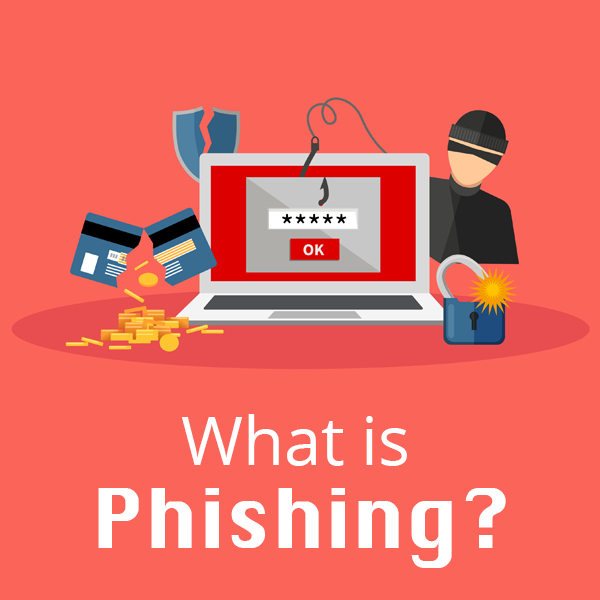
 Phishing is defined as a cyber attack that uses disguised emails as weapons. Hackers try to trick email recipients into clicking links or attachments they designed to steal personal information.
 Use a Credit Card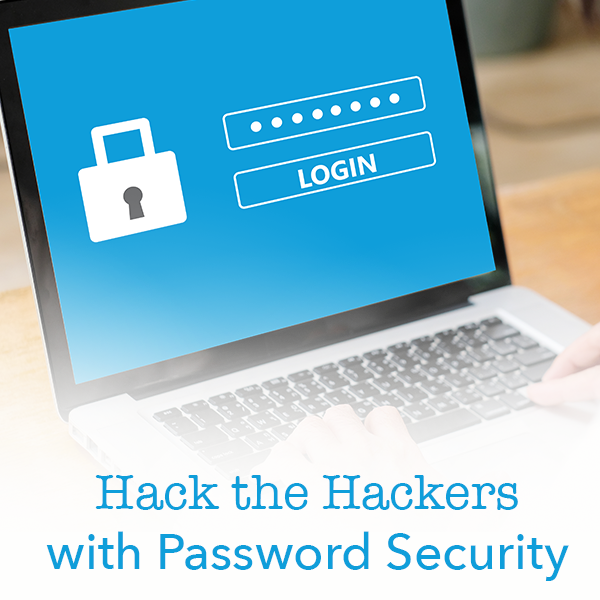
 Have you ever been the victim of a cyber attack? Do you use the same password for all of your accounts? Follow our guide to outsmart the hackers with increased password security.
 Cloud-based Systems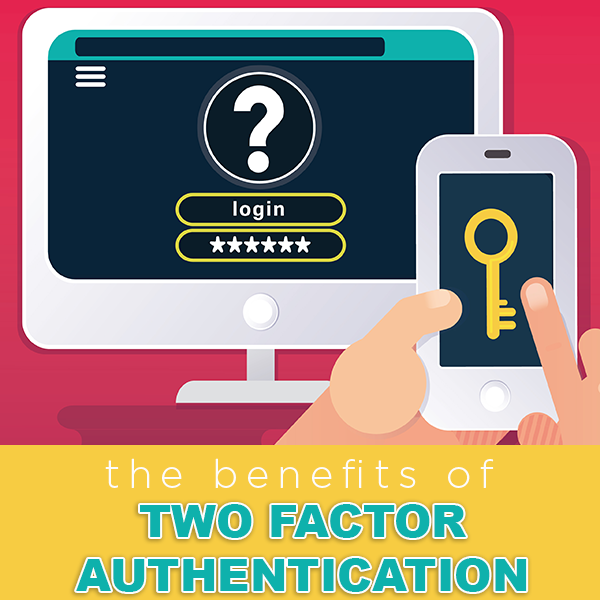
 Reduce Fraud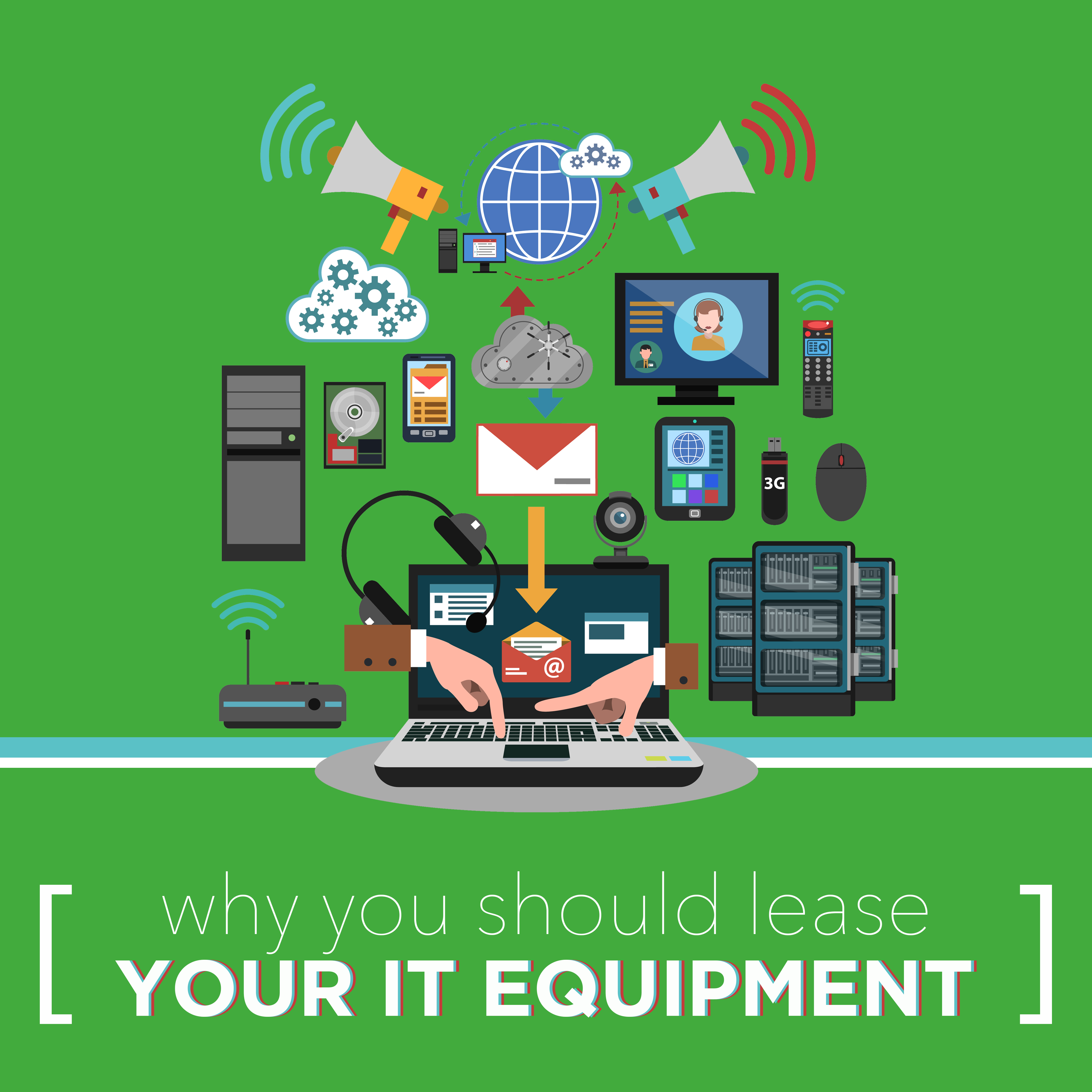
 Keep Up with Competitors
 Access and Parental Controls
 Why Your Business Needs to Outsource IT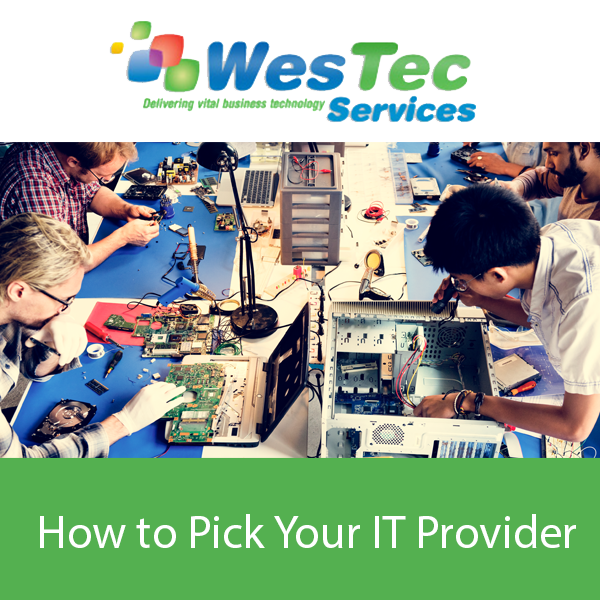
 How do They Train Employees?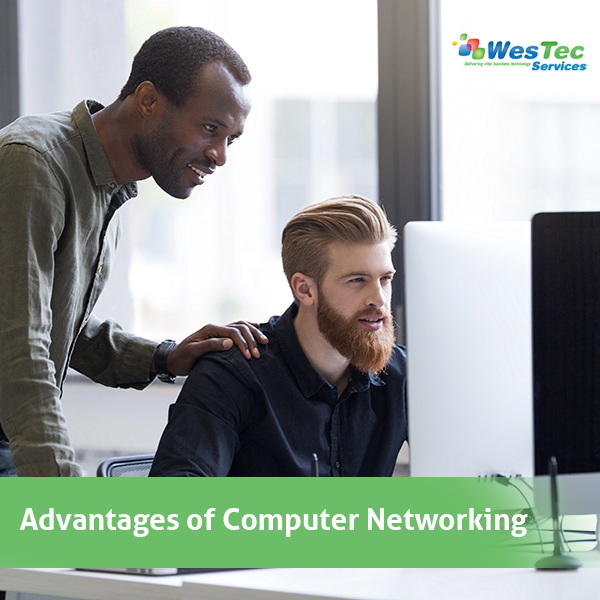

 CCTV, or closed-circuit television cameras, allow a company to monitor and record areas on their property. Video surveillance offers many benefits to companies looking for added security and safety.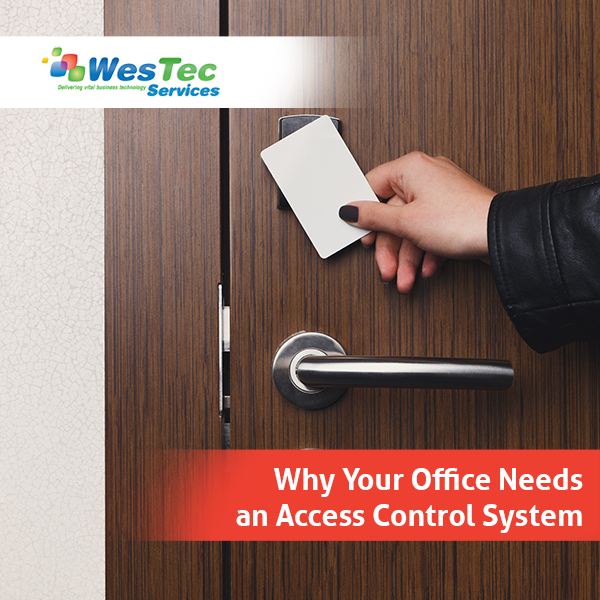
 Installing an access control system proactively protects your business. ID key entry, fingerprint scanners and video monitoring can ensure only authorized individuals enter a space. WesTec’s access control systems are completely customizable, making it easy for companies with all budgets to protect its employees and assets.
 Local and Network Backups
 Online File Storage


 WesTec Communications has a team of highly-skilled professionals that understand the important of maximizing efficiency and preserving information.


 2916 West TC Jester Blvd.,
Suite 104
2916 West TC Jester Blvd.,
Suite 104