For many computer novices, IT protocol is widely misunderstood. Given the complexity of some of these procedures, computer users are left feeling frustrated with IT support. However, IT is only here to help! Here are 4 things your IT support team wants you to know:
Your network is being monitored
Whether you have an internal IT department or you outsource your IT support, there is a chance that your network is being monitored around the clock. This often does not occur to many people. Therefore, you should avoid storing personal information or searching sensitive material on your work computer. If you wouldn’t want your boss or coworkers seeing it, it’s safe to say it shouldn’t be on your work computer.
IT has to assume you have zero tech knowledge
In order for your IT support team to assist you in resolving issues, they must first assume you have very little knowledge of computers. This means they will offer simple solutions to start. For someone with a basic understanding of computer functions, it may be frustrating to be asked, “Have you tried restarting your computer?” These questions seem like no-brainers, but IT wants to find the solution to your problem as quickly and efficiently as possible. If there’s a quick fix, they can find this solution by asking basic questions.
They’re not magicians
For IT professionals with years of knowledge and experience, most tech issues will have easy, obvious solutions. However, that does not mean IT won’t encounter issues from time to time that require a little more thought and effort. Be patient with IT — they want to find a solution to your problem just as badly as you do. Remember, they’re people, not miracle workers.
Suggestions are meant to help you, not make your job harder
There’s a reason IT recommends you update your passwords regularly and perform program updates — they want to ensure your computer is secure and performing as it should be! When you take these suggestions seriously, you spend less time on the phone with IT resolving issues that could have been avoided to begin with; less time on the phone with IT means less downtime.
WesTec Services is your one-stop-source for all things IT support & consulting in Houston! Does your business require network installation, backup & disaster recovery, managed services, consulting, and more? We’ve got you covered! Contact us today.
With emerging technology, comes a major learning curve. For many, it’s difficult to even keep up! No worries — WesTec has got you covered and our IT support professionals are keeping it simple. Here are 6 things every computer user should know how to do in 2021:
Setup Your Wireless Network
If computer users must know one thing, it should be how to setup a wireless network and resolve wifi issues. A wireless connection is supported by a router; this router must be plugged in for users to access the internet. Most routers have several lights on the front that indicate the strength of the connection. If these lights are not on, the user should unplug and reset the router. Your computer will also indicate whether you are connected to the wireless network. On PC, the status of your connection can be found in the bottom right corner. On Mac, it can be found in the upper right corner.
Perform a Data Backup
System failure and natural disaster often strike with little to no warning. Therefore, it is crucial you know how to perform regular data backups. You can backup important data and files on flash drives and external hard drives. PC and Mac also offer software and servers that you can use to backup your data.
Install Antivirus Software
According to InfoWorld, 30% of computers in the United States are infected by some type of virus. Therefore, antivirus software is a must! Any IT professional would be happy to install your anti-virus software, but this process is actually pretty beginner-friendly. Antivirus software, like McAfee and Norton, can be downloaded directly from the internet and installed with ease. Dialogue boxes will walk you through the installation process.
Basic Troubleshooting
IT support professionals troubleshoot computer issues all the time, but it doesn’t hurt for a computer user to know basic troubleshooting skills. If your programs are failing or you are encountering an issue you cannot resolve, you must troubleshoot. Troubleshooting will identify what the problem is. To troubleshoot on PC, open your Start menu, then select “Settings” > “Update & Security” > “Troubleshoot.” On Mac, open your Apple menu and select “Restart.” Then, press and hold the “D” key while your Mac restarts. A screen with a list of languages will appear. Select your language of choice and your computer will begin running diagnostics.
Change Basic Settings
If you own a computer, you must know how to change your settings. Whether it’s adjusting sound levels or connecting a printer, knowing how to change basic settings comes in handy. On PC, open your Start menu and select “Settings” or “Control Panel” to make these necessary adjustments. On Mac, simply select the Preferences application, which can be found on your Dock.
Access Task Manager
If your computer is slow or unresponsive, you may have too many active programs open or a specific program has failed. Before calling your IT support team, try accessing your computer’s Task Manager. The Task Manager allows you to view active programs and force quit specific programs if necessary. On PC, you can access the Task Manager by holding Ctrl + Alt + Delete. On Mac, hold Command + Option + Esc.
It’s helpful to know how to perform a few basic computer tasks, but if you’re just not tech-savvy, WesTec Services can help! We offer a variety of IT support services that can be tailored to your needs. Interested in learning more? Contact us today!
Maintaining your computer’s health requires regular care and maintenance. Here are a few things you can do to protect the health of your computer on a daily basis:
Routine deep cleans
You would be surprised by the number of files that collect on a computer over time. Too many files and programs can actually affect a computer’s load speed and overall performance. Therefore, it is crucial that you perform routine deep cleans on your system. Delete any files that you no longer need and are simply taking up space. If there are files you would like to keep, store these on an external hard drive (and back this drive up) before removing the files from your system.
Download security updates
You’ve likely received notifications to download new security updates and declined for the sake of time and convenience. If you do not regularly download security updates, your computer may be vulnerable to hacking. These updates work to “patch” any holes in your computer’s security. Without these updates, hackers can intercept your security and access your information, files, programs, etc.
Install and update antivirus software
Viruses and malware can affect your computer’s overall performance, which can disrupt productivity. Therefore, it is important that you install an antivirus software and update this software regularly. Antivirus software will scan your computer for existing viruses, resolve these issues, and block more viruses from infecting your computer.
When you fail to perform routine deep cleans and maintain your antivirus and security software, your computer is at risk of system failure. At WesTec Services, we understand it can be easy to forget to do these things. Don’t neglect your computer any longer — outsource IT support with WesTec Services! From IT consulting services and network installation to backup & disaster recovery, we’ve got you covered. Protect your computer’s health with WesTec Services. Contact us today!
With every year that passes, we make more and more advancements in technology. Here are a few technology trends in 2021 that you can expect to see:
Robotics, Drones, Vehicle Automation
In recent years, we have seen a steady increase in the use of robotics in the care and living sectors. This is meant to cut down on the need for human labor and to make jobs easier for people to complete. We expect to see a rise in robots and drones as a tool used by humans to streamline processes, not to replace human jobs altogether.
5G
With 5G, our opportunities for connectivity and internet use continue to expand. Services could include increased usage of cloud technology, making technology including virtual reality and gaming networks available from anywhere. This removes the need for stationary consoles and could make our world even more mobile than ever before.
Extended Reality
While virtual reality is known to be when a user enters a completely virtual environment through technology, augmented reality is when it is used to view the real world. Both of these make up the category of extended reality and are expected to become even more prevalent in 2021. ER tools have been used mainly for recreational purposes in the past but can also be used in medicine and education to solve problems in creative, new ways. As more data becomes available, we will make use of this new technology to sort out new solutions and information within it.
Artificial Intelligence
Lastly, AI is and will continue to be one of the biggest trends we see follow us into 2021. The use of Big Data will continue to increase as information is collected from more sources, requiring the use of artificial intelligence to process and sort out the solutions within them.
Artificial Intelligence allows us the ability to visualize and understand patterns in customer behavior and other activities that take place online. As we progress, we expect an increase in the number of tools and our ability to analyze this data and pull better insights and conclusions.
With all of these possibilities for technology trends in 2021, you need an IT Support Team that can keep up with the changes. Here at WesTec Services, our professionals are trained and tested to ensure we can meet the ever-changing marketplace and advances in technology. Give us a call today or learn more on our website to see how WesTec can help you.
Modern technology is a huge asset for businesses across all industries. However, with implementing new technology comes a major learning curve. So how do businesses properly execute new technology implementation in order to achieve the maximum sustainable results?As a business owner, outsourcing your technical support is not only cost-efficient, but will allow you to prioritize your business objectives. Here are a few benefits of IT consulting:
Expertise
With IT consulting, you can rely on the expertise of seasoned IT professionals. When an IT mishap occurs or you simply require guidance, IT professionals can assist you in making decisions and producing solutions that will allow you to optimize your technology in order to support the growth of your company.
Cost
In an effort to cut costs, many companies are hesitant to invest in quality IT consulting. However, IT consulting can actually save you money! Without proper guidance on how to optimize your new business technology, you will be left to find solutions to problems you may not know how to address – and a simple human error can end up costing you a lot of money! Reduce unnecessary spending and consult with an IT professional.
Time
With limited knowledge, you will likely encounter issues navigating your new business technology – and searching for solutions can take hours or even days! An IT mishap can put you behind schedule or even cause you to miss major deadlines. IT consulting is convenient, as you can team up with a professional to develop quick solutions that will put you and your business back on track.WesTec Services offers customized IT consulting for small and large businesses. Our professionals are trained to effectively guide clients in positioning their strengths so they can properly utilize their technology to meet the constantly changing marketplace and the influence of technology. Interested in learning more about IT consulting? Contact us today and schedule a call with one of our professionals!
Asecurity threat of any kind can disrupt productivity and impact business.What precautions are you taking to ensure your company does not fall victim to these disruptions? Here are 3 security solutions you should employ as a business owner:
Backup Disaster/Recovery
System failure can occur for a variety of reasons, such as virus infection, human error, and natural disaster. Regardless, system failure occurs without warning and could easily put you out of business if you are not prepared. Therefore, it is crucial you implement some sort of backup and data recovery software to protect your network. If you store important or confidential files on your computers, you simply cannot afford to be without backup and data recovery.
Access Control Systems
Another way to protect your business against security threats would be to implement an access control system. With access control systems, facility owners may install security technology such asID key entries and finger-printing scanners in order to track who enters the building. This technology can also record the time and date guests arrive and leave.
CCTV or IP Security System
Video surveillance is another great solution for businesses looking to increase security efforts, especially when paired with access control systems. Installing cameras at key entrances and exits will allow a facility owner to better monitor who enters the building. Unlike backup disaster/recovery, access control systems and CCTV protect against external security threats.Why wait until you need a solution in order to implement preventative measures? Most IT consultants simply react to problems instead of looking for ways to prevent them from happening in the first place. At WesTec Services, we believe prevention is better than a cure; prevention is key to maintaining productivity and cash flow. Protect your assets – call WesTec Services and schedule a meeting with one of our IT professionals to discuss what security solutions are best suited for your business!
Does your company have its own internal IT department? Do you feel that there is a misuse of time and resources due to inefficient practices within your company? Consider outsourcing your needs to someone with knowledge and focus on how to benefit your organization’s current technology needs.
There are four main reasons why you should consider outsourcing your IT needs:
Reduce Costs
Outsourcing to someone who specifically handles and is knowledgeable about technology is cheaper than hiring and training someone to handle it internally.
Avoid Risk
Having on-call technicians with training in the technology field will help avoid problems and system failures. The outsourced IT company will usually be knowledgeable in information backups and recovery in the case of a disaster. In addition, outside companies can more easily avoid the bad situations all together by being prepared specifically for them.
Increase Productivity
You decide how involved or not involved the outsourced company is in your day-to-day operations. Your company sets the pace and the outsourced support caters to your needs. You create the plan that best suits your business, allowing for the most optimal levels of business productivity and desired interaction between business and IT.
Remain Focused on Business
When delegating technology services to someone else, you are able to focus time and effort on the business side of things. No need to worry about the technology when you have a more knowledgable third-party source to handle it. Focus on what you know to optimize your time and efforts and allow for the best use of company time.
WesTec Services is skilled in handling all our outsources IT needs. We offer a full range of services and plans to handle your office technology. To learn more, contact WesTec Services today.
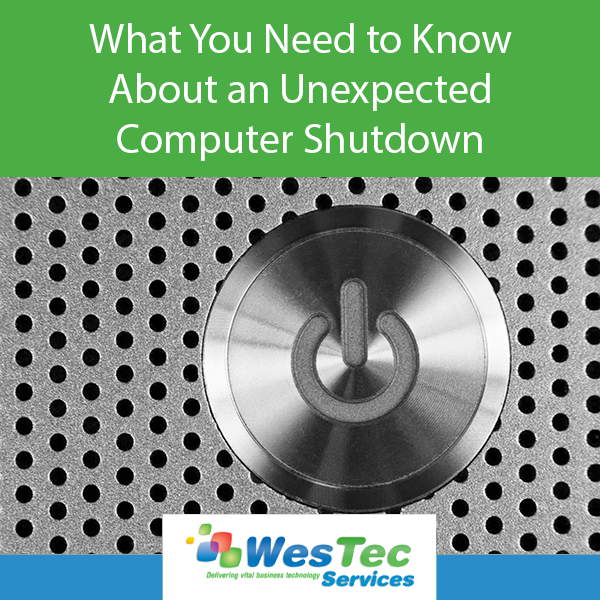
An unexpected computer shutdown can potentially harm your computer and its data, which is why it is important to properly turn off your computer by selecting shut down, restart or sleep.
Turning your computer off properly allows the computer to make sure that any running programs are closed. To avoid losing files or program corruption, it is best to cancel the computer shutdown and close the programs manually.
An unexpected computer shutdown can be caused by power outages, brown-outs, depleted battery or removed power cord, accidentally hitting the power button, or the computer may be experiencing some other internal technical issue.
Because of the issues that can occur with an improper shutdown, the only time to hold the power button until the computer turns off is if the computer freezes. Sometimes turning a computer off and on again will allow it to reset itself.
So, how does an unexpected computer shutdown affect your device? Even if you don’t have any programs running, there are other processes going on in the background. When a computer is performing an update or correcting device bugs, an unexpected shutdown may cause the files to download as incomplete and they will then be unable to perform their assigned tasks.
If software files or the operating system become corrupted from an unexpected shutdown, a professional may need to repair the files or reinstall the entire system.
Before making any major changes to your system, be sure to perform a backup of any important data. In fact, regular data backups are always recommended.
WesTec Services performs data backup and recovery services provided by our expert IT consultants. Our services include a free report, which will outline common mistakes that many business owners make with their computer network.
To avoid any worry during an unexpected computer shutdown, contact WesTec today.
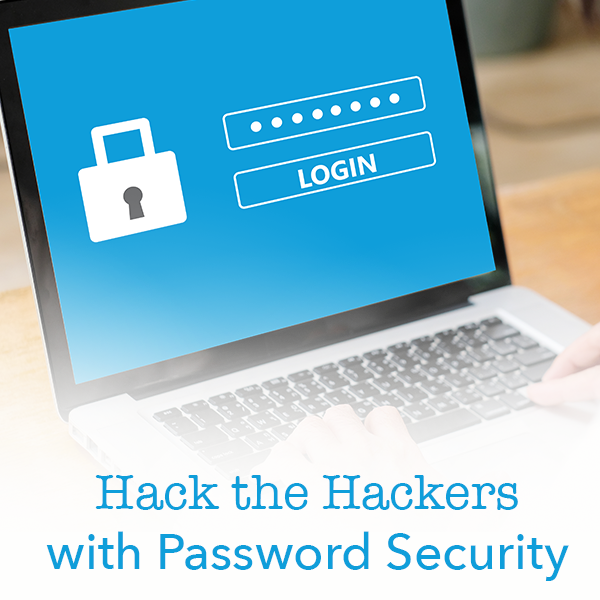
Have you ever been the victim of a cyber attack? Do you use the same password for all of your accounts? Follow our guide to outsmart the hackers with increased password security.
How Hackers Get Your Passwords
Before you can better protect your accounts, you must understand how cybercriminals access steal your information. Typically, a hacker will compromise your account in one of three ways.
Personal attack: Hackers target your account specifically. They will typically guess your email password and use password recovery options to access other accounts.
Brute-Force attack: Hackers systematically check all possible passwords until the correct one is found.
Data Breach: Hackers attack large companies, resulting in millions of compromised accounts.
What Makes a Good Password?
Ideally, your password should be at least 16 letters and contain a combination of numbers, symbols, uppercase and lowercase letters. Passwords should not include any repetition, dictionary words, usernames, pronouns or IDs. Make a strong password by thinking of a phrase and then use the initials of each word, as well as the numbers and symbols, to combat potential attacks. For example, if your phrase is “Do you think a hacker will guess my 16 character password for Facebook?!”, your password might be: Dytahwgm16cp4F?!
Enable Two-Step Authentication When Possible
If any sites or accounts offer two-factor authentication, take advantage of it. This system works to limit hacking attempts by making a user authenticate their identity with a second method of verification. Check out our recent blog post about two-factor authentication for more information.
Use a Password Manager
The best thing you can do for your accounts is have a different password for each one. However, if you follow this one cardinal rule of password security, keeping up with all passwords can be difficult. Using a password manager allows you to save all of your passwords in a secure spot with a strong master password. WesTec offers consulting for any individuals or businesses wanting more information about password security, network installation, or managed IT services. Contact us for more information.
Access control systems continuously evolve with the newest technology trends. In fact, they must keep up with updates to protect companies, their employees and data from threats. With a rising number of security breaches, we can expect more companies to install access control systems.
Access Control Reviews
Security breaches are encouraging companies to conduct full audits of access controls. Enterprises will review risks by user, role and business process to isolate and mitigate risks before they turn into high-profile breaches. By noting weak security measures, companies can make changes to better protect assets.
Individualized Access
In 2019, we saw to see a rising trend in individualized access. This ensures each person has their own username, password or identification code. Companies now have access to automated provisioning, which sets up user accounts and creates automated workflows based on job duties.
Security Patching
Hackers will do anything to break into security systems. While this has been a problem for decades, hackers are now specifically targeting overlooked points of access. To combat external threats, we expect access control systems to begin patching vulnerabilities, even if it means temporarily disrupting productivity.
Threat Identification
Next year, systems will continue and expand their use of data analytics to monitor and mitigate threats. Companies will use their dashboards to monitor access, but they will also run possible scenarios to reduce risk and conflict.
Cloud-based Systems
The need for analytics, automation and access will encourage more businesses to install cloud-based control systems. As companies increase their technology and mobile tools, they will want to protect their system in an effective way. As we prepare to enter a new year and decade, businesses shouldn’t ignore threats from potential breaches. Our expert IT professionals at WesTec Services can help you analyze your current strategies and install a system designed to deflect security breaches. Contact us to learn more about our access control systems.
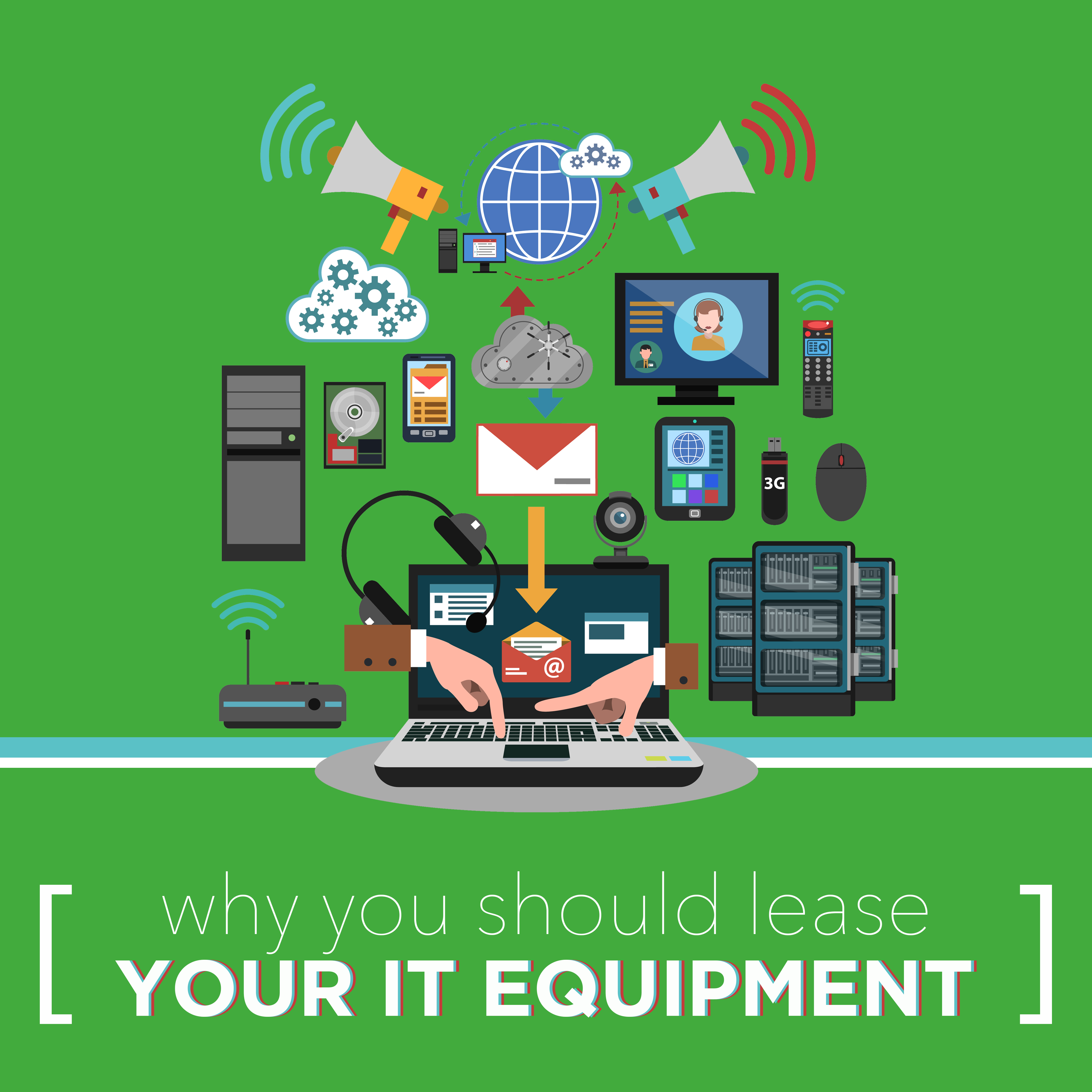
Is your technology equipment outdated or running slow? New equipment may be the solution. Before making a big purchase, check out all of your options. At WesTec Services, we help businesses lease IT equipment that keeps them ahead of the competition.
Up-To-Date Equipment
With every new model tech companies release, your current equipment set-up becomes irrelevant. When you lease IT, you can upgrade to whatever is newer, faster and cheaper when you finish your equipment contract. If your business relies on having the latest equipment, leasing is the most affordable option.
Predictable Expenses
WesTec offers its customers a fixed-price guarantee without surprises and hidden fees. Leasing IT equipment allows you to know your set monthly expense, giving you a firmer grasp on your budget.
Tax Incentives
When you lease IT equipment, you qualify for tax credits. Under Section 179 of the IRS tax code, leasing is often entirely tax-deductible. This means a company can possibly deduct up to 100% of their leasing expenses, pending qualification.
Keep Up with Competitors
Leasing can give a company access to technology that might be out of reach otherwise. In competitive markets, new or advanced equipment might give you the upper hand against competitors. Let WesTec take your business to the next level with our IT services. Contact us to learn more about how you can get the latest IT equipment for an affordable price.
Places of business who have frequent visitors can benefit from having an additional WiFi network for guests. With a guest Wifi network, temporary visitors enjoy full internet connectivity without being able to access sensitive internal network information. Continue reading to find out how both your business and customers can benefit from a guest wifi account.
Security and Privacy
By reserving a section of your WiFi for guests, you protect your company’s data. This allows you to control who has access to the network of computers, servers and printers. Giving guests their own WiFi account also limits the ability of viruses and malware to infect your server.
Changeable Passwords
Offering a guest network allows you to keep your primary password a secret. Guest passwords are also cached differently, meaning guests do not have permanent access to your network.
Access and Parental Controls
A guest WiFi account allows you to set different levels of access. With a guest network, you can also implement parental controls to limit the types of sites your customers can visit, providing added security to your business.
Network Usage Controls
Guest networks can limit the amount of data your customers can use. By regulating the bandwidth of your guests’ WiFi network, you can limit the speed of customer internet access. This means their network usage will not affect the business network and employee efficiency.The experts at WesTec are ready to answer any questions you may have about installing a guest WiFi network at your place of business. Contact us today for more information.
Small businesses can benefit from outsourcing their IT to a qualified business technology company. With managed IT service, WesTec can monitor and improve your company’s IT practices to ensure your employees can focus on their daily duties.
What is Managed IT Service?
Managed IT service allows a company to pay a fixed monthly rate for IT services and equipment. With a fixed monthly rate, customers benefit from automatic software updates, regular equipment upgrades and relief from the day-to-day IT frustrations. Partnering with WesTec gives a company flexibility to set clear goals and objectives.
What’s Included?
WesTec Services offers two plans with fixed fees for network management solutions. With WesTec Guardian Professional, companies receive network management and basic IT needs based on their current network infrastructure. With this program, businesses also benefit from discounted on-site support rates. WesTec Guardian All Covered provides our clients with maintenance, network management and technical support needs all in one fixed monthly rate. This ensures a company’s network is running efficiently without hourly rates.
Why Your Business Needs to Outsource IT
In today’s society, technology is crucial for a company to thrive in a competitive market. Because of this, businesses can not wait until something is broken to fix it. Managed IT service changes the way companies are looking at technology. Instead of embracing the old fix-it mentality, IT companies can manage a company’s IT and prevent any issues that might disrupt employees or clients. Let WesTec Services manage your IT and keep your company on its toes. Our managed IT services reduce the cost of replacing new equipment and keep you from paying hourly rates when your network fails by offering all-inclusive, fixed rates. Contact us to learn more about managed IT today.
When your focus is on running a business and selling a product or service to customers, outsourcing IT can save valuable time. Before signing a contract, it is important to understand the services an IT provider offers and how it fits with your company.
What is Included in the Cost?
First, determine what is included in your bill. Some providers claim to offer all-inclusive deals but sneak in hidden costs. Be sure to ask the potential IT provider questions about their services, prices and how you will be billed. This will keep you from receiving unexpected charges in the future.
Are You Compatible?
When choosing an IT provider, it is important your company is compatible with theirs. Make sure their platforms and technology help your business. Keep in mind the goals and changes you hope to make to your business in the future. By establishing goals for your company in advance, you lessen the risk of having to break a contract with an IT provider later if they can no longer support your growth.
How are Passwords Protected?
Knowing how an IT provider saves passwords can easily help you determine if they are a good fit for your company. Ask potential providers how they handle passwords internally. Since IT companies are easy targets for hackers, making sure a provider has complete protocols for keeping passwords and data secure is crucial.
How do They Train Employees?
Make sure potential providers regularly train their employees. Their job is to protect your information and they should know how to avoid phishing or other security breaches. A good IT provider understands the importance of your business and protecting its information. Make sure potential providers have similar goals to your business. WesTec Services strives to serve all clients with a servant’s heart to ensure their goals are met. Contact us today to discuss how we can benefit your company.
Threats to a company’s data come in many forms. Cyber-attacks like malware, spyware and viruses attack valuable data from companies each day. While anti-malware and anti-virus can help prevent breaches, these softwares can’t protect data from physical disasters. Data backup is imperative for a company’s continued success.
Local and Network Backups
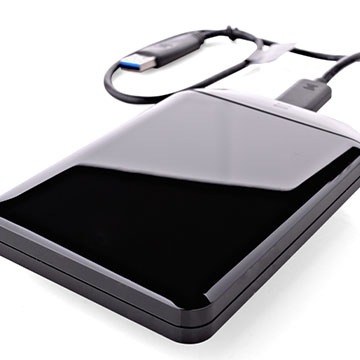
Storing information on-site is one of the easiest ways to backup data. It can be stored on hard drives, tape drives, or other storage systems connected to a company’s network. Copying files to USB drives or external drives also provide an easily accessible copy of files. However, this should not be the sole method of data backup. Physical disaster, theft and ransomware all pose threats to local backups.
Cloud Backups
Cloud backups are quickly being integrated into businesses looking for added protection. This method of data backup allows copies of data to be stored on remote servers and accessed by internet connection. Unlike other methods, the cloud allows for automated backup of data to provide up-to-date copies of files.
Online File Storage
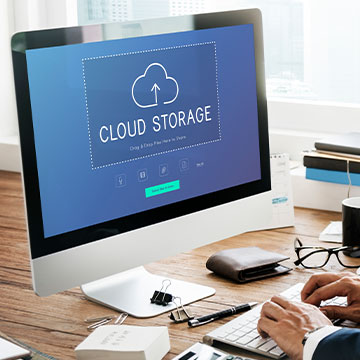
Similar to cloud backup, online file storage stores files on the internet. Sites like Dropbox and Google Drive allow businesses to store and share files off-site. While online file storage works well as an additional backup method, it also comes with limitations. Depending on the files, backup can cost time and bandwidth.The experts at WesTec Services recommend a business keep at least three copies of data in different places and on two different formats for proper data backup. Our team can help protect your data from threats. Contact us to get started.
As a small business, outsourcing your IT can be an easy way to save time and money. However, not all IT providers are the same. WesTec assists customers with a servant’s heart by offering efficient and effective solutions. Here are some things you should take into consideration when choosing an IT provider.
Response Time
With businesses relying more on technology than ever before, you need an IT provider who responds quickly and solves your problems. WesTec’s employees pride themselves on being able to fix a problem the first time, saving your company from scheduling multiple return visits for repairs.
Security
As an IT provider, WesTec offers its customers safety and security. Networks are protected from viruses and malware. However, if your data becomes compromised or is lost by system failure, human error or natural disaster, WesTec offers data backup and recovery.
Fixed Price Guarantee
Companies can rest knowing what their bill will be for the services they request. Sometimes an IT provider will quote a business a price, then add hidden fees to the bill. WesTec offers its customers a fixed price guarantee, whether it is for a repair or monthly IT management.
Proactivity
Sometimes, an IT provider will only provide temporary fixes to a company’s problems. WesTec’s employees work hard to prevent IT issues from occurring. WesTec believes preventative maintenance is a surefire way to increase productivity and save a company money.
Ready for a new IT provider? The experts at WesTec Services are ready to help your business reach the next level through technology. Let our employees help determine the best IT management plan for you and create a custom quote tailored to your company’s needs. Contact us today for more information.
Mission: WesTec will be a “turn-key” solution for all of its clients’ business connectivity needs. It will offer efficient and effective solutions, directly and with strategic partners, that create tangible value for its clients at every point of contact. Westec will serve all people and entities with a servant’s heart.
Get in touch
2916 West TC Jester Blvd.,
Suite 104
Houston, TX 77018






 Maintaining your computer’s health requires regular care and maintenance. Here are a few things you can do to protect the health of your computer on a daily basis:


 Modern technology is a huge asset for businesses across all industries. However, with implementing new technology comes a major learning curve. So how do businesses properly execute new technology implementation in order to achieve the maximum sustainable results?
 Cost
Cost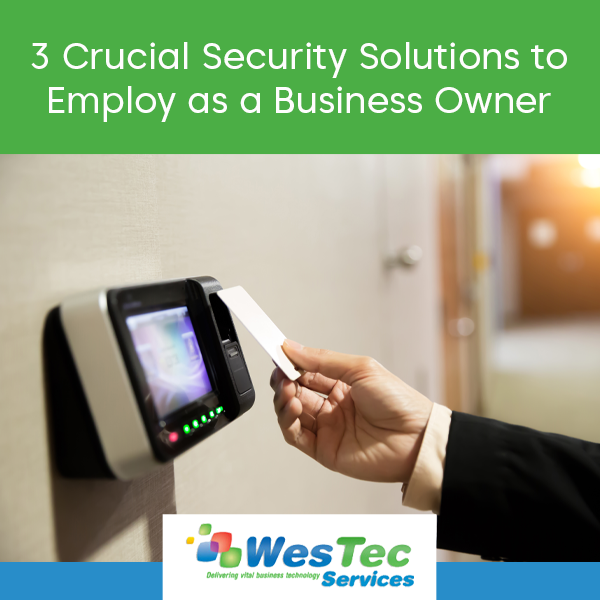
 A
A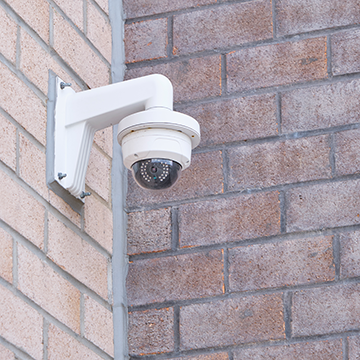 CCTV or IP Security System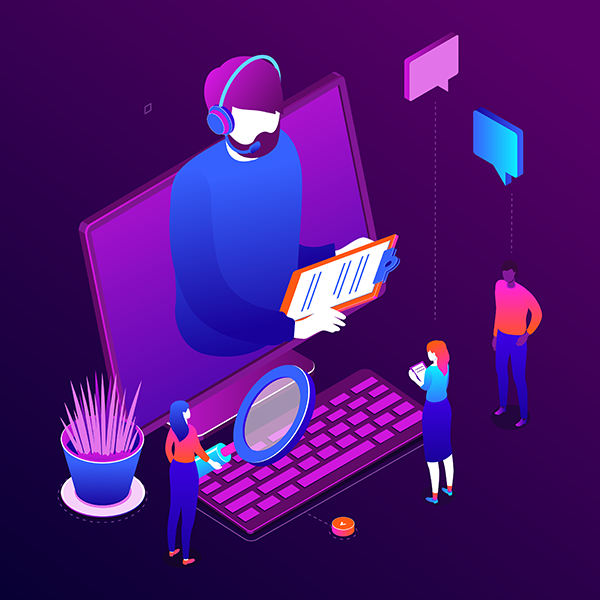

 other internal technical issue.
 Have you ever been the victim of a cyber attack? Do you use the same password for all of your accounts? Follow our guide to outsmart the hackers with increased password security.
 Keep Up with Competitors
 Access and Parental Controls
 Why Your Business Needs to Outsource IT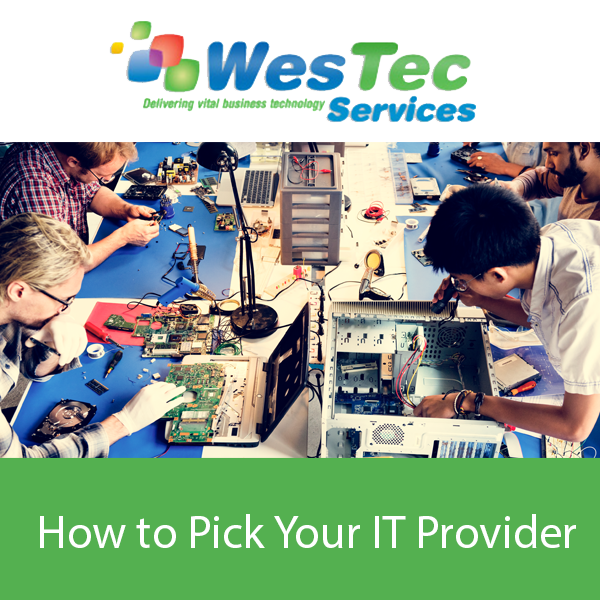
 How do They Train Employees?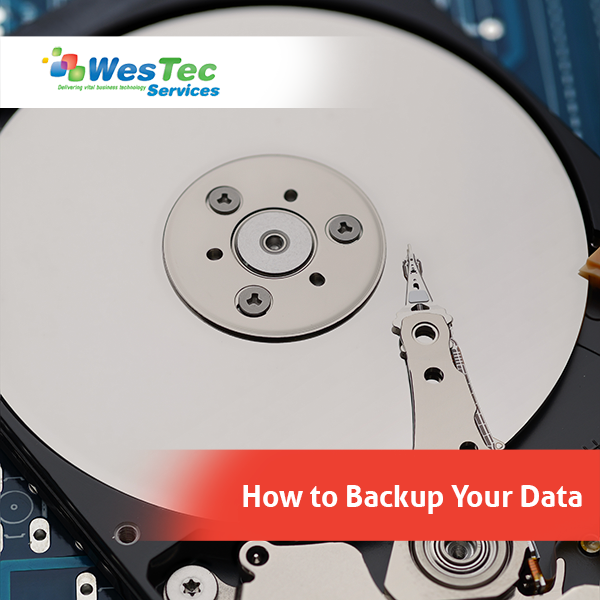
 Local and Network Backups
 Online File Storage



 2916 West TC Jester Blvd.,
Suite 104
2916 West TC Jester Blvd.,
Suite 104