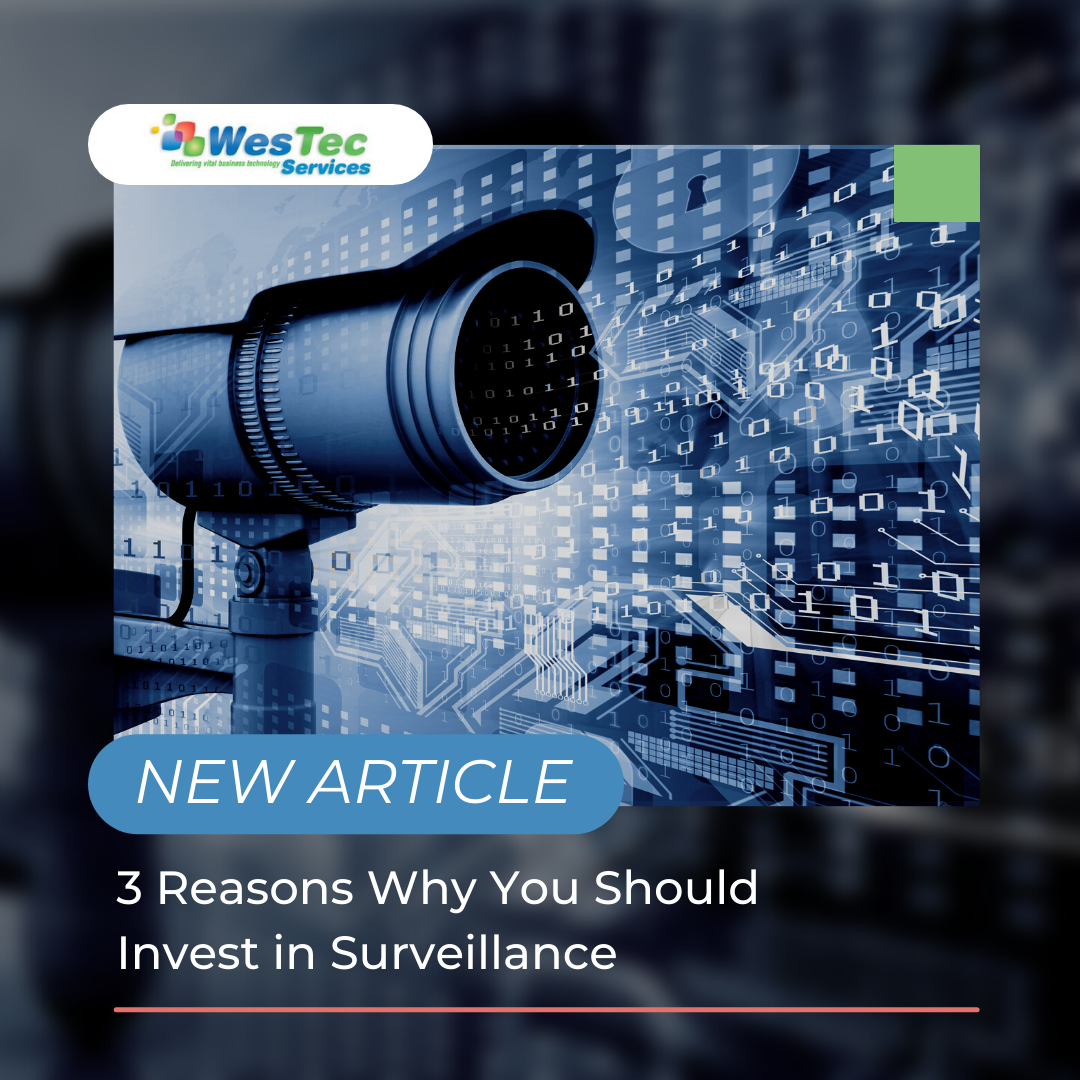
In today’s world, cameras can be found all around us. Whether they’re hidden in doorbells, on the side of buildings, or even in the hands of smartphone users, they can be found just about anywhere. Though, not all company owners choose to invest in surveillance cameras, and can pay the price because of it. Here are a few reasons why you might want to consider adding video surveillance to your business.
Prevents Theft
Without surveillance cameras, there is a high chance that theft will commonly occur within your business. Installing visible cameras will deter most people from stealing when they know they’re being watched. This way, you can monitor both your customers and employee’s activity throughout the day. It can also be useful to have in case of an emergency or robbery, having the ability to provide visual evidence to police or insurance companies.
Increases Safety
Safety should be everyone’s number one priority in the workplace, especially in industrial type businesses. Having a surveillance camera can be the quickest way to reach an employee or customer who is in need of help. It’s a sense of security for those operating heavy machinery, walking alone to their car in the evening, or for any other unexpected accident. This will make those who work for you feel more comfortable with their surroundings, which is critical as a business owner.
Saves Money
It might not be well-known to everyone, but having surveillance cameras can typically call for a discount. When it comes to insurance, premiums can be quite expensive when covering commercial properties. Some insurance companies will lower your premium when you invest in video surveillance, which can lower the chances of criminal activity.
Adding surveillance to your business is like adding an extra layer of protection to your assets. Give yourself the piece of mind and install surveillance for the sake of your company. If you have any questions about our IT services, contact us today! Follow us on Facebook to keep up with our latest blogs!
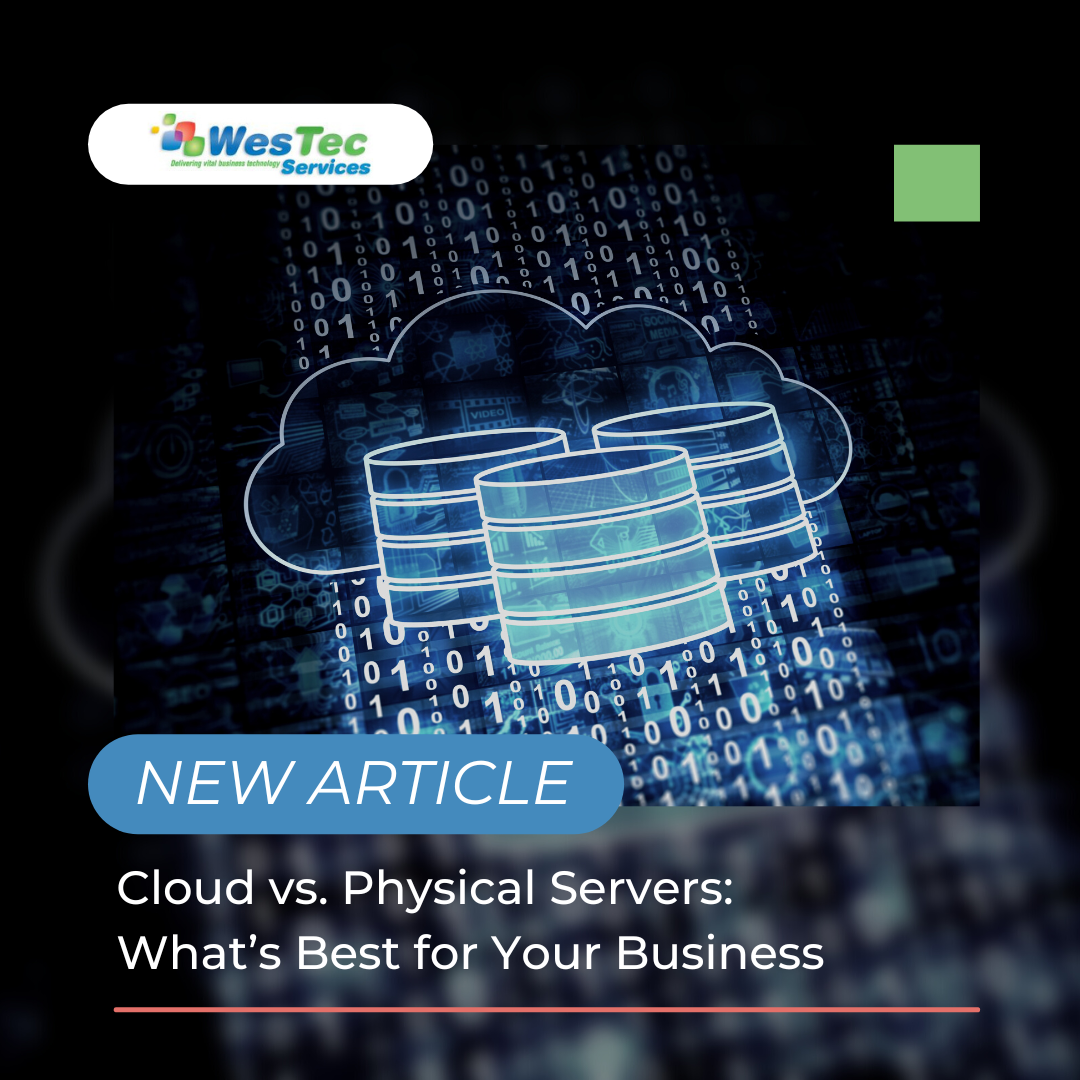
If you are starting a business or need to update your server, you might be wondering if you should go with local or cloud-based servers. There are benefits and drawbacks to both.
Cloud Server
A cloud server is a virtual hosted storage place for your business’ data. It is stored with other companies’ data. There is security in place that ensures that other people with the same cloud server do not have access to your data. Cloud servers are easy and quick to implement. If your company is growing and you need more space in the future, it is easy to scale. With a cloud server, you only pay for what you use. You also save money on maintenance and labor costs because it is the vendor’s responsibility to manage the server and is often included in your plan. The cloud service provider will handle updates and security. Backing up your data on a cloud server can also be done with ease. This is a valuable feature of cloud servers because your data can be recovered with a proper backup plan in place. Cloud servers are a good option for most businesses.
Physical Server
An On-Site Server is physical hardware either on your property or housed at an outsourced IT provider’s facility. On-site servers often require a larger upfront investment because you have to purchase the hardware for the system. Security and maintenance also require more time and cost because the server will be managed by you. These can be outsourced but this does allow you more control over the server. While cloud-based servers are always innovating and updating their systems, upgrades to a local server fall to you. Setting up the server will also take more effort on your part than a cloud server. With an on-site server, you do have more control over features and customization. Cloud servers limit you to what the vendor provides but local servers are fully customizable only limited by your cost and time investments.
Comparison
Cost – If your company has a large amount of data, the upfront cost of an on-site server may be worth the investment. With a cloud server and the pay-for-what-you-use model, this can be a cost-effective option for most businesses.
Security – With a physical server, the responsibility of security falls to you or the third-party company you chose to house your server. Cloud-based server providers are often constantly updating their security measures as a perk to gain more customers and are often very secure. That said, both systems can be very secure and keep your data safe with proper management and maintenance.
Overall: What’s better for your business?
The answer to this question is, it depends on your needs. Every company is different and has different needs when it comes to a server. Large businesses with medical information might benefit from investing in an on-site server and may be required to do so for security purposes. Other companies that plan on growing would benefit from the ability to scale with a cloud-based server.
If you need help with server management and maintenance or want to understand what server type would best suit your needs, contact us today. One of our team members can go over options and help you decide which would be the best fit for your business.
To take advantage of our free computer network health check audit, contact us today! Don’t forget to follow us on Facebook!
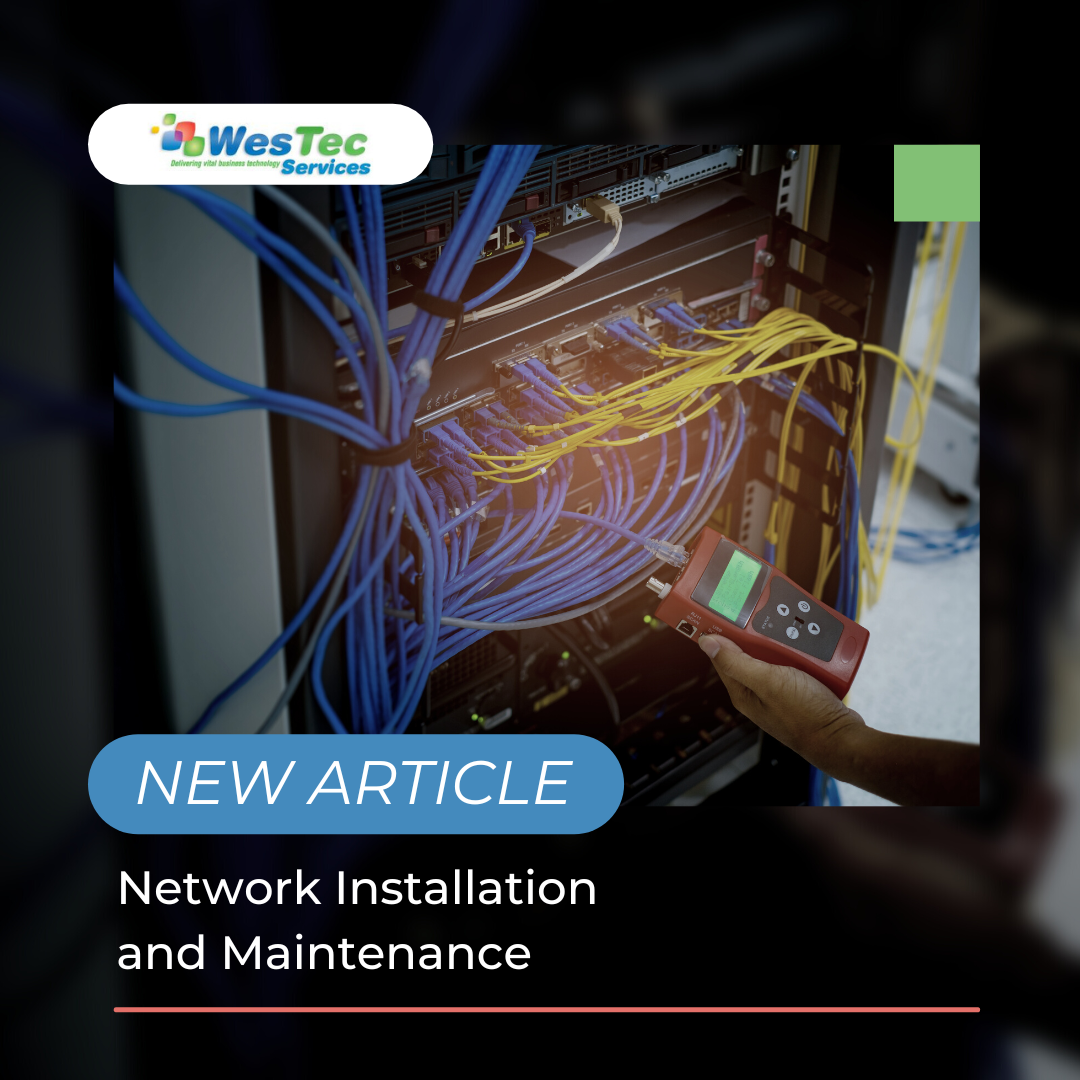
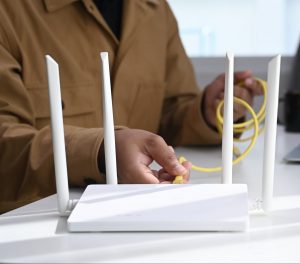
To share information, important files, and connect throughout the day, your company will need an effective computer network. This will connect all of your computers through a configured network. If you already have a network set up, but struggling throughout the day to access the correct files because your current network is glitching or having loading issues, we can help. Our team can help with network installation and maintenance.
Network Installation
When you have a network that isn’t up to par or just not upgraded enough to serve your company efficiently, you and your employees are the ones that suffer. A slow, glitchy network not only hinders a person’s ability to get a task done but also lowers morale among your staff.
Our team can help you decide which network options are best for you and your company. To see where your network stands, we offer free computer network health check audits. We come to your business and test your network and security and see if we could improve your network. We’ll provide you with a report of our findings at the end of the check.
Reasons for Installing
Installing a company computer network allows your employees to work and communicate seamlessly with each other. If it is not up to date, it could mean that your employee’s workflow isn’t as efficient as it could be. Having a failing network could also mean security risks. Spyware, loss of data, and failing drives could all be possible on a network that does not have the right security measures in place.
Maintenance Services
A key component to a company network is maintenance. Updates for the network will need to be done regularly to keep the network operating as efficiently as possible. This will help make sure all security measures are up to date, the network is operating at maximum speed, and your company is able to be productive without network downtime.
A company’s computer network is one of the most important aspects of modern businesses. Without an adequate network, your company and employees could be suffering and work could be hindered.
To take advantage of our free computer network health check audit, contact us today! Don’t forget to follow us on Facebook!
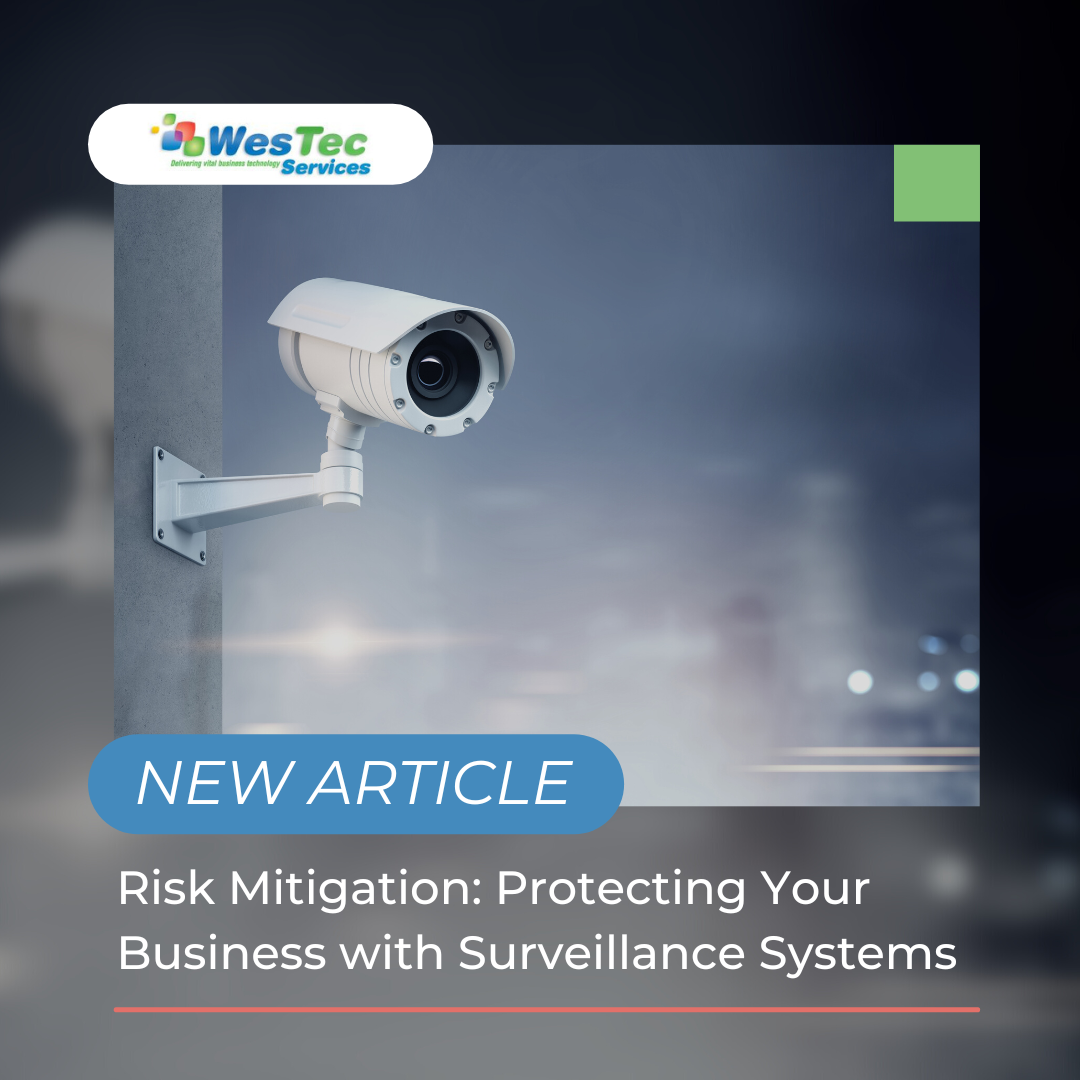
When you think of surveillance systems, do you think of the fuzzy CCTV shots from old true crime documentaries? Video systems have come a long way since then. Past are the days of not being able to identify individuals from recordings. So how can a surveillance system add a level of security to your business and help you mitigate risk?
Protection from Theft and Crime
Security cameras can help stop crimes before they even occur. Setting up exposed cameras lets trespassers know that they are being recorded and the likelihood of them being caught just went up. A surveillance system proactively protects your business, and can reduce insurance costs.
If a crime does occur, you’ll have a place for the investigation to start and be able to provide evidence. You can choose cameras that continually record or are triggered by an event, such as someone walking by. All-weather cameras allow you to continue capturing activity in extreme conditions. With the climate in the Houston area, you never know what circumstances your surveillance system will need to be working under.
Reducing Workplace Hazards
CCTV and IP camera systems are not just for the outside of your building, installing cameras in work areas can help reduce work-related accidents. By monitoring work spaces, you can mitigate risk such as verifying machinery is functioning properly, confirm safety procedures are being followed and eliminate hazards that could cause injury. More employee accidents results in higher workers’ compensation rates. A surveillance system allows you to document exactly what occurred.
The decision to add surveillance cameras comes down to keeping your business and employees safe and reducing costs associated with thief, employee accidents and workers’ compensation and insurance.
If you would like to learn more about leveling up your security and adding a surveillance system, contact us today. Learn more about installing a WesTec Guardian CCTV/ Video Surveillance System to your business here.
Machine learning technology is becoming more and more popular within the technology world. It has many benefits that come with using it, but there are some risks and mistakes that are made. Here are the top four learning machine learning mistakes:
Business Alignment
It is important to know how machine learning can benefit your business VS how your business can benefit machine learning. Most of the time people experiment with this type of technology and sometimes it doesn’t work out because everything turns out to be a test run. You will want to know what your business will need to grow and improve, then work with the right aligned machine learning technology. Before choosing this type of technology, you may want to ask these questions:
What problem am I having? Is it urgent?
Will machine learning help us in this scenario?
Poor Training
A good portion of machine learning technology is to store and solve data, this can also include cleaning data. It can either do too much or do too less, depending on the training. If you don’t do proper training, you and your business can decrease in productivity and effectiveness.
Data Quality
No matter if machine learning is just starting or has been working for a while, it is constantly inserting and solving data. But, not just any data. It has to be able to work with a high quality database. If bad data goes into the machine, bad data will come out. It is a good practice to monitor the quality of data being used.
Deployment Complexities
Using this technology is not easy, and most of the time it is hard to find the right resources to run this device. Stakeholders for example provide the most support for machine learning. You will need a good business alignment and good collaboration for machine learning to take off.
Have any questions about the right technology services for you or your business? WesTec services can help. Contact us with any questions you may have and follow us on Facebook, LinkedIn and Twitter.
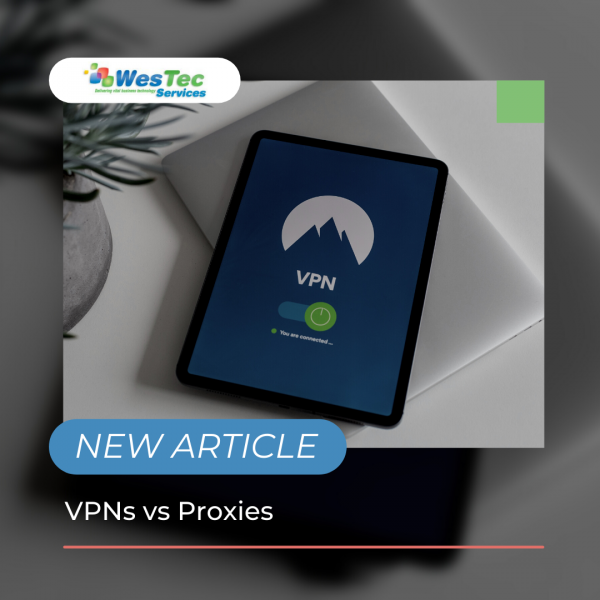
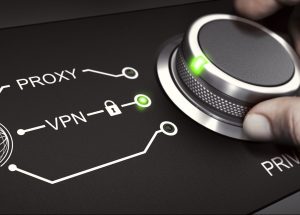
In the new age of technology, everyone is wanting to protect their data, especially for their business. VPNs and Proxies can both be used as a barrier to protect vital information from being stolen or hacked. But which one is better for you and your business? Here is a breakdown of VPNs vs Proxies:
VPNs
A VPN, or Virtual Private Network is an established private service that is used when connected to a public internet network. It provides a user with a different IP address before connecting to the service. It creates a secure connection of different destinations that ensures the privacy of data and information. When using a VPN, it will encrypt any information being sent so it can further be protected. People can easily install a VPN through their computer or an app. Not only that, but certain VPNs give the user the ability to change their location of the IP address.
Pros and Cons of VPNs
Pros of VPNs include:
Encryption of all data
Filter everything on the website
Higher security coverage
Cons of VPNs include:
Can make connection speed slower
Some VPN softwares are expensive
Pros and Cons of Proxies
Pros of proxies include:
Cheaper than VPNs
Can balance traffic loads without slowing down the connection
Can be used with big companies and servers
Cons of Proxies Include:
Less secure than VPNs
Some proxies can track certain information including passwords
Proxies
Proxies are simply a barrier between the user and the internet. The proxy acts as a filter when entering data on a website, securing any data that may be at risk. There are many different types of proxies including, forward proxy, reverse proxy, transparent proxy and anonymous proxy. All do the same thing but act upon it in a different way.
Which One is Better?
When it comes to which one is better for you, there is no definitive answer. They both successfully protect user identity and information. They both have pros and cons and it is important to do research in order to find the perfect option for you.
WesTec services can assist you with any IT questions or services. We offer skilled expertise in all technologies and are ready to help. Contact us for any further information on data security and how to protect yourself.
A hardware refresh cycle is when you upgrade you or your company’s hardware and software as needed. Benefits include saving information, increasing efficiency, and improving safety. Here’s how to develop a hardware refresh cycle:
1. Assess Your Hardware Needs
Any hardware refresh should start with a closer look at your systems. This means knowing what kind of hardware it is, how old it is, and how much storage is used. This will better prepare you for the updates.
2. Future Needs
After knowing what hardware you have or what it is lacking, you will want to conduct some research and decide what routine updates will be required of your hardware in the future. This is also a good time to locate receipts, and know purchase dates and any warranties you may have.
3. Disposal of Old Hardware
After assessing your current hardware, you may need to upgrade the system completely. In order to do this, you will want to make sure the hardware company has a warranty program. If they do, you may be able to get it replaced at a lower price. If not, this is when you will want to wipe your system and properly dispose of it.
4. Different Types of Hardware
You may not know that there are many different types of hardware including, personal computers, central processing units, random access memory, hard disks, internal hard drives, mobile devices, and servers. It is important to choose the right one for you or your business.
5. Purchase
Once you have an idea of what software you want, you can choose to either purchase it or lease it. Both have their pros and cons. For more information on buying vs leasing IT equipment, read here.
Keeping your hardware up-to-date will not only increase productivity, but it will also improve your business’ safety. It is important to conduct a hardware refresh cycle regularly.
Not sure what technology is better for your business? Westec Services can help! Feel free to contactus for more information or questions you may have.
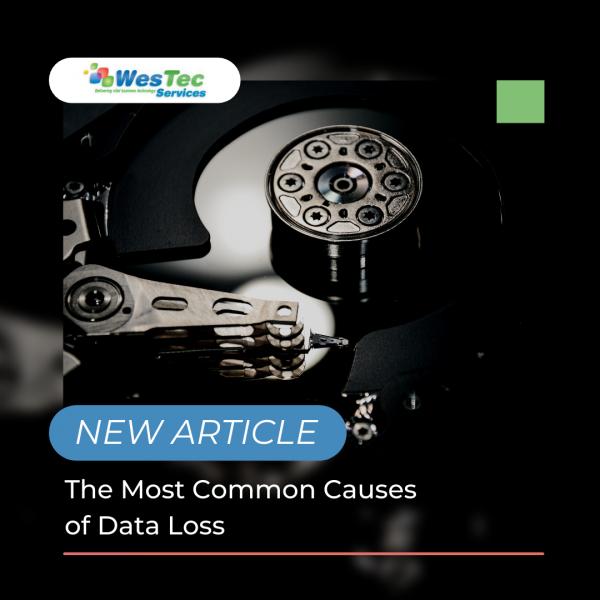
Data loss can happen to anyone or any business. It can be frustrating, especially when you aren’t aware of why or how it happened. Most data loss happens when you least expect it. It is important to know when your data is at risk of being lost. Here are the most common causes of data loss:
Human Error
We all make mistakes one way or another. When data is lost, most of the time it is due to accidentally deleting information or not backing it up. When this happens, some information can be restored through recycle bins or the internal software file. This is frustrating, but can easily be solved by setting up an automatic backup system.
Viruses
Viruses are very common, and are often the culprit of data loss. These pesky viruses can enter your system through unsafe links or downloads. Once they get into your system, they can delete any and all of your information. In order to prevent viruses, there are many guard softwares that will protect your devices. Depending on which guard software you have, it will need to be updated regularly to conduct scans and security checks. Without guard software, you can protect your information by paying close attention to certain emails or downloads that may be sent or presented to you.
Power Outages
Power outages can happen anytime, and most outages cause data loss. Similar to human error, it can be prevented by constantly saving your information and backing it up. The trickiest part is that you don’t know when a power outage will happen, so it is important to regularly save your data. However, most of the time when a power outage happens, most systems will automatically save, but you should also take precautions in your own hands.
Hackers
Recently, hackers are becoming more common when it comes to data loss. Hackers usually enter your system due to poor quality servers, weak firewalls, or using common passwords. There are many ways to prevent hackers such as strong passwords, safe web searches and guard softwares. Unfortunately, information that is stolen from a hacker cannot be restored, which is why it is important to have effective cybersecurity measures.
Have any questions about the right technology services for you or your business? WesTec services can help.Contactus with any questions you may have and follow us on Facebook, LinkedInandTwitter.
Are you interested in creating your own startup? Are you afraid of any cyber risks? Any business, especially startups, are at risk for cyber attacks. These attacks can be detrimental to a business or online presence. It is vital to know what these attackers are looking for and how to protect yourself. Here are some tips to secure you and your startup from cyber attacks:
Account Admin
Depending on how big your startup is and how many accounts will be online, it is a good idea to have one admin account. This means the one admin account will have the authority to grant access to fellow accounts and ability to download data and software. This will cut back on online vulnerability as only one person will have access to important data. Along with an admin account, you can also unlock certain data and access to different accounts within the startup. For example, you can grant access to the financial department of bank account statements and billing information. Not only will this limit the risk of cyber threats, it will also cut back on time that the admin would have to grant access every time.
Strong Passwords
Having strong passwords isn’t a surprise when it comes to cybersecurity. But, the top way hackers get into systems is going through weak passwords. In order to stop this, it is recommended that every password should have a capital letter, special characters and numbers. It is also important to never share passwords.
Multi-Factor Authentication
No matter how strong passwords can be, hackers can still find a way in. Thankfully, more systems are requiring a multi-factor authentication process when logging into an account. This means that even if someone has your password, it can require a phone number or email to fully login. Most online softwares offer this level of security, you just have to authorize it.
Knowing how to protect you and your startup from cyber attacks is crucial. With selecting admin accounts, strong passwords and multi-factor authentication process, hackers will have a harder time logging into your accounts.
Cyber threats can be irritating and hard to effectively prevent them. WesTec services can help you in any way. We offer skilled expertise in all technologies and are ready to help. Contact us for any further information on phishing and how to protect yourself.
Technology is constantly evolving and with that comes the differences between contact centers. More specifically, the difference between cloud based and on-premises contact centers. Both have their pros and cons, but which one is best for your business? Here out the main differences between contact centers:
Cloud Based
Cloud based contact centers are a way for businesses to be in direct contact with customers, anywhere and everywhere. With it being all linked to the cloud, all data and software can be accessed anywhere. This makes communication with clients more effective. More businesses are making the switch to cloud based technology.
Pros
The pros of cloud based contact centers include but not limited to:
Easier to Scale
Speed
Better Integration
Reliable
Easy Access
On-Premises
More traditionally, on-premises contact centers use hardware-based settings. This means everything including data, software, and infrastructure stays onsite. Although it is more user friendly, this requires lots of maintenance that can become expensive fast.
Pros
Even though some might argue that on-site contact centers are outdated or old fashioned, they still have pros that not even cloud based technology can offer. Pros include:
Maximum Control
Data is stored Securely
Only Buy Equipment you Need
No Monthly Payments
Differences
Both options have their advantages, but which one is better for your business? Both cloud based and on-premises contact centers have the potential to grow your business. On-premises centers have the access to create wait music, transfers and call logging. Cloud based can do the same thing, but in a more advanced way such as live call monitoring and click to transfer.
Setting up the equipment is another main difference between the two. On-premises locations require time to get licensing, wire the hardware and find supporting items to link the equipment to. Cloud based works directly from the data box or even app.
When it comes to cost, on-premises has a one time cost of all equipment needed. This can be expensive, but it is only one payment. It is also important to know that this technology might need more maintenance and upgrades as you go. Cloud based is cheaper at the beginning, but you will need to enroll in a subscription plan. Depending on what company, you could be paying every time a call comes through the line.
Not sure what technology is better for your business? Westec Services can help! Feel free to contact us for more information or questions you may have.
Due to the recent pandemic, more people are choosing to work remotely. In fact, studies have shown that by the year 2025 more businesses will go fully remote. Although this is good for some businesses, people are voicing their concerns about the decrease of productivity from working from home. Here are some tips to increase productivity by using virtual collaboration when working remotely:
What is Virtual Collaboration?
Virtual collaboration is any effort to collaborate or communicate with others who are not physically present. This includes different applications, instant messaging software, and video calls or conferencing platforms.
Collaboration Software
Collaboration software is one of the most effective tools you can use when working remotely. This allows you to work with one another on different projects in real time. This also helps connect the workplace and builds internal relationships. Popular softwares that help with collaboration are:
Video Chat services such as Zoom or Skype
Instant Messaging
Productivity Apps that track tasks or time
When these softwares are used, workers will have more motivation and remain productive.
Centralize Communication
Communication is a big part of working remotely, but one issue many people have is finding information for their work or projects. One way to resolve this issue is to invest in a centralized information system that allows for workers to find all the information necessary for their work. Popular systems include Google Drive and RingCentral. This will keep all information secured and accessible for remote workers.
Leadership
It is no surprise that leaders of businesses or companies are always watched. Workers will usually follow the footsteps of their leaders in many situations, including working remotely. It is a good idea to have leaders also work remotely and do all of their tasks efficiently to motivate employees to do the same. It gives employees the opportunity to work alongside superiors and give them a sense of normalcy. This is also a good time to place employee incentives. By implementing this, employees will have the right motivation to complete their tasks.
Have any questions about the right technology services for you or your business? WesTec services can help. Contact us with any questions you may have and follow us on Facebook, LinkedIn and Twitter.
Cloud computing is one the most beneficial ways for businesses to operate, but still creates online threats. Many threats can appear, but Shadow IT can interfere with devices, technology systems, applications and software. Learn about the dangers of Shadow IT and why is it being used:
What is it?
Shadow IT can be described as projects or networks that are managed by outside providers, without prior approval from the IT department. With cloud database popularity, shadow IT is growing and creates vulnerabilities including data leaks and database violations.
Risks
Now that you know what shadow IT is, what are the risks? The main risk is data leaks. Oftentimes when shadow IT is being used, it prevents certain backups from being performed. This means important data could be lost forever. From sending a document to a personal email, to file sharing on the cloud, this makes it possible for shadow IT to intervene and allow the information to be compromised by outside networks that cannot be monitored by the IT department.
These risks can go beyond simply leaking information. Depending on the network, shadow IT can harm financials, internal communications and errors within the system. When systems have access to this vital information, they can duplicate it and cause harm to your business and result in losing money.
Not all networks who use shadow IT are purposely doing it to cause harm, and most of the time big companies use this to increase productivity. Companies who use this include Google Drive, Dropbox and Microsoft Office. It is important to know that even though shadow IT can be beneficial, it still makes companies vulnerable to internal harm and should be dealt with.
Prevention
It can be determined that shadow IT will not be going away soon, which is why educating employees on this issue will be the best prevention plan. Along with knowing the risks, routinely checking your data will help manage and determine if shadow IT is affecting your business.
Want to know more about shadow IT? WesTec services can help! Feel free tocontactus and check out ourservicesto see how we can assist you. Don’t forget to follow us on Facebook,LinkedInandTwitterfor updates.
IT equipment is essential for businesses in 2021. The main question is — leasing vs financing IT equipment? There are pros and cons for both options, but it depends on the kind of working environment, efficiency requirements, and budget.
Leasing
One of the greatest advantages of leasing is not being financially responsible for the equipment. Rather than having your company held responsible, you would be passing the financials to the leasing company. Instead of paying up front for the equipment needed, leasing allows you to set a monthly payment. A lease is also an option that will guarantee the same equipment with fixed monthly payments.
Financials aside, leasing provides access to the newest, up-to-date equipment. Once your equipment has run its course, you can easily upgrade. Newer equipment requires less maintenance, which allows for greater productivity.
However, there are some disadvantages to leasing IT equipment. Depending on your leasing terms and IT needs, leasing can be more expensive than financing — especially if you sign a lease and don’t end up using the equipment, as you are still obligated to pay.
Financing
If leasing isn’t for you, you also have the option to finance. When financing, there are no contracts involved — you simply buy the equipment directly from the source. If maintenance is required, financing allows you to go about it at your own discretion. You won’t need to make an appointment with the leasing company or be stuck with damaged equipment. When you own the equipment, you can simply take care of everything on your own.
For businesses on a tight budget, financing is the more cost-effective option. With one simple payment, the equipment is yours!
However, there are a few downsides when it comes to financing. Depending on the business, making a big investment like this could max out your credit lines. Furthermore, you could be stuck with outdated equipment, whereas in leasing, updated equipment is always available.
The Final Decision
Between financing and leasing IT equipment, both have their pros and cons. However, it is up to you to decide which option is most cost-efficient, given your budget and IT needs. For the most advanced models that don’t require one big payment, leasing would be the best option. For a one-time payment and maintenance freedom, the best option would be financing.
Not sure whether to finance or lease IT equipment? We can help! Feel free to give us a call or visit our website!
It’s hard to believe we are already halfway through 2021! It’s been a whirlwind year thus far, but we have seen many advancements in business technology. As remote work becomes the new normal, businesses everywhere have begun adopting new technology and software to make this transition easier. Here are a few small business tech trends that have proven to be revolutionary this year:
AI-Operated CRMs
In 2021, small businesses everywhere are looking to streamline their work with CRM software. AI-operated CRMs (Customer Relationship Management) allow businesses to effectively identify, track, and target leads through automated campaigns. Businesses have found that CRMs are a more effective approach to their sales processes, as this software produces more personalized customer engagement.
Remote Onboarding
Since the pandemic, many industries are making the switch to remote work. As smooth and successful as this transition has been for some, remote work may become a more long-term option. Now, businesses are implementing remote onboarding software to simplify and expedite the hiring process. This new software is more convenient and cost-effective than traditional hiring processes.
Centralized, Comprehensive HR Software
Remote work provides so much ease and convenience for employees and executives alike. However, with limited human-to-human contact, HR departments have had difficulty keeping up with the needs of their employees. With the introduction of centralized HR software, HR professionals can automate daily processes and store data. This software will also improve performance management and employee communication.
At WesTec Services, business technology is our specialty. From Managed Services and Network Installation to IT Consulting and more, we’re your one-stop shop. From computer hardware and software to telephone systems and integrated security, we’ll make it all work seamlessly together.
Doesn’t your computer always seem to lag when you have a rapidly approaching deadline? A slow computer can decrease productivity and increase frustration. To help eliminate frustration, try one of these tips to increase your computer’s speed and performance.
Uninstall Unused Programs
Programs take a lot of space on your computer. Over time, you accumulate programs that might run in the background without your knowledge. Uninstalling the programs you don’t use on a regular basis may increase your computer’s speed and response time.
Delete Temporary Files
Every time you download or install a file on your PC, it keeps a temporary file. If your computer is running slow, you can delete these files to free up space. To do this, find the “Temp” folder in your drive. Select older files and press the delete key. Make sure you empty the recycling bin to completely wipe files from the computer.
Invest in Hard Drive Storage
Sometimes you might need to have easy access to many files. However, keeping them all in once place will affect your computer’s speed. To keep your computer tidy, you can purchase an external storage drive to store thousands of files.
Increase RAM
Random Access Memory (RAM) acts as your computer’s short-term memory. It quickly loads items it thinks it will need to access soon. But, if your RAM can’t handle several applications at once, your computer will lag. Increasing the RAM can be an easy and cost-effective way to improve your computer’s speed.
Work with Our IT Professionals
Our trusted IT professionals at WesTec Services can help diagnose why your computer is slow and offer solutions to improve its speed through our managed IT and IT consulting services. Contact us for more information.
Business mobile phones can be used for a range of commercial operations, including inventory control, customer relations, advertising, marketing, banking and more.
Here are few ways to ensure your mobile phone and its valuable data is protected against hackers and malware:
1. Update your phone.
Most of us are guilty of ignoring operating system updates on our business mobile phones. However, the longer you wait to update your phone, the more out of date your systems are, making you an easier target for hackers who can easily identify and exploit system vulnerabilities.
2. Lock your device.
If your business mobile phone contains private information about you or your business, it is important to always engage the four- or six-digit passcode on your device. Don’t use the same password for all your accounts and be sure to change your password occasionally for good measure.
3. Manage app permissions.
On your mobile phone, you can grant apps permissions, like access to the camera, microphone, your contacts, your location, your pictures, and more. Be sure to keep track of which permissions you’ve given to which apps, and revoke permissions that are not completely necessary.
4. Back up your data.
Things happen, but you can always be prepared. When you back up the data on business mobile phones, you are able to protect your important documents and images in case of any loss.
5. Ignore spam and phishing emails.
One of the easiest ways for hackers to access your information is through email. Be sure you don’t click on links in promotional emails, open suspicious attachments or run updates that are promoted through emails. If you need to access sensitive information, report directly to the organization’s website to login.
Connecting the dots with business mobile phones can be confusing, time consuming and costly. For a reliable business mobile phone provider in Houston, contact the experts at WesTec today.
Because computers are powerful tools that we are likely to use in our everyday business or personal lives, we want to be able to get the most out of them. Here are a few tips to help prevent the most common causes of a PC meltdown:
Keep it cool Computers are complex electrical devices that hate to get overheated. The most common cause of overheating in your PC is dust accumulation inside the case, resulting in a slow-running, stopping and starting, and even a failed processor. To avoid overheating, locate and use your PC on a desk or other hard surface, as blankets or pillows block the cooling vents on the underside of the case.
Keep it secure
Passwords are important to keep malicious intrusion out of your wireless network, keep documents on your PC secure, and for use on internet sites where payments may be required. A strong password uses at least eight characters that combine upper and lower case letters, numerals, and punctuation marks. It is advised to avoid the use of personal information in your passwords and to not use the same password for every account you have. Keep it backed up
Due either to your hard drive wearing out or due to software corruption, you may need to replace your PC or hard drive in the future. To preserve personal or business-related data, is it important to keep a current backup of it on a separate device (with an external hard drive) or with a Cloud-based service. If you don’t have a lot of data, flash drives will work well. Backups can be configured to occur automatically.
Whether you need backup disaster or recovery services, a network installation, or IT consulting, the experts at WesTec have you and your PC covered. For reliable IT managed services, give us a call today.
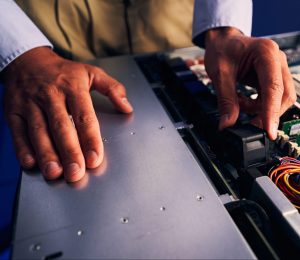
Within every industry, from heavy machinery to computers, possessing the relevant equipment allows a business to properly operate and grow. However, certain equipment may require a costly investment.
If a business is seeking to purchase new equipment or upgrade existing inventory, equipment financing and leasing has become a popular method of equipment acquisition.
Equipment financing and leasing is used to provide companies with the capital necessary to purchase needed equipment–the equipment acts as collateral for the loan. Regardless of the type of business and size, financing important equipment through a finance arrangement can be beneficial. Here’s how:
• Save money. Equipment financing can save a business money by bundling the equipment, installation and maintenance for a single, cost-efficient solution that maximizes budget.
• Stay up-to-date. Because of its affordable cost, a business can remain up-to-date with changing technology trends and equipment to maintain competitive advantage.
• Accelerate ROI. Tax leases allow businesses to secure working capital, invest it, and make more money while paying less for the equipment by writing off payments.
• Hedge against inflation. Financing and leasing allow business owners to lock their original signing rates to avoid future equipment inflation.
• Tax advantages. Depending on the structure of a lease, all lease payments may be written off as a deduction.
WesTec Services provides commercial equipment financing and leasing solutions for businesses of all types. At WesTec, our experts work diligently with both equipment buyers and vendors–offering an equipment financing solution that is suitable for all needs.
Our monthly-payment package may include equipment, software, maintenance, shipping, installing and training for a true turnkey solution for business technology.
Whether planning the purchase of a single piece of equipment or designing a system for future development, WesTec strives to provide the appropriate business technology analysis for optimal business growth! Contact us today!
Mission: WesTec will be a “turn-key” solution for all of its clients’ business connectivity needs. It will offer efficient and effective solutions, directly and with strategic partners, that create tangible value for its clients at every point of contact. Westec will serve all people and entities with a servant’s heart.
Get in touch
2916 West TC Jester Blvd.,
Suite 104
Houston, TX 77018



















 Delete Temporary Files
 2. Lock your device.

 Computers are complex electrical devices that hate to get overheated. The most common cause of overheating in your PC is dust accumulation inside the case, resulting in a slow-running, stopping and starting, and even a failed processor. To avoid overheating, locate and use your PC on a desk or other hard surface, as blankets or pillows block the cooling vents on the underside of the case.
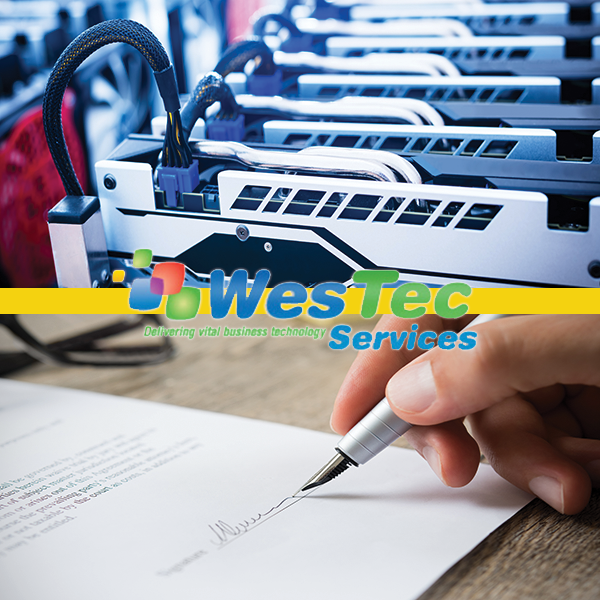
 Within every industry, from heavy machinery to computers, possessing the relevant equipment allows a business to properly operate and grow. However, certain equipment may require a costly investment.
If a business is seeking to purchase new equipment or upgrade existing inventory, equipment financing and leasing has become a popular method of equipment acquisition.
Equipment financing and leasing is used to provide companies with the capital necessary to purchase needed equipment–the equipment acts as collateral for the loan. Regardless of the type of business and size, financing important equipment through a finance arrangement can be beneficial. Here’s how:
• Save money. Equipment financing can save a business money by bundling the equipment, installation and maintenance for a single, cost-efficient solution that maximizes budget.
• Stay up-to-date. Because of its affordable cost, a business can remain up-to-date with changing technology trends and equipment to maintain competitive advantage.
• Accelerate ROI. Tax leases allow businesses to secure working capital, invest it, and make more money while paying less for the equipment by writing off payments.
Within every industry, from heavy machinery to computers, possessing the relevant equipment allows a business to properly operate and grow. However, certain equipment may require a costly investment.
If a business is seeking to purchase new equipment or upgrade existing inventory, equipment financing and leasing has become a popular method of equipment acquisition.
Equipment financing and leasing is used to provide companies with the capital necessary to purchase needed equipment–the equipment acts as collateral for the loan. Regardless of the type of business and size, financing important equipment through a finance arrangement can be beneficial. Here’s how:
• Save money. Equipment financing can save a business money by bundling the equipment, installation and maintenance for a single, cost-efficient solution that maximizes budget.
• Stay up-to-date. Because of its affordable cost, a business can remain up-to-date with changing technology trends and equipment to maintain competitive advantage.
• Accelerate ROI. Tax leases allow businesses to secure working capital, invest it, and make more money while paying less for the equipment by writing off payments.
 • Hedge against inflation. Financing and leasing allow business owners to lock their original signing rates to avoid future equipment inflation.
• Tax advantages. Depending on the structure of a lease, all lease payments may be written off as a deduction.
WesTec Services provides commercial equipment financing and leasing solutions for businesses of all types. At WesTec, our experts work diligently with both equipment buyers and vendors–offering an equipment financing solution that is suitable for all needs.
Our monthly-payment package may include equipment, software, maintenance, shipping, installing and training for a true turnkey solution for business technology.
Whether planning the purchase of a single piece of equipment or designing a system for future development, WesTec strives to provide the appropriate business technology analysis for optimal business growth! Contact us today!
• Hedge against inflation. Financing and leasing allow business owners to lock their original signing rates to avoid future equipment inflation.
• Tax advantages. Depending on the structure of a lease, all lease payments may be written off as a deduction.
WesTec Services provides commercial equipment financing and leasing solutions for businesses of all types. At WesTec, our experts work diligently with both equipment buyers and vendors–offering an equipment financing solution that is suitable for all needs.
Our monthly-payment package may include equipment, software, maintenance, shipping, installing and training for a true turnkey solution for business technology.
Whether planning the purchase of a single piece of equipment or designing a system for future development, WesTec strives to provide the appropriate business technology analysis for optimal business growth! Contact us today!



 2916 West TC Jester Blvd.,
Suite 104
2916 West TC Jester Blvd.,
Suite 104