As 2025 is ending, many businesses are evaluating their current computer systems to determine what needs to be upgraded or replaced as the new year rolls around. Partnering with WesTec Services gives businesses a leg up by receiving expert assistance in determining what works best for their business. Read on to learn more about the benefits of updating your computer systems for the new year and tips to consider.
Less Technology Downtime and Increased Productivity
Are your business’s outdated computers and software constantly causing frustration and preventing employees from getting work done in a timely manner? This is a major sign that your business should consider upgrading. Whether it’s new desktop computers, swapping wifi for a faster provider, or upgrading to a more powerful software, WesTec’s team works closely with our clients to ensure that the solution we recommend works well for your business.
Reduced Maintenance and Compatibility
As technology ages, the companies that create operating systems, such as Intel or Apple, may stop sending updates for older editions. Additionally, if the hardware is older, it may have trouble running the newer editions of these operating systems. This can cause large delays in application loading time, and older versions of applications may cease to be supported as well. Thus, ensuring that the hardware and operating system that your business is working from is from at least the last few years is essential to ensuring that there is minimal downtime from compatibility issues.
Tips to Consider
Choosing new desktops or storage options to upgrade to can feel daunting, but our experts at WesTec Services assist our clients in determining what works best for them. Considering factors such as the reliability and reputation of the brand you’re buying from, the amount of storage, and whether the applications your employees use on a day-to-day basis will run smoothly are essential. Not all businesses will need the most upgraded or modern devices to ensure success. Technology that is reliable and works well for your business’s needs will last for years to come and ensure that your business has made a sound investment.
Technology is constantly changing, and WesTec Services is here to help guide your business in all aspects of business technology and communication. Interested in speaking to a team member about how our company can assist you? Contact us today on our website! To read more information technology tips, check out our articles page, and be sure to follow us on Facebook.
Due to the holidays, online shopping shoots through the roof and e-commerce websites often experience a surge in traffic. While this influx is great for sales, it also presents more risks to your website’s security. Understanding these risks and preparing your defenses is crucial to protect both your business and your customers.
Increased Vulnerability to Cyber Threats
The spike in traffic during the holidays makes websites a prime target for cybercriminals. Hackers often exploit this period by launching Distributed Denial of Service (DDoS) attacks, which can overwhelm your site and cause downtime. Additionally, phishing scams and malware distribution tend to rise, preying on customer’s urgency to complete purchases quickly. During the holidays, consumers depend on reliable businesses to complete their transactions without the threat of cyber threats. Be sure to monitor your current software carefully during the peak of the season.
Data Breaches
The holidays often see an increase in online transactions, which means more sensitive customer data is being processed. This increase in data exchange can attract attackers looking to steal credit card information or personal details. A data breach during the holiday season can not only result in financial losses but also irreparably damage your brand’s reputation. Your website will appear unstable and you will see a significant decrease in traffic if your site is deemed unsafe.
Steps to Strengthen Your Security
To strengthen your security, start by upgrading your infrastructure to ensure your website can handle high traffic without crashing, and choose a reliable hosting provider with robust DDoS protection. Implement SSL certificates to encrypt data transfers and protect sensitive information from interception. Utilize advanced monitoring tools to detect suspicious activities in real time and respond promptly. Educate your team by training employees to recognize phishing attempts and maintain strong cybersecurity practices. Finally, regularly update all platforms, plugins, and software to mitigate vulnerabilities and ensure optimal protection.
Partnering with Westec
For comprehensive protection, consider working with a cybersecurity company like Westec. We can provide advanced threat detection, vulnerability assessments, and incident response plans tailored to your needs.
By proactively addressing these risks, you can ensure a safe and seamless shopping experience for your customers. For more tips and professional cybersecurity solutions, visit our website or contact us today. Stay safe and cyber-secure this holiday season!
The holiday season often brings opportunities to travel, whether visiting family or exploring new destinations. Unfortunately, this time of year can also be a prime opportunity for cybercriminals to target travelers. Protecting sensitive information while on the move is essential, especially in today’s digital age. At Westec, we prioritize your cybersecurity, so here are some practical tips to keep your data safe during your holiday travels.
Avoid Public Wi-Fi
Public Wi-Fi networks, like those in airports, hotels, and cafes, are convenient but often unsecured. Hackers can intercept your data over these networks. Instead, use your mobile hotspot or a Virtual Private Network (VPN) to encrypt your internet connection and safeguard your information.
Enable Two-Factor Authentication (2FA)
Before traveling, enable 2FA on all important accounts, including email, banking, and social media. This extra layer of security ensures that even if someone obtains your password, they cannot access your accounts without the second verification step.
Be Cautious with Devices
Keep your devices like laptops, phones, tablets, and USB drives secure at all times. Use strong passwords and, where possible, biometric locks (like fingerprint or facial recognition) to prevent unauthorized access if your device is lost or stolen.
Avoid Oversharing on Social Media
While it’s tempting to post about your holiday adventures in real time, sharing details like your travel dates or location can make you a target for both online and physical theft. Wait until you return home to share your vacation photos.
Update Your Software
Cybercriminals often exploit vulnerabilities in outdated software. Ensure all your devices are running the latest operating systems and security patches before you leave.
At Westec, we believe proactive measures are the best defense against cyber threats. By staying vigilant and prepared, you can enjoy your holiday travels with peace of mind, knowing your sensitive information is protected.
For more tips and professional cybersecurity solutions, visit our website or contact us today. Stay safe and cyber-secure this holiday season!
It’s common to jump on a website and immediately see a pop-up regarding accepting cookies, and can even be mandatory if you wish to continue to the site. But have you ever truly understood what exactly you’re accepting? Cookies and privacy terms can vary website to website, but here’s what you should know before you make the click.
What Are Cookies?
Cookies allow websites to remember and store information when you use their site. This information can include your name, your login, your purchase history, and more. Depending on what site you visit, it may or may not be wise to accept cookies. Some sites enforce the use of cookies to produce a better experience for the user. This can include personalizing the site based on your preferences and to save your desired items for later. Some cookies are placed by advertisers, which is considered a third party to the site. In this instance, you may want to install safety software to prevent private information from being stolen. The privacy terms you are accepting are there to let you know that the site is transparent about data tracking. So if this concerns you, be sure to read over the conditions before allowing cookie usage.
When To Say No
While most websites use cookies to create a better experience, there are plenty of reasons to be cautious. If you notice a website is not encrypted, it means there is very little protection for your information. If you are able to catch that the cookie agreement is for third parties, refrain from accepting them. This can allow your data to be stolen, sold, and more vulnerable to hackers. Finally, if you are entering in personal or banking information, do not allow cookies to be used. It is always better to be safe than sorry when it comes to your data.
It can be hard to differentiate between a trustworthy or an untrustworthy site, so always pay attention to what terms you accept. If you have any questions about our IT services, contact us today! Follow us on Facebook to keep up with our latest blogs!
Cloud computing and storage has increased in popularity. It has many benefits including security and effectiveness, but with time, cloud computing has become vulnerable to many risks. Here are five risks of cloud computing:
1.Misconfigured Settings
With many people using cloud computing, there is often a chance for a misab in the settings. A misconfigured setting is when some of the data stored in the cloud is not protected and it becomes breached. This is all because the purpose of the cloud is to make things fast and convenient and sometimes this causes more information to be less restricted. To fix this setting, it is ideal to check the cloud regularly and check the access permissions.
2. Poor Data Quality
When all your data is in the cloud, it can make it easier to overlook some information. Not only that, but when you share information via the cloud, it can make the information vulnerable to hackers and getting lost. To ensure the quality of your data, it’s a good idea to separate your data within categories and put security measures in place.
3. Employee Training
One of the risks when it comes to cloud computing is not properly training employees on the risks. Most of the time, data is stolen due to phishing scams and security breaches. These can be prevented by teaching employees on how to identify scams.
4. Security Policies
Insufficient security policies can hurt all data in the cloud. When a security policy is not correct, it puts so many things at risk. To ensure you have adequate policies, it is important to know who can access the cloud, what data should be in the cloud and what to do when a breach occurs.
5. Choosing the Provider
There are many cloud providers out there, and some aren’t the safest when it comes to storing data. Before determining what provider you want to use, make sure to research all providers.
Are you having trouble with cloud computing? Westec Services can help! Feel free to contact us with any questions or concerns.
A hardware refresh cycle is when you upgrade you or your company’s hardware and software as needed. Benefits include saving information, increasing efficiency, and improving safety. Here’s how to develop a hardware refresh cycle:
1. Assess Your Hardware Needs
Any hardware refresh should start with a closer look at your systems. This means knowing what kind of hardware it is, how old it is, and how much storage is used. This will better prepare you for the updates.
2. Future Needs
After knowing what hardware you have or what it is lacking, you will want to conduct some research and decide what routine updates will be required of your hardware in the future. This is also a good time to locate receipts, and know purchase dates and any warranties you may have.
3. Disposal of Old Hardware
After assessing your current hardware, you may need to upgrade the system completely. In order to do this, you will want to make sure the hardware company has a warranty program. If they do, you may be able to get it replaced at a lower price. If not, this is when you will want to wipe your system and properly dispose of it.
4. Different Types of Hardware
You may not know that there are many different types of hardware including, personal computers, central processing units, random access memory, hard disks, internal hard drives, mobile devices, and servers. It is important to choose the right one for you or your business.
5. Purchase
Once you have an idea of what software you want, you can choose to either purchase it or lease it. Both have their pros and cons. For more information on buying vs leasing IT equipment, read here.
Keeping your hardware up-to-date will not only increase productivity, but it will also improve your business’ safety. It is important to conduct a hardware refresh cycle regularly.
Not sure what technology is better for your business? Westec Services can help! Feel free to contactus for more information or questions you may have.
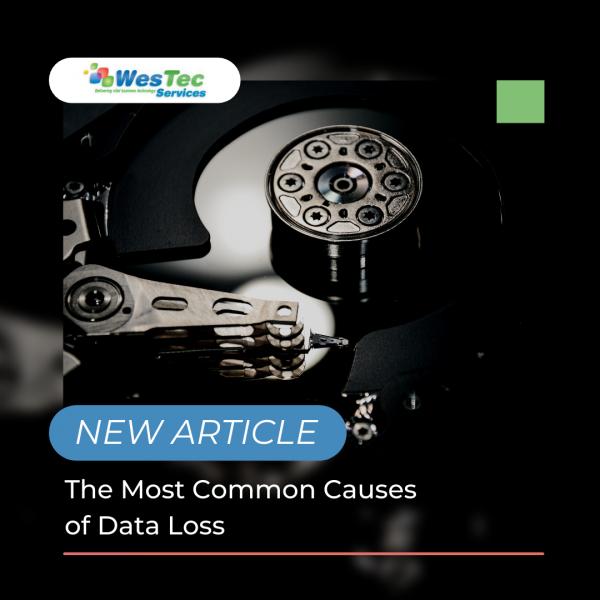
Data loss can happen to anyone or any business. It can be frustrating, especially when you aren’t aware of why or how it happened. Most data loss happens when you least expect it. It is important to know when your data is at risk of being lost. Here are the most common causes of data loss:
Human Error
We all make mistakes one way or another. When data is lost, most of the time it is due to accidentally deleting information or not backing it up. When this happens, some information can be restored through recycle bins or the internal software file. This is frustrating, but can easily be solved by setting up an automatic backup system.
Viruses
Viruses are very common, and are often the culprit of data loss. These pesky viruses can enter your system through unsafe links or downloads. Once they get into your system, they can delete any and all of your information. In order to prevent viruses, there are many guard softwares that will protect your devices. Depending on which guard software you have, it will need to be updated regularly to conduct scans and security checks. Without guard software, you can protect your information by paying close attention to certain emails or downloads that may be sent or presented to you.
Power Outages
Power outages can happen anytime, and most outages cause data loss. Similar to human error, it can be prevented by constantly saving your information and backing it up. The trickiest part is that you don’t know when a power outage will happen, so it is important to regularly save your data. However, most of the time when a power outage happens, most systems will automatically save, but you should also take precautions in your own hands.
Hackers
Recently, hackers are becoming more common when it comes to data loss. Hackers usually enter your system due to poor quality servers, weak firewalls, or using common passwords. There are many ways to prevent hackers such as strong passwords, safe web searches and guard softwares. Unfortunately, information that is stolen from a hacker cannot be restored, which is why it is important to have effective cybersecurity measures.
Have any questions about the right technology services for you or your business? WesTec services can help.Contactus with any questions you may have and follow us on Facebook, LinkedInandTwitter.
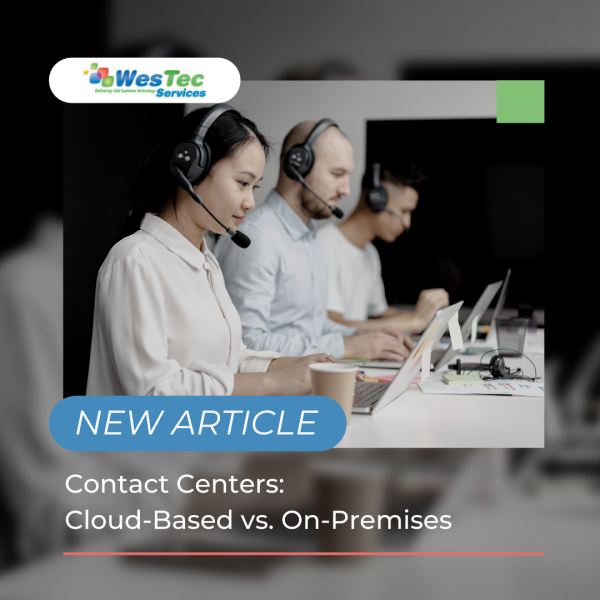
Technology is constantly evolving and with that comes the differences between contact centers. More specifically, the difference between cloud based and on-premises contact centers. Both have their pros and cons, but which one is best for your business? Here out the main differences between contact centers:
Cloud Based
Cloud based contact centers are a way for businesses to be in direct contact with customers, anywhere and everywhere. With it being all linked to the cloud, all data and software can be accessed anywhere. This makes communication with clients more effective. More businesses are making the switch to cloud based technology.
Pros
The pros of cloud based contact centers include but not limited to:
Easier to Scale
Speed
Better Integration
Reliable
Easy Access
On-Premises
More traditionally, on-premises contact centers use hardware-based settings. This means everything including data, software, and infrastructure stays onsite. Although it is more user friendly, this requires lots of maintenance that can become expensive fast.
Pros
Even though some might argue that on-site contact centers are outdated or old fashioned, they still have pros that not even cloud based technology can offer. Pros include:
Maximum Control
Data is stored Securely
Only Buy Equipment you Need
No Monthly Payments
Differences
Both options have their advantages, but which one is better for your business? Both cloud based and on-premises contact centers have the potential to grow your business. On-premises centers have the access to create wait music, transfers and call logging. Cloud based can do the same thing, but in a more advanced way such as live call monitoring and click to transfer.
Setting up the equipment is another main difference between the two. On-premises locations require time to get licensing, wire the hardware and find supporting items to link the equipment to. Cloud based works directly from the data box or even app.
When it comes to cost, on-premises has a one time cost of all equipment needed. This can be expensive, but it is only one payment. It is also important to know that this technology might need more maintenance and upgrades as you go. Cloud based is cheaper at the beginning, but you will need to enroll in a subscription plan. Depending on what company, you could be paying every time a call comes through the line.
Not sure what technology is better for your business? Westec Services can help! Feel free to contact us for more information or questions you may have.
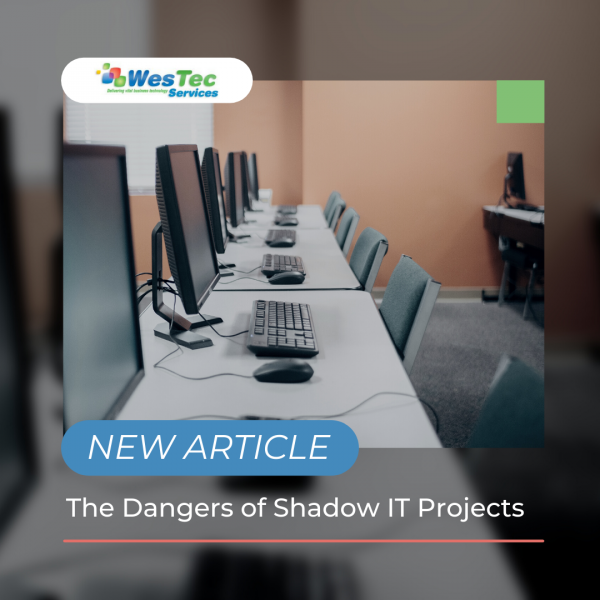
Cloud computing is one the most beneficial ways for businesses to operate, but still creates online threats. Many threats can appear, but Shadow IT can interfere with devices, technology systems, applications and software. Learn about the dangers of Shadow IT and why is it being used:
What is it?
Shadow IT can be described as projects or networks that are managed by outside providers, without prior approval from the IT department. With cloud database popularity, shadow IT is growing and creates vulnerabilities including data leaks and database violations.
Risks
Now that you know what shadow IT is, what are the risks? The main risk is data leaks. Oftentimes when shadow IT is being used, it prevents certain backups from being performed. This means important data could be lost forever. From sending a document to a personal email, to file sharing on the cloud, this makes it possible for shadow IT to intervene and allow the information to be compromised by outside networks that cannot be monitored by the IT department.
These risks can go beyond simply leaking information. Depending on the network, shadow IT can harm financials, internal communications and errors within the system. When systems have access to this vital information, they can duplicate it and cause harm to your business and result in losing money.
Not all networks who use shadow IT are purposely doing it to cause harm, and most of the time big companies use this to increase productivity. Companies who use this include Google Drive, Dropbox and Microsoft Office. It is important to know that even though shadow IT can be beneficial, it still makes companies vulnerable to internal harm and should be dealt with.
Prevention
It can be determined that shadow IT will not be going away soon, which is why educating employees on this issue will be the best prevention plan. Along with knowing the risks, routinely checking your data will help manage and determine if shadow IT is affecting your business.
Want to know more about shadow IT? WesTec services can help! Feel free tocontactus and check out ourservicesto see how we can assist you. Don’t forget to follow us on Facebook,LinkedInandTwitterfor updates.
As your business grows, your technology should be growing with it. Some technologies, including phone systems should be upgraded to ensure better service that you and your employees deserve. It is time to upgrade your telecom system into a newer, fast and more efficient system such as Switchvox. Here is why you should make the switch:
Features
Old fashion telecom systems can be confusing, especially when it comes to all the features, or lack of. When businesses get more clients or traffic, they will need to make calls, take messages and transfer clients. Outdated telecom systems will not be able to perform properly. Switchvox systems on the other hand, make it easier for the user to complete all these tasks without being stressed about pre-existing features.
Save Time and Money
Time is money, especially when dealing with equipment that is essential to your business. Old telecom systems take time to do simple tasks, thus decreasing the time and money you have to grow your business. Switchvox systems work at a fast pace and have a larger capacity to perform basic functions. Not only that but older systems could require recurring maintenance unlike newer systems like the Switchvox that grows as your business grows and allows for more flexibility.
Professional Image
Success is what every business wants and in order to do that, they must act the part. When people look for a company to work for, ideally they want someone that is professional and can get a job done. What says professional about a slow, outdated telecom system? Having a Switchvox system improves communication with potential clients and gives them a sense of professionalism.
Have any questions about the right technology services for you or your business? WesTec services can help.Contactus with any questions you may have and follow us onFacebook, LinkedInandTwitter.
Almost every device has a database system, but do you know how to best manage it? Database management systems ensure that your system performs to its highest potential while creating a more effective way of logging data. Here are the top reasons why you should start a management system for your databases:
Greater Than Human Knowledge
Technology is advancing quicker than ever, and is becoming smarter and more useful in the workplace. We as humans cannot comprehend everything that a computer can do, and without databases, there are lots of limitations. That is why having this management system is so important, it can solve problems faster than we can and can store loads of crucial information.
Automation
Automation is used to perform tasks repetitively, on a schedule that can be difficult when doing it one by one. Management systems can pre-order information and create internal schedules that can be customized for and by the user. While information increases, an effective automation system should increase efficiency and productivity to ensure the best organization.
Questions
There are many questions that are asked every second of every day. Most of which are answered due to database management systems. Most systems have an internal spreadsheet of answers that save humans time and energy to go search for them in traditional ways. This is accessible for everyone and is used all the time for us to better manage information.
Overwhelmed
Even with these types of systems, we can easily get overwhelmed by the information. However, the management system allows the user to focus on the core information rather than the complexities of the little things. Users can easily track and manage their data and time based on their database.
Have any questions about the right technology services for you or your business? WesTec services can help.Contactus with any questions you may have and follow us onFacebook, LinkedIn and Twitter.
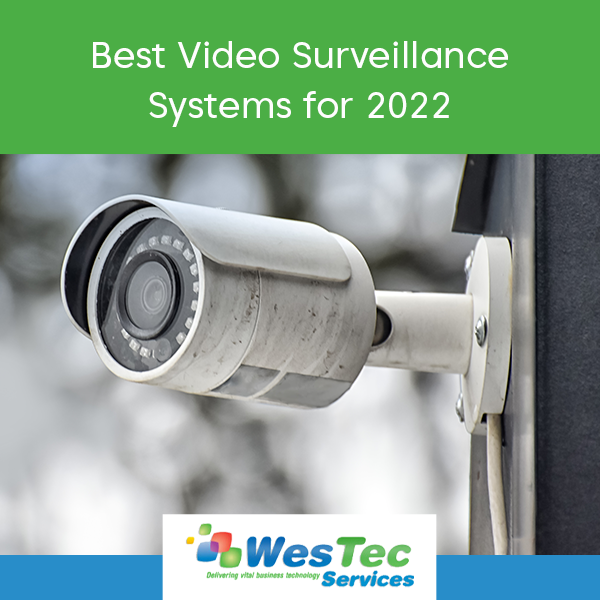
Video surveillance systems are one of the most effective ways for protecting and monitoring a space or business. With loads of surveillance services on the market, it can be hard to choose the best one for you. Here are the top video surveillance systems predicted for 2022.
Protection 1
Ranked the highest, Protection 1 video surveillance company offers a wide variety of services for many companies and areas. Each hardware can be customized to your specific liking. They include 24 hour surveillance that is protected, leaving the most accurate video data. This data can be located through their mobile application. Pricing is dependent on what plan is chosen, but the only downside is that you must sign a three year contact with every plan.
Blink by Amazon
Blink by Amazon is a user-friendly and cost effective option for surveillance. Popular for their no monthly fee or contracts, this device is becoming more popular for everyday users. Like other popular companies, they also work through an app, however it requires wifi in order to work.
Alibi Security
Alibi is a system that is usually paired with an already existing company. This simplys upgrades the performance of the system and is considered a hybrid option. You can pair this with the previous system, IP or analog, without changing the camera itself. It allows you to connect the old device with the new system allowing you to still access the data. For pricing, you must contact an Alibi Security representative.
No matter what surveillance system you decide on, it is important to do research and make sure the system is perfect for you.
Let Westec Services help you decide on and install the best video surveillance system for you or your business. We offer our expertise in all IT issues and are willing to work diligently and professionally for all of our clients. Feel free to contact us and check out the services we offer.
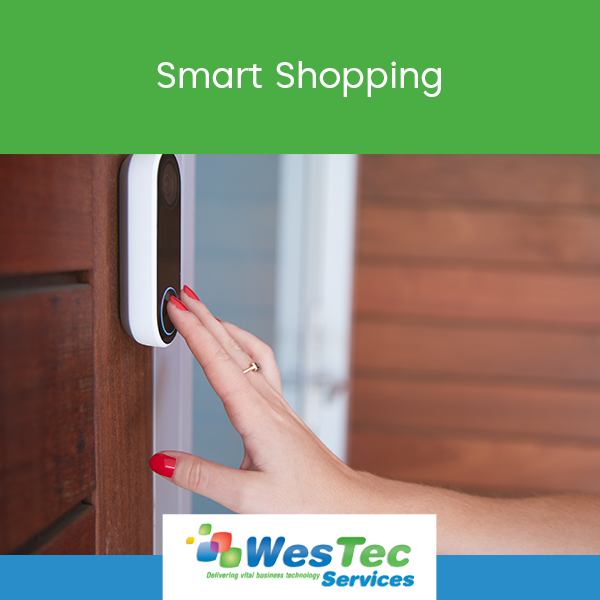
Shopping online has many risks that some shoppers fall victim to. Whether it be personal information stolen, wifi breach or virtual viruses, it is important to know how to become a smart shopper and prevent these risks from becoming a reality. Here are some tips to be a smart shopper:
Know What You’re Buying
Popular smart devices can easily help us and make our lives easier, but it is important to know exactly what you want and what risks might be present. Things to know are:
Who makes it?
What is its purpose?
Do you trust the company?
Have you read the reviews?
All of these things can prevent negative things from happening and make you more aware of what devices you are potentially bringing into your life or home.
Buy Familiar Brands
To limit the risks of buying alone, it is a good idea to buy from familiar or well known brands. These top brands are more likely to have stronger security on devices that hackers will have a hard time getting into and less likely to have any security breaches. Also, top brands are constantly updating their system and creating a safer place for the devices. Rarely hackers get into the system but when they do, these big companies are quick to fix it and will most likely send out a message to customers making them aware of the threat. It is important to be able to trust the brand or company and feel confident is how they handle these risks.
Are you having issues with becoming a smart shopper and protecting your information? Westec services can help! Schedule a callwith one of our professionals today!
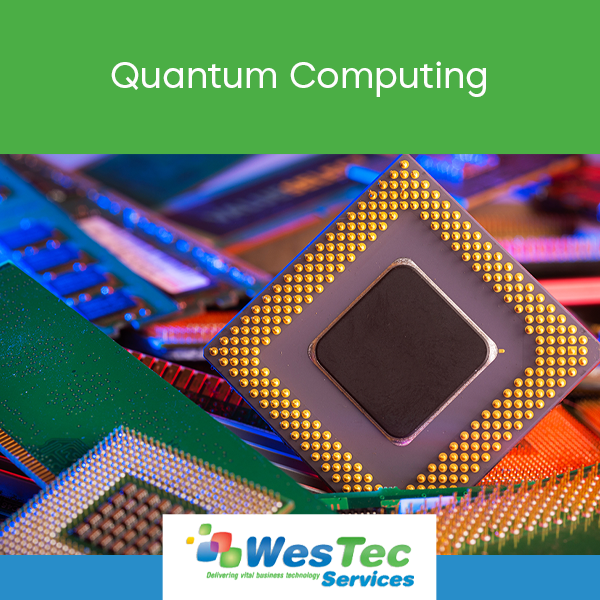
Quantum mechanics are more powerful than ever. Different from the average computer, quantum computing offers an advanced level of algorithms and benefits that continue to develop and transform. Due to their advancements, they are continuing to grow in popularity and change the way we use technology.
What is Quantum Computing?
Quantum computing can be described as a unique set of equations and algorithms that are based on quantum mechanics and physics. They have collective properties including interference, superposition and entanglement that perform tasks such as completing calculations. These unique systems are then introduced to computing making it possible to solve many problems and aid in traditional programming methods.
How does it work?
To understand how quantum computing works, it is important to know the certain elements used including qubits. Qubits are the unit measurement for quantum computing. They have potential to do things differently and can hold lots of information. The quantum system has a house or a storage facility that keeps the qubits and keeps them at a temperature above absolute zero. This is to prevent interference that might happen with the signals. Some systems also use a vacuum chamber to stop internal vibrations. In order to use them in this type of computing, the system must have a method for transferring signals. This is embedded in quantum systems. More common systems include lasers, microwaves and voltage. Then from the transfer stage, it gets sent to a classic computer that can then read and run the desired program.
Benefits
There are multiple benefits when it comes to this specialized hardware. One being optimization. With the help of quantum computing, researchers can use a specific algorithm that cannot be used with average computers. Not only that but it can then create even more complex systems and equations that aid in online traffic within the system, deliveries and energy storage. Another benefit is searching online. With the help of this computing, it can sort through lots of data and present the desired results that classic commuters and algorithms can’t do.
Have any questions about the right technology services for you or your business? WesTec services can help.Contact us with any questions you may have and follow us on Facebook, LinkedIn and Twitter.
It’s hard to believe we are already halfway through 2021! It’s been a whirlwind year thus far, but we have seen many advancements in business technology. As remote work becomes the new normal, businesses everywhere have begun adopting new technology and software to make this transition easier. Here are a few small business tech trends that have proven to be revolutionary this year:
AI-Operated CRMs
In 2021, small businesses everywhere are looking to streamline their work with CRM software. AI-operated CRMs (Customer Relationship Management) allow businesses to effectively identify, track, and target leads through automated campaigns. Businesses have found that CRMs are a more effective approach to their sales processes, as this software produces more personalized customer engagement.
Remote Onboarding
Since the pandemic, many industries are making the switch to remote work. As smooth and successful as this transition has been for some, remote work may become a more long-term option. Now, businesses are implementing remote onboarding software to simplify and expedite the hiring process. This new software is more convenient and cost-effective than traditional hiring processes.
Centralized, Comprehensive HR Software
Remote work provides so much ease and convenience for employees and executives alike. However, with limited human-to-human contact, HR departments have had difficulty keeping up with the needs of their employees. With the introduction of centralized HR software, HR professionals can automate daily processes and store data. This software will also improve performance management and employee communication.
At WesTec Services, business technology is our specialty. From Managed Services and Network Installation to IT Consulting and more, we’re your one-stop shop. From computer hardware and software to telephone systems and integrated security, we’ll make it all work seamlessly together.
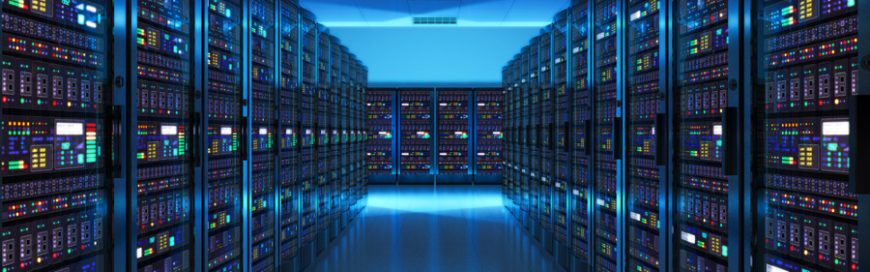
Servers are the heart of most modern SMBs. And with the strain that most businesses put on their servers, one of the most important maintenance variables is temperature management. Understanding why keeping your servers cool is vitally important and could save you from an expensive crash, troubling data loss, or reduced hardware reliability.
How does temperature affect my servers?
High temperatures in server hardware can result in different types of damage. A server that completely crashes for any reason results in costly data loss and service interruptions, but the unbiased advisory organization Uptime Institute warns that overheating that doesn’t always result in total failure. Every 18 degrees higher than 70 degrees Fahrenheit, hardware reliability decreases by 50%. This decrease in reliability can be just as, if not more, expensive for your hardware budget in the long run.
Cooling methods can’t just be implemented and forgotten; they must be closely monitored to ensure the health of your server hardware in the short and long term. Options for temperature management range from simple low-budget solutions to expensive outsourced alternatives. Determining your server management budget will greatly depend on what types of methods you intend to implement at your SMB.
Cooling methods
Which system you use to cool your server largely depends on how much power your hardware is using. The more watts a computer needs to operate, the harder it’s working. This number will determine the scope of your temperature management needs.
For example, PCWorld says passive temperature control is adequate for any equipment operating at less than 400 watts. This includes simple solutions like positioning your server away from walls, low ceilings, cable clusters, and anything else that can block hot air from dissipating naturally.
For computers using between 400 and 2,000 watts, strategic ventilation becomes a necessity. Adding passive ventilation is viable up to 700 watts, but fan-assisted ventilation will be required above that and up to 2,000 watts. With the increased power consumption, temperatures will rise, and air movement needs to be more closely managed. At this stage, simple vent and oscillating fans will suffice.
Anything higher than 2,000 watts needs dedicated cooling solutions. This means air-cooled units to actively reduce server room temperature. Depending on the size and arrangement of the space, a simple self-contained unit may be enough to reduce temperatures to acceptable ranges. But if you’re not sure, you should schedule a consultation with a vendor to consider more drastic cooling and monitoring methods.
Keeping your servers running at ideal temperatures means smoother data operations, lower hardware budgets, and one less thing to worry about at your SMB. As your business continues to grow and develop, keep close tabs on increasing server loads — it could save you from devastating data loss. If you need more detailed advice about server management, or have any other questions about your hardware setup, contact us today.
Published with permission from TechAdvisory.org. Source.
Every home or office has a computer. In one year, a typical desktop that’s on 24/7 releases carbon dioxide that’s equal to driving 820 miles in an average car. To save energy, you don’t need drastic changes; you can start with making small adjustments that will ultimately accumulate to significant savings.
1. Disconnect your external devices
Devices that connect to your PC like printers, sound systems, and webcams consume power, too. That’s why you should disconnect or remove these devices from your PC as soon as you’re done using them.
2. Use a smart strip, especially for computers you cannot turn off
A smart strip is a series of several electrical outlets in one strip, with circuits to monitor and maximize your gadgets’ power consumption. By connecting your PC and its peripherals (printer, speakers, scanners, etc.) to the smart strip, you don’t need to unplug your equipment when you’re not using them.
3. Adjust your computer’s energy settings
You can also consume less energy by adjusting your PC’s power settings. For example, you can make sure your hard drive and monitor go into “sleep” mode when they’re left idle for a few minutes. Lowering the screen brightness will also help you save electricity.
4. Shutdown and unplug your computer when not in use
If you are not yet using a smart strip, then it’s best to shut down the computer when you’re not using it. Also, make sure to unplug it, as leaving it plugged consumes standby power.
5. Use a charger only when charging your laptop
When we charge our laptops, it’s easy to just leave them there and forget about them. This results in the eventual degrading of the battery. Leaving the charger plugged on the wall also consumes standby power. So either use a wall outlet with a timer, or plug your charger on a smart strip instead.
6. And should you be in the market for a new PC, choose one that’s Energy Star compliant
Saving energy is a combination of smart choices in hardware plus developing good energy-conservation habits. These tips should help you achieve that. If you need assistance in choosing the best hardware for your needs, call us and we’ll be glad to help you out.
Published with permission from TechAdvisory.org. Source.
Yet another global malware infection has been making headlines and the story just took a turn for the worse. When the news of VPNFilter broke, experts warned that 500,000 devices were already infected, but now they believe that number is much higher. Thankfully, it’s not too late to protect yourself.
VPNFilter recap
A team of security researchers from Cisco released a report that a strain of malware had been discovered on hundreds of thousands of routers and network devices. Originally, researchers believed it affected only Linksys, MikroTik, Netgear, and TP-Link devices.
Like many malware strains, VPNFilter infects devices that use default login credentials. But it’s worse than the average cyberattack because it can destroy router hardware and cannot be removed by resetting infected devices.
As if destroying 500,000 routers wasn’t bad enough, VPNFilter lets its creators spy on networks and intercept passwords, usernames, and financial information.
What’s new
Just two weeks after VPNFilter was discovered, security experts announced that it targets 200,000 additional routers manufactured by ASUS, D-Link, Huawei, Ubiquiti, UPVEL, and ZTE. Worse yet, VPNFilter can alter data passing through infected routers. That means when you enter a username and password into a banking website, hackers could steal that information and show you an incorrect account balance to hide fraudulent deductions.
How to stop VPNFilter
Rebooting a router won’t remove the malware, you need to factory-reset the device. Usually, all this requires is holding down the Reset button on the back of the device for 10-30 seconds. If your router has no reset button or you’re unsure whether pressing it did the trick, contact a local IT provider immediately.
Cybersecurity threats have become so prevalent that even large enterprises struggle to keep their digital assets safe. Outsourcing IT support to a managed services provider like us will give you enough capacity to deal with issues like VPNFilter as soon as they arise. Call us today to learn more.
Published with permission from TechAdvisory.org. Source.
If you own a laptop, chances are you’ve noticed how hot it can get. You might not know it, but your laptop may already be overheating, which will lead to decreased efficiency and a shorter lifespan. Here’s how to protect your laptop from further damage due to overheating.
Causes of overheating
Laptops create heat during their normal operation. That’s why they’re designed with internal fans that blow out hot air and suck in cooler air. When your laptop keeps shutting down or suffers serious slowdowns, chances are it’s overheating.
One of the most common causes of overheating is when the fan doesn’t operate normally. This may be due to dust and grime clogging up the fan, preventing it from rotating properly. It’s also possible that the air vents are being blocked, preventing air from flowing into the laptop.
Another thing to consider is the age of your laptop’s battery, which relies on lithium to store electricity. This chemical naturally decays over time, no matter how carefully you use it. The older the battery, the less efficient it is and the more heat it generates.
Software use can also contribute to overheating. Too many apps and programs running in the background can overwork your laptop.
What to do if it’s overheating
The first thing you should do is check your hardware. Turn your laptop off and inspect the vents and your fan for any dirt, grime, or other possible causes of blockage. Also check whether the fan itself is not physically dented, which can slow down its rotation.
Sometimes overheating is simply caused by bad habits. Do you use your laptops in bed or on the carpet? Do you use pillows as padding? Uneven or soft surfaces often block the air vents, leading to overheating. Always place your laptop on a hard, even surface.
Aside from the hardware, check your software. Are there a lot of apps and programs that start automatically when you switch on your laptop? If yes, then you may need to limit them.
Keeping it cool
To prevent your laptop from overheating, always make sure that there’s adequate airflow for your laptop. Better yet, invest in a cooling pad. These pads lift your laptop and add more fans to facilitate better airflow.
Limit the number of programs that run when you start your laptop. Change your settings to “power save.” And shut down your laptop whenever you’re not using it.
It’s easy to take laptops for granted because they’re billed as plug-and-play devices. However, with a little extra care and attention, your devices will last much longer. If you want to prolong the lifetime of your IT hardware, call our experts today.
Published with permission from TechAdvisory.org. Source.
Mission: WesTec will be a “turn-key” solution for all of its clients’ business connectivity needs. It will offer efficient and effective solutions, directly and with strategic partners, that create tangible value for its clients at every point of contact. Westec will serve all people and entities with a servant’s heart.
Get in touch
2916 West TC Jester Blvd.,
Suite 104
Houston, TX 77018



































 2916 West TC Jester Blvd.,
Suite 104
2916 West TC Jester Blvd.,
Suite 104