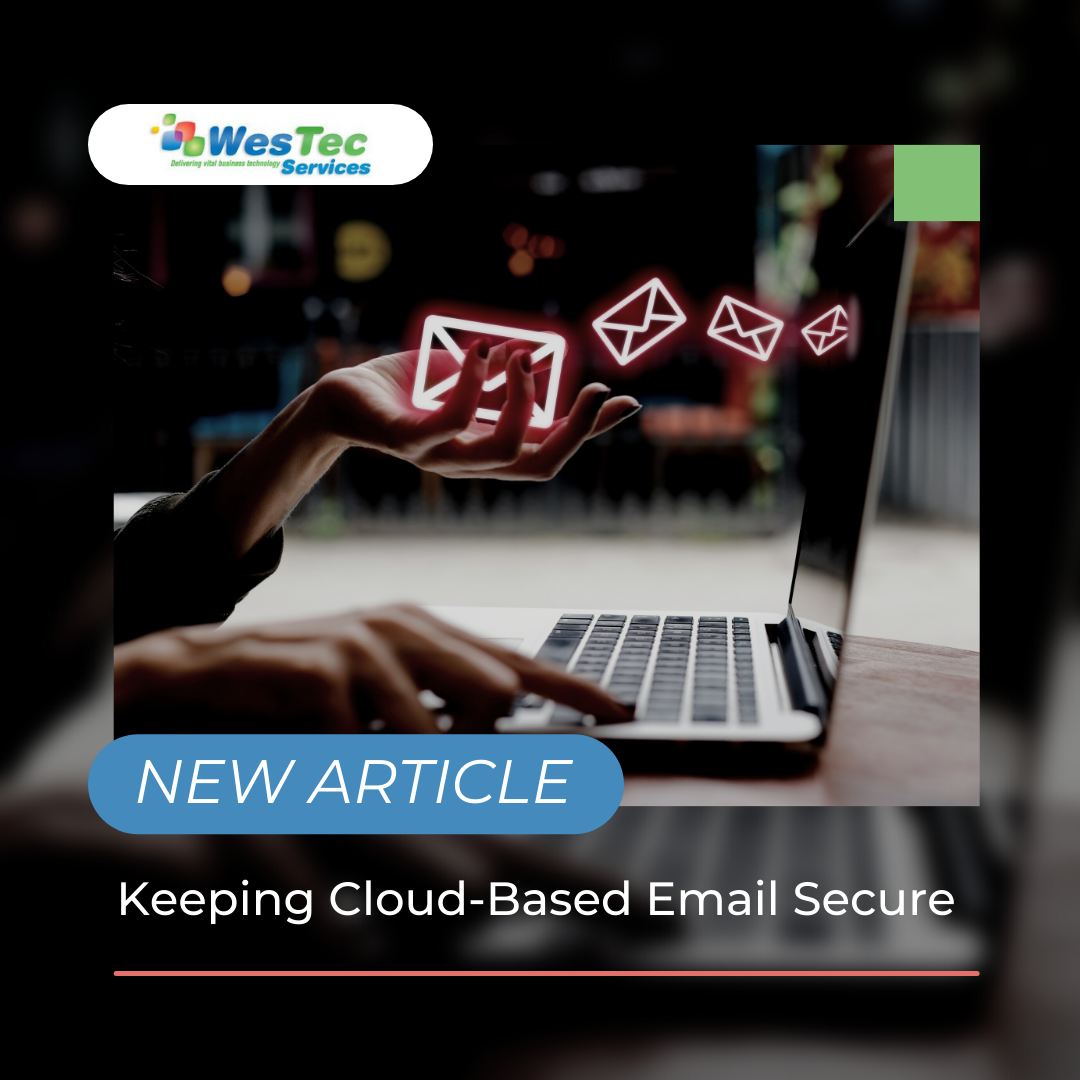
Something as simple as sending an email may seem like normal task, but every email sent out holds precious information that thieves prey upon. Whether it’s for personal or company use, any information can be utilized to expose any confidential details you may not wish to share. These details can be used to perform cyberattacks, which is more than ideal to avoid. With the use of email security, your or your company’s cloud can be protected from potential cyber threats.
Why is it Important?
Having cloud-based email security is important for a number of reasons, especially since email is the most vulnerable line of communication. This is because hundreds of emails go out each day depending on the size of your company, raising the overall probability of getting attacked. Since most employees are busy working, the chances of them noticing a suspicious link attached to an email may be slim. Clicking on this link could result in attackers collecting precious credentials or installing viruses to employee computers. To prevent this from happening takes a lot less exertion than trying to reverse it, so consider taking action before it’s too late.
Potential Threats
Companies and personal users of email face potential consequences everyday when without cybersecurity. But what types of threats are there to look out for? Phishing emails take a hefty 90% of the blame for attacks for their talent of deception. These emails are sent to employees and usually consist of believable scenarios such as:
Changing payment methods for certain services (Netflix, Amazon, ect.)
Changing a password for an account under their name or company’s name
Alarming notices regarding unwarranted purchases
There are other ways for phishing emails to trick your employees, and they continue to evolve every single day. Phishing emails are the starting point of cloud-email exploitation, which happens through the use of document sharing. Many companies rely on Google Drive and other document sharing tools, so a recognizable email may not strike anyone as suspicious. Without proper cybersecurity, attackers can access these private documents and other data found in the cloud.
How Can I Improve it?
Applying integrated security to protect company data is the best way to prevent cyber attacks. Email encryption prevents data leaks wherever there is vulnerability in the server. Adding this extra step to ensure security between emails will definitely help. It is also beneficial to educate employees of these scams and how to identify them before moving forward. Thieves become more intelligent with every passing day, so learning how to specify what to avoid will benefit you or your business greatly.
Conclusion
As a company, it is a great responsibility to make sure your data is protected. As it’s been said before, prevention is a lot easier than finding a cure. Preparing for the worst scenario and staying aware of cyber threats will save you a lot of time and concern.
To learn more about our services, contact us today!
Follow us on Facebook or to keep up with our latest blogs!
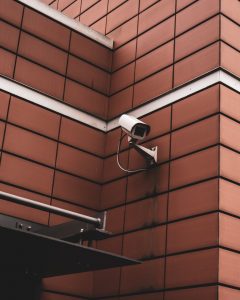
If you own a business, protecting it is probably on the top of your priority list. Surveillance systems and cameras can help you do just that. When making the decisions about CCTV or IP cameras, there are a few different factors to consider before mounting them.
Purpose
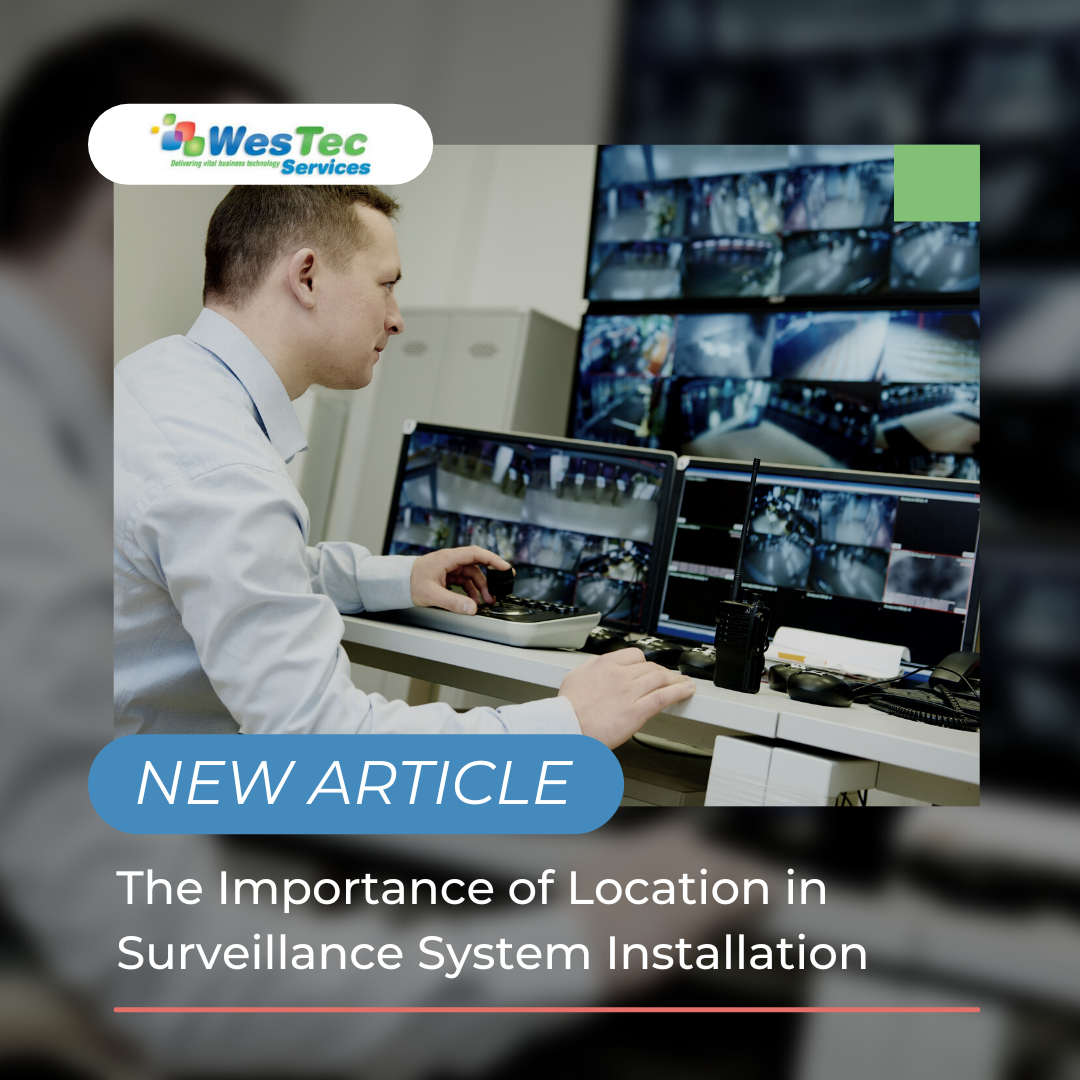
The first thing you want to identify when deciding on the location(s) of your security cameras is, what are you trying to protect? Is it one building? All the doors to the office? Outdoor equipment? Employee workspaces? Thinking about these questions will help you narrow down exactly where you need cameras and what type. The whole purpose of a security camera is to protect your business from numerous different threats. Making sure you are capturing the correct areas is the first step.
Power Source
Cameras need a power source to operate. Is there access to a power connection or can new wiring be installed in the areas you are wanting to place the cameras, or do you want to go with a battery powered or solar panel option.
Mounting
Thinking about the places you are installing the cameras and the material that the surveillance cameras will be mounted to. There are many different brackets and methods for mounting security cameras. Our professionals can help you decide what would work best for your needs.
Environment
There are many all-weather or weather resistant cameras. Thinking about what kind of environment your security system will need to operate in will help you decide the location and what type of camera you will need.
Lighting
Are there lights in the area you want to cover? Is it natural or artificial lights? At night is the space well lit or will you need a camera with night vision?
There are many factors that go into deciding the location of your security cameras and the type of system that would be best for your business. Surveillance cameras help protect your company from a range of hazards from theft and crime to workplace accidents. WesTec Services can help make sure you are getting the most out of your surveillance system and assist with answering those questions about camera placement.
Contact us today if you have any questions about adding a surveillance system to your business or learn more about installing a WesTec Guardian CCTV/ Video Surveillance System here.
When you think of surveillance systems, do you think of the fuzzy CCTV shots from old true crime documentaries? Video systems have come a long way since then. Past are the days of not being able to identify individuals from recordings. So how can a surveillance system add a level of security to your business and help you mitigate risk?
Protection from Theft and Crime
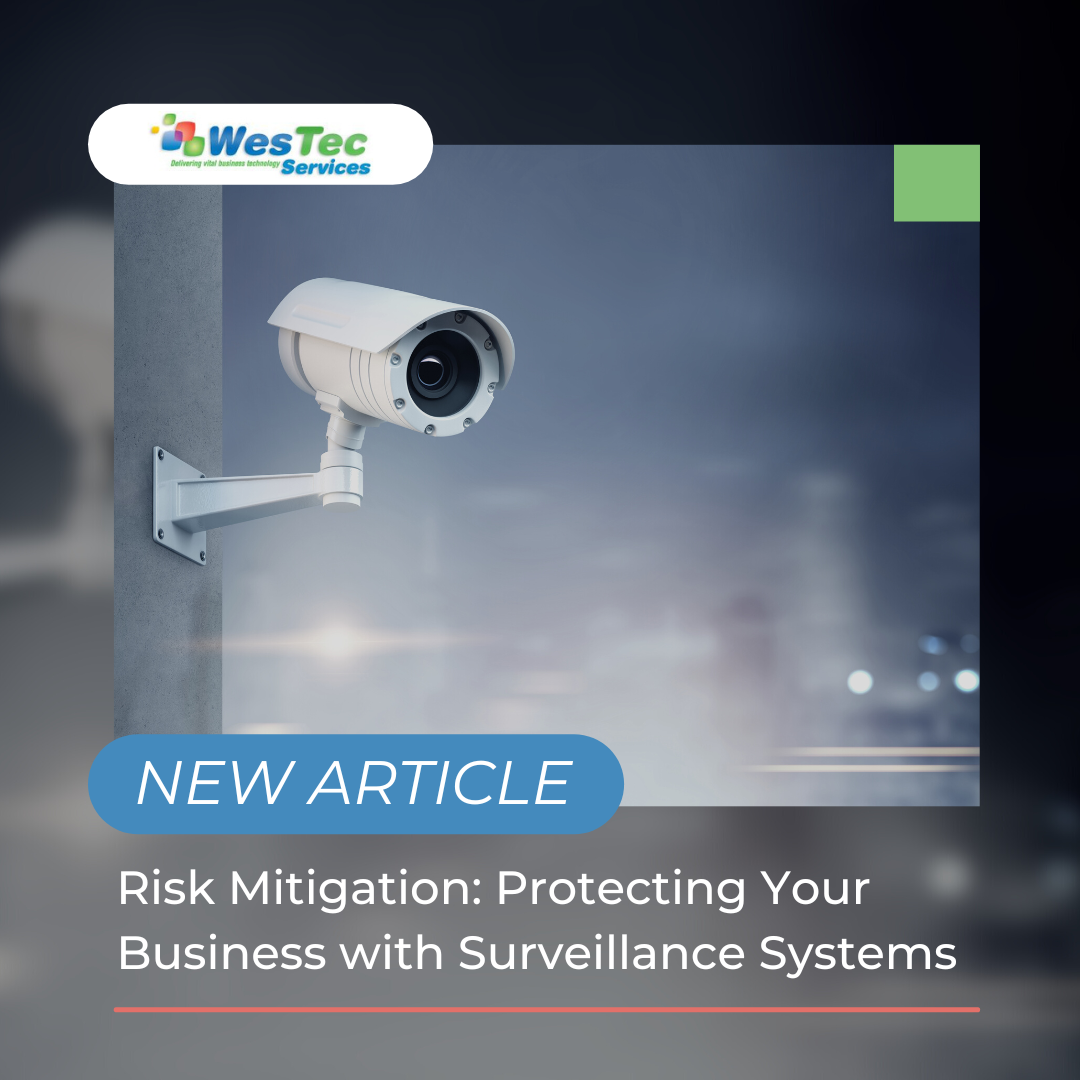
Security cameras can help stop crimes before they even occur. Setting up exposed cameras lets trespassers know that they are being recorded and the likelihood of them being caught just went up. A surveillance system proactively protects your business, and can reduce insurance costs.
If a crime does occur, you’ll have a place for the investigation to start and be able to provide evidence. You can choose cameras that continually record or are triggered by an event, such as someone walking by. All-weather cameras allow you to continue capturing activity in extreme conditions. With the climate in the Houston area, you never know what circumstances your surveillance system will need to be working under.
Reducing Workplace Hazards
CCTV and IP camera systems are not just for the outside of your building, installing cameras in work areas can help reduce work-related accidents. By monitoring work spaces, you can mitigate risk such as verifying machinery is functioning properly, confirm safety procedures are being followed and eliminate hazards that could cause injury. More employee accidents results in higher workers’ compensation rates. A surveillance system allows you to document exactly what occurred.
The decision to add surveillance cameras comes down to keeping your business and employees safe and reducing costs associated with thief, employee accidents and workers’ compensation and insurance.
If you would like to learn more about leveling up your security and adding a surveillance system, contact us today. Learn more about installing a WesTec Guardian CCTV/ Video Surveillance System to your business here.
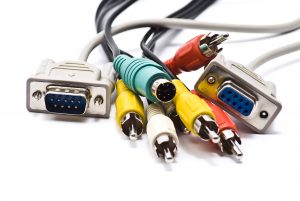
WesTec offers a full line of Houston cabling services including Voice, Data, Fiber, and Coaxial cabling. In this article, we will take you through the specifications of each one, and what makes each of them different.
Voice and Data Cabling
Voice and data cabling are used for just that – voice and data. They are inclusive but not limited to phone system cabling, data network cabling, server room cabling, surveillance cameras, video cabling, and more. Distinctly, data cabling is inclusive to two different types of cables – copper and fiber. The type of cables used define the standards of the method used. Furthermore, these types of cabling make up offices or campus networks, which are able to adapt with new and upcoming technologies; in the long run, allowing businesses to expand.
Fiber Cabling
Fiber cables are able to connect multiple cabinets together and often include a center glass core surrounded by layers of protective materials. This type of cabling avoids electrical obstruction by transmitting light, making them the perfect method for environments with vast amounts of electrical interference. Fiber cabling is now the standard for connective networks across buildings due to their resistance of moisture and lightning.
Coaxial Cabling
Coaxial cables are probably one of the most complex types of cabling to install due to their complex infrastructure. These cables have a single copper conductor at the center, a braided metal shield, and a plastic layer in the center which provides insulation. The metal shield is used to block outside interference from motors, fluorescent lights, and other computers. Additionally, coaxial cabling is resistant to obstruction and can handle larger cable lengths between network devices.
Cabling services differ according to your needs, and many beyond just these four exist. WesTec Services is ready to assist you with your cabling needs. For additional information, questions, or comments, contact us or read here.
For a business or home to run successfully, strong network connection in computers is essential. WesTec offers computer Network Health Checks, but what does that entail?
If your computer(s) are running slower than usual, your network is glitching, or there have been security breaches, you might be due for a Network Health Check.
What Are Network Health Checks?
Network Health Check can be defined as a way to test the critical components of a network for performance, reliability, and other security issues. These checks provide security which ensure that your network is sustained to best practices and maximize availability. Because networks can be at risk of security breaches, and malfunction, checking your network health should be done at least once a quarter; some even request that checks are done with more frequency to prevent data loss, poor performance, and others.
Where We Come In
At WesTec, we come to you, on site, and complete a Health Check Audit and check for maximum speed, security, and performance. During the audit, we would also check for any problems such as spyware, failing hard drives, or out-of-date security patches. In addition, we check your computer’s network security, backups, and other issues which could lead to expensive repair bills. At the end of the audit, a report will be provided to you with all information regarding the vulnerability of your network as well as what can be done to fix it.
Now that you have a detailed definition and explanation of a Network Health Check, you might find yourself in need of one. We work diligently to make sure that your network is safe, strong, and reliable. Network Health Audits are only one of the many services we offer. Click here for our services or for any additional questions or requests, contact us. We are more than happy to help!
Now, more than ever, we have to be cautious of our personal documents – whether professional or personal. Information can be easily leaked, lost, or hacked. Follow this step-by-step guide to safely store confidential data:
Disk Encryption
First, enable full disk encryption. This protects all confidential data if its devices fall into the wrong hands. There is software that does the job for you on Microsoft and Apple devices. It is important to note that said software should not be turned off or deleted once applied – this will assure that data stays safe.
Secure Hard Disks and Flash Drives
Second, important data can be stolen through physical media such as external hard disks or flash drives rather than digitally. Said devices should never be taken out of the place of business or left unattended. In addition, there should always be a backup to your backup, which is where encryption comes into play.
Password-Protected Archives
Third, any data that has not been previously stored/encrypted should never be transferred over the internet. Sending important data over programs such as e-mail or file sharing services is sometimes required, but never ideal; however, the easiest way to avoid data theft is to encrypt the data and put it in a password-protected archive. Passwords for the archive should be set through a different channel.
Safely Delete Old Data
Fourth, companies sometimes hoard information that they no longer need. Most times, said information has classified or important data that should not be possessed by the wrong person. The best way to keep the information safe is by getting rid of it once it is of no use to the company. Additionally, never forget to also delete it from the Recycle bin as well; for anything sensitive, use a file-shredder to prevent recovery.
Secure Passwords
Lastly, any archives or passwords created for data storage should be safely secured. Losing and leaking passwords is not a difficult task. The easiest way to keep passwords secure is through programs such as Kasperski.
To Store Confidential Data is simple, when the right steps are followed. Practice the above, and your data will be protected for years to come. For any additional questions or requests, contact us!
Phone technology is constantly evolving. Although new tech toys are fun and functional, there are always underlying dangers. Here are 5 smartphone security risks and how to prevent them.
Risks:
Unintentional Disclosure of Data
Malicious disclosure of sensitive or private information.
Phishing Attacks
Scams made by actors pretending to be a trusted source or individual.
Spyware Attacks
Type of malicious malware or software downloaded without the consent or knowledge of a victim.
Diallware Attacks
Stealing money from a designated user through malware that uses hidden message service or numbers.
Network Congestion
Network is overloaded with links and malware, causing lots of traffic.
Preventions:
Encrypt Mobile Devices
Encrypting is the process of converting information into secret codes which prohibits unknown users from accessing.
Update All Apps and Operating Systems
Updating apps and operation systems with frequency lowers the chances of your information being compromised – sometimes through improved bug fixes.
Set Strong Passwords
Strong passwords often include:
A minimum of 8 characters
At least one capitalized letter
The use of special characters such as, @!#
At least one numeric character
Consider Deactivating Smartphone Functionalities Such as Siri, Cortana, and Others
Smartphone functions such as Siri and Cortana save all data for future use. Make sure that if these functions are being utilized, no private information is shared — or do not use them at all.
Don’t Ignore Error Messages About The Validity of Certificates
A variety of websites do a proper job of calling out accounts or messages that are unsafe. Always read any error messages for certificates or accounts.
Remember: There are thousands of other smartphone security risks, but if you take the proper precautions the chances of any data leakage are slim.
Have any more concerns about smartphone technology? WesTec Services can help! Contact us with any questions you may have and follow us on Facebook, LinkedIn, and Twitter.
Machine learning technology is becoming more and more popular within the technology world. It has many benefits that come with using it, but there are some risks and mistakes that are made. Here are the top four learning machine learning mistakes:
Business Alignment
It is important to know how machine learning can benefit your business VS how your business can benefit machine learning. Most of the time people experiment with this type of technology and sometimes it doesn’t work out because everything turns out to be a test run. You will want to know what your business will need to grow and improve, then work with the right aligned machine learning technology. Before choosing this type of technology, you may want to ask these questions:
What problem am I having? Is it urgent?
Will machine learning help us in this scenario?
Poor Training
A good portion of machine learning technology is to store and solve data, this can also include cleaning data. It can either do too much or do too less, depending on the training. If you don’t do proper training, you and your business can decrease in productivity and effectiveness.
Data Quality
No matter if machine learning is just starting or has been working for a while, it is constantly inserting and solving data. But, not just any data. It has to be able to work with a high quality database. If bad data goes into the machine, bad data will come out. It is a good practice to monitor the quality of data being used.
Deployment Complexities
Using this technology is not easy, and most of the time it is hard to find the right resources to run this device. Stakeholders for example provide the most support for machine learning. You will need a good business alignment and good collaboration for machine learning to take off.
Have any questions about the right technology services for you or your business? WesTec services can help. Contact us with any questions you may have and follow us on Facebook, LinkedIn and Twitter.
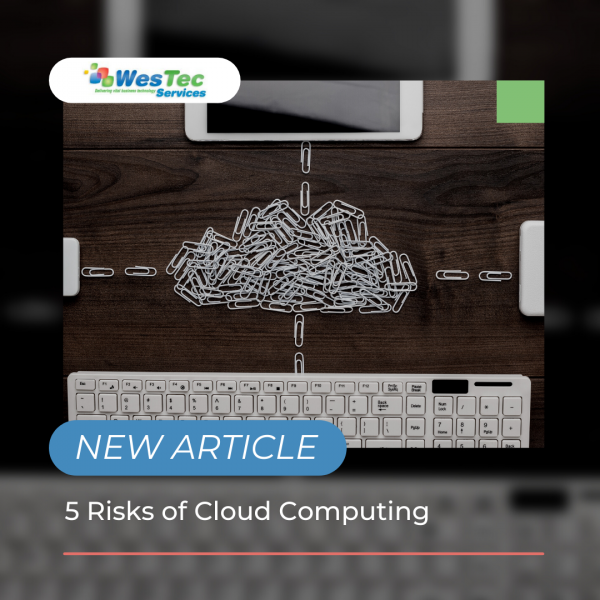
Cloud computing and storage has increased in popularity. It has many benefits including security and effectiveness, but with time, cloud computing has become vulnerable to many risks. Here are five risks of cloud computing:
1.Misconfigured Settings
With many people using cloud computing, there is often a chance for a misab in the settings. A misconfigured setting is when some of the data stored in the cloud is not protected and it becomes breached. This is all because the purpose of the cloud is to make things fast and convenient and sometimes this causes more information to be less restricted. To fix this setting, it is ideal to check the cloud regularly and check the access permissions.
2. Poor Data Quality
When all your data is in the cloud, it can make it easier to overlook some information. Not only that, but when you share information via the cloud, it can make the information vulnerable to hackers and getting lost. To ensure the quality of your data, it’s a good idea to separate your data within categories and put security measures in place.
3. Employee Training
One of the risks when it comes to cloud computing is not properly training employees on the risks. Most of the time, data is stolen due to phishing scams and security breaches. These can be prevented by teaching employees on how to identify scams.
4. Security Policies
Insufficient security policies can hurt all data in the cloud. When a security policy is not correct, it puts so many things at risk. To ensure you have adequate policies, it is important to know who can access the cloud, what data should be in the cloud and what to do when a breach occurs.
5. Choosing the Provider
There are many cloud providers out there, and some aren’t the safest when it comes to storing data. Before determining what provider you want to use, make sure to research all providers.
Are you having trouble with cloud computing? Westec Services can help! Feel free to contact us with any questions or concerns.
Machine learning is a type of artificial intelligence that is capable of predicting, detecting and prescribing solutions to many equations. It is mainly used by inserting thousands of images or algorithms into the system, which causes it to recognize the data and know the difference between them. This creates an algorithm that can be used for digital chat bots, voice recognition services and spam detection softwares. But what are the pros and cons of machine learning?
Pros
When it comes to the pros of machine learning, there are many including prediction, detection and prescription. These complex machines are able to conduct data analysis fast and are more effective than any human. They can predict accurate information that can lead to more health and technological advances. Along with predicting information, machines can also detect this information at a faster rate than humans. They can detect data, images, voices and more. Not only can machines predict and detect information, they can also create solutions for certain algorithms. Scientists believe that machine learning devices can create solutions 100 times faster than humans. Machine learning can be used for many different areas of work or study, especially with the amount of tasks it can perform.
Cons
On the other hand, machine learning does have some disadvantages including data privacy and security. Machine learning can conduct many solutions including facial and voice recognition, which can be a problem for some people. When the machine does these types of tasks, many people argue that it is taking vital information from people and storing it internally. When the data is stored, almost anyone can access it, leaving a problem of data security.
The bottom line is that machine learning is extremely useful. Like other technologies, it has its pros and cons.
WesTec Services is your one-stop-source for all things IT support & consulting in Houston! Does your business require network installation, backup & disaster recovery, managed services, consulting, and more? We’ve got you covered! Contact us today.
It is no secret that understanding technology and their terms can be difficult. Especially with it always changing and evolving, it is hard to keep up with all the lingo. Knowing the basic machine learning terms will help you have a better understanding of the technology. Here are the top terms you should know:
Unsupervised Learning
Unsupervised learning refers to systems that rely on clustering algorithms. The main goal of this is to allow big systems or computers to a wide variety of information so they can learn and adapt to it. The downside to this is that each system needs to be programmed in order to use the information.
Robotic Process Automation (RPA)
This type of automation is simply using bots to carry out certain tasks. RPA’s work best in an environment that repeats certain tasks.
Linear Regression
Linear regression is a statistical algorithm that uses variables to predict values of dependent variables. The main idea of linear regression is being able to use independent and dependent variables to plot data on a line.
Deep Learning
Artificial intelligence is becoming more popular in the technology industry, and deep learning is a new approach to AI. Deep learning groups learning algorithms based on hierarchy. For example, the first layer of deep learning can consist of an algorithm based on color and as the layers go up, the level of the algorithm increases due to how important it is to the full algorithm.
Classification
Classification is grouping objects, ideas or information into categories. This can be useful for any type of algorithm or machine learning. It keeps track of data and allows the user to select certain information or objects to send out or edit.
Struggling to understand machine learning terms Minimize the downtime spent searching for solutions and outsource IT support with WesTec Services! Interested in learning more? Contact us today! Don’t forget to follow us on Facebook, Twitter, and LinkedIn!
When it comes to your business’ IT, it can be overwhelming and often confusing. Having a managing service run all your IT, it can eliminate any stress associated with it. Many benefits include cost, time, effectiveness and less overall stress.
Cost
Most managing service providers work directly with the client to ensure the best pricing options for your IT department. This may include a better way of securing data, sharing documents, communications and more.
Time
One of the biggest benefits of a managed service is that it will give you and your business more time for other things. Handling IT services on your own can take up lots of time, leaving you scrambling to finish projects. A managing service can take everything IT off your hands and ultimately free up some time.
Effectiveness
IT can be difficult to understand, so when businesses try to handle all their IT items, they can do things incorrectly. This will decrease your efficiency and often prolong tasks. When you let a service handle everything IT, they will ensure that everything will be correct and allow you and your business to work effectively.
Company Improvements
When companies are growing and hiring more employees, they tend to depend on their technology department to be able to provide all necessary information and items needed. When a managing service is in control of IT, they can be ready for your company to continuously grow and change without having to worry about when things will be prepared.
Stress
IT itself can be incredibly stressful. This high amount of stress can harm work efficiency and be detrimental to the company. Hiring an IT managing service team will take all the stress off of you and your employees. They will do their job, to ensure that you can do your job.
WesTec Services is your one-stop-source for all things IT support & consulting in Houston! Does your business require network installation, backup & disaster recovery, managed services, consulting, and more? We’ve got you covered! Contact us today.
A hardware refresh cycle is when you upgrade you or your company’s hardware and software as needed. Benefits include saving information, increasing efficiency, and improving safety. Here’s how to develop a hardware refresh cycle:
1. Assess Your Hardware Needs
Any hardware refresh should start with a closer look at your systems. This means knowing what kind of hardware it is, how old it is, and how much storage is used. This will better prepare you for the updates.
2. Future Needs
After knowing what hardware you have or what it is lacking, you will want to conduct some research and decide what routine updates will be required of your hardware in the future. This is also a good time to locate receipts, and know purchase dates and any warranties you may have.
3. Disposal of Old Hardware
After assessing your current hardware, you may need to upgrade the system completely. In order to do this, you will want to make sure the hardware company has a warranty program. If they do, you may be able to get it replaced at a lower price. If not, this is when you will want to wipe your system and properly dispose of it.
4. Different Types of Hardware
You may not know that there are many different types of hardware including, personal computers, central processing units, random access memory, hard disks, internal hard drives, mobile devices, and servers. It is important to choose the right one for you or your business.
5. Purchase
Once you have an idea of what software you want, you can choose to either purchase it or lease it. Both have their pros and cons. For more information on buying vs leasing IT equipment, read here.
Keeping your hardware up-to-date will not only increase productivity, but it will also improve your business’ safety. It is important to conduct a hardware refresh cycle regularly.
Not sure what technology is better for your business? Westec Services can help! Feel free to contactus for more information or questions you may have.
Data loss can happen to anyone or any business. It can be frustrating, especially when you aren’t aware of why or how it happened. Most data loss happens when you least expect it. It is important to know when your data is at risk of being lost. Here are the most common causes of data loss:
Human Error
We all make mistakes one way or another. When data is lost, most of the time it is due to accidentally deleting information or not backing it up. When this happens, some information can be restored through recycle bins or the internal software file. This is frustrating, but can easily be solved by setting up an automatic backup system.
Viruses
Viruses are very common, and are often the culprit of data loss. These pesky viruses can enter your system through unsafe links or downloads. Once they get into your system, they can delete any and all of your information. In order to prevent viruses, there are many guard softwares that will protect your devices. Depending on which guard software you have, it will need to be updated regularly to conduct scans and security checks. Without guard software, you can protect your information by paying close attention to certain emails or downloads that may be sent or presented to you.
Power Outages
Power outages can happen anytime, and most outages cause data loss. Similar to human error, it can be prevented by constantly saving your information and backing it up. The trickiest part is that you don’t know when a power outage will happen, so it is important to regularly save your data. However, most of the time when a power outage happens, most systems will automatically save, but you should also take precautions in your own hands.
Hackers
Recently, hackers are becoming more common when it comes to data loss. Hackers usually enter your system due to poor quality servers, weak firewalls, or using common passwords. There are many ways to prevent hackers such as strong passwords, safe web searches and guard softwares. Unfortunately, information that is stolen from a hacker cannot be restored, which is why it is important to have effective cybersecurity measures.
Have any questions about the right technology services for you or your business? WesTec services can help.Contactus with any questions you may have and follow us on Facebook, LinkedInandTwitter.
Are you interested in creating your own startup? Are you afraid of any cyber risks? Any business, especially startups, are at risk for cyber attacks. These attacks can be detrimental to a business or online presence. It is vital to know what these attackers are looking for and how to protect yourself. Here are some tips to secure you and your startup from cyber attacks:
Account Admin
Depending on how big your startup is and how many accounts will be online, it is a good idea to have one admin account. This means the one admin account will have the authority to grant access to fellow accounts and ability to download data and software. This will cut back on online vulnerability as only one person will have access to important data. Along with an admin account, you can also unlock certain data and access to different accounts within the startup. For example, you can grant access to the financial department of bank account statements and billing information. Not only will this limit the risk of cyber threats, it will also cut back on time that the admin would have to grant access every time.
Strong Passwords
Having strong passwords isn’t a surprise when it comes to cybersecurity. But, the top way hackers get into systems is going through weak passwords. In order to stop this, it is recommended that every password should have a capital letter, special characters and numbers. It is also important to never share passwords.
Multi-Factor Authentication
No matter how strong passwords can be, hackers can still find a way in. Thankfully, more systems are requiring a multi-factor authentication process when logging into an account. This means that even if someone has your password, it can require a phone number or email to fully login. Most online softwares offer this level of security, you just have to authorize it.
Knowing how to protect you and your startup from cyber attacks is crucial. With selecting admin accounts, strong passwords and multi-factor authentication process, hackers will have a harder time logging into your accounts.
Cyber threats can be irritating and hard to effectively prevent them. WesTec services can help you in any way. We offer skilled expertise in all technologies and are ready to help. Contact us for any further information on phishing and how to protect yourself.
Due to the recent pandemic, more people are choosing to work remotely. In fact, studies have shown that by the year 2025 more businesses will go fully remote. Although this is good for some businesses, people are voicing their concerns about the decrease of productivity from working from home. Here are some tips to increase productivity by using virtual collaboration when working remotely:
What is Virtual Collaboration?
Virtual collaboration is any effort to collaborate or communicate with others who are not physically present. This includes different applications, instant messaging software, and video calls or conferencing platforms.
Collaboration Software
Collaboration software is one of the most effective tools you can use when working remotely. This allows you to work with one another on different projects in real time. This also helps connect the workplace and builds internal relationships. Popular softwares that help with collaboration are:
Video Chat services such as Zoom or Skype
Instant Messaging
Productivity Apps that track tasks or time
When these softwares are used, workers will have more motivation and remain productive.
Centralize Communication
Communication is a big part of working remotely, but one issue many people have is finding information for their work or projects. One way to resolve this issue is to invest in a centralized information system that allows for workers to find all the information necessary for their work. Popular systems include Google Drive and RingCentral. This will keep all information secured and accessible for remote workers.
Leadership
It is no surprise that leaders of businesses or companies are always watched. Workers will usually follow the footsteps of their leaders in many situations, including working remotely. It is a good idea to have leaders also work remotely and do all of their tasks efficiently to motivate employees to do the same. It gives employees the opportunity to work alongside superiors and give them a sense of normalcy. This is also a good time to place employee incentives. By implementing this, employees will have the right motivation to complete their tasks.
Have any questions about the right technology services for you or your business? WesTec services can help. Contact us with any questions you may have and follow us on Facebook, LinkedIn and Twitter.
Cloud computing is one the most beneficial ways for businesses to operate, but still creates online threats. Many threats can appear, but Shadow IT can interfere with devices, technology systems, applications and software. Learn about the dangers of Shadow IT and why is it being used:
What is it?
Shadow IT can be described as projects or networks that are managed by outside providers, without prior approval from the IT department. With cloud database popularity, shadow IT is growing and creates vulnerabilities including data leaks and database violations.
Risks
Now that you know what shadow IT is, what are the risks? The main risk is data leaks. Oftentimes when shadow IT is being used, it prevents certain backups from being performed. This means important data could be lost forever. From sending a document to a personal email, to file sharing on the cloud, this makes it possible for shadow IT to intervene and allow the information to be compromised by outside networks that cannot be monitored by the IT department.
These risks can go beyond simply leaking information. Depending on the network, shadow IT can harm financials, internal communications and errors within the system. When systems have access to this vital information, they can duplicate it and cause harm to your business and result in losing money.
Not all networks who use shadow IT are purposely doing it to cause harm, and most of the time big companies use this to increase productivity. Companies who use this include Google Drive, Dropbox and Microsoft Office. It is important to know that even though shadow IT can be beneficial, it still makes companies vulnerable to internal harm and should be dealt with.
Prevention
It can be determined that shadow IT will not be going away soon, which is why educating employees on this issue will be the best prevention plan. Along with knowing the risks, routinely checking your data will help manage and determine if shadow IT is affecting your business.
Want to know more about shadow IT? WesTec services can help! Feel free tocontactus and check out ourservicesto see how we can assist you. Don’t forget to follow us on Facebook,LinkedInandTwitterfor updates.
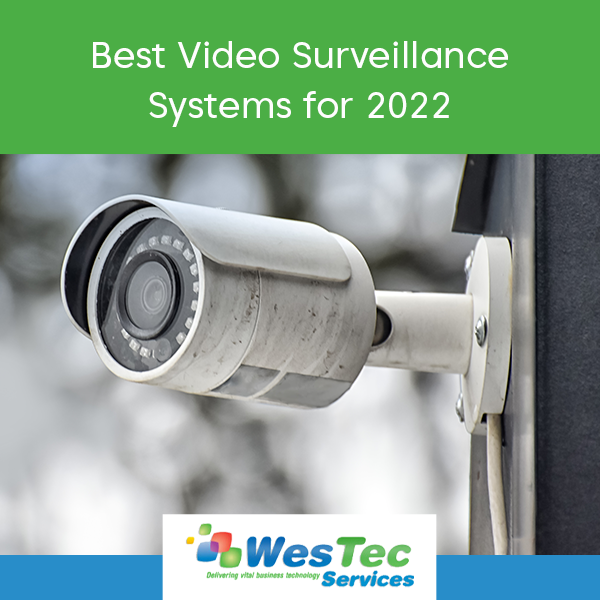
Video surveillance systems are one of the most effective ways for protecting and monitoring a space or business. With loads of surveillance services on the market, it can be hard to choose the best one for you. Here are the top video surveillance systems predicted for 2022.
Protection 1
Ranked the highest, Protection 1 video surveillance company offers a wide variety of services for many companies and areas. Each hardware can be customized to your specific liking. They include 24 hour surveillance that is protected, leaving the most accurate video data. This data can be located through their mobile application. Pricing is dependent on what plan is chosen, but the only downside is that you must sign a three year contact with every plan.
Blink by Amazon
Blink by Amazon is a user-friendly and cost effective option for surveillance. Popular for their no monthly fee or contracts, this device is becoming more popular for everyday users. Like other popular companies, they also work through an app, however it requires wifi in order to work.
Alibi Security
Alibi is a system that is usually paired with an already existing company. This simplys upgrades the performance of the system and is considered a hybrid option. You can pair this with the previous system, IP or analog, without changing the camera itself. It allows you to connect the old device with the new system allowing you to still access the data. For pricing, you must contact an Alibi Security representative.
No matter what surveillance system you decide on, it is important to do research and make sure the system is perfect for you.
Let Westec Services help you decide on and install the best video surveillance system for you or your business. We offer our expertise in all IT issues and are willing to work diligently and professionally for all of our clients. Feel free to contact us and check out the services we offer.
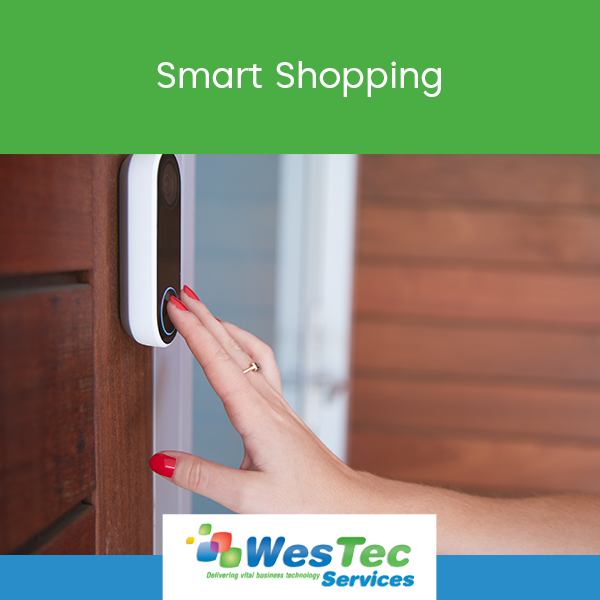
Shopping online has many risks that some shoppers fall victim to. Whether it be personal information stolen, wifi breach or virtual viruses, it is important to know how to become a smart shopper and prevent these risks from becoming a reality. Here are some tips to be a smart shopper:
Know What You’re Buying
Popular smart devices can easily help us and make our lives easier, but it is important to know exactly what you want and what risks might be present. Things to know are:
Who makes it?
What is its purpose?
Do you trust the company?
Have you read the reviews?
All of these things can prevent negative things from happening and make you more aware of what devices you are potentially bringing into your life or home.
Buy Familiar Brands
To limit the risks of buying alone, it is a good idea to buy from familiar or well known brands. These top brands are more likely to have stronger security on devices that hackers will have a hard time getting into and less likely to have any security breaches. Also, top brands are constantly updating their system and creating a safer place for the devices. Rarely hackers get into the system but when they do, these big companies are quick to fix it and will most likely send out a message to customers making them aware of the threat. It is important to be able to trust the brand or company and feel confident is how they handle these risks.
Are you having issues with becoming a smart shopper and protecting your information? Westec services can help! Schedule a callwith one of our professionals today!
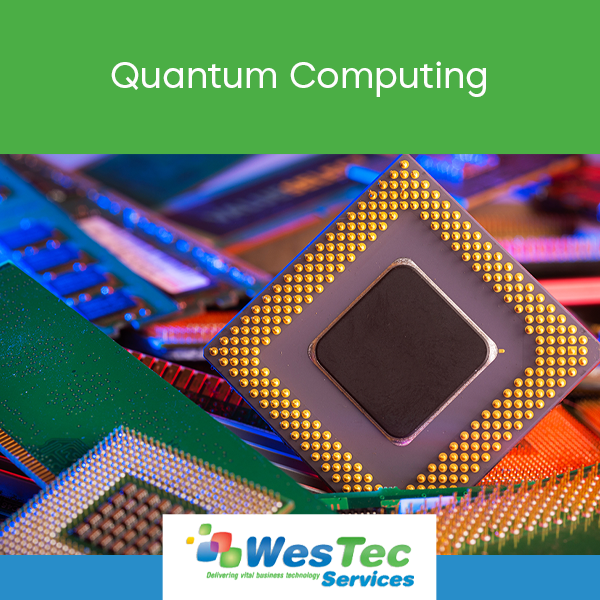
Quantum mechanics are more powerful than ever. Different from the average computer, quantum computing offers an advanced level of algorithms and benefits that continue to develop and transform. Due to their advancements, they are continuing to grow in popularity and change the way we use technology.
What is Quantum Computing?
Quantum computing can be described as a unique set of equations and algorithms that are based on quantum mechanics and physics. They have collective properties including interference, superposition and entanglement that perform tasks such as completing calculations. These unique systems are then introduced to computing making it possible to solve many problems and aid in traditional programming methods.
How does it work?
To understand how quantum computing works, it is important to know the certain elements used including qubits. Qubits are the unit measurement for quantum computing. They have potential to do things differently and can hold lots of information. The quantum system has a house or a storage facility that keeps the qubits and keeps them at a temperature above absolute zero. This is to prevent interference that might happen with the signals. Some systems also use a vacuum chamber to stop internal vibrations. In order to use them in this type of computing, the system must have a method for transferring signals. This is embedded in quantum systems. More common systems include lasers, microwaves and voltage. Then from the transfer stage, it gets sent to a classic computer that can then read and run the desired program.
Benefits
There are multiple benefits when it comes to this specialized hardware. One being optimization. With the help of quantum computing, researchers can use a specific algorithm that cannot be used with average computers. Not only that but it can then create even more complex systems and equations that aid in online traffic within the system, deliveries and energy storage. Another benefit is searching online. With the help of this computing, it can sort through lots of data and present the desired results that classic commuters and algorithms can’t do.
Have any questions about the right technology services for you or your business? WesTec services can help.Contact us with any questions you may have and follow us on Facebook, LinkedIn and Twitter.
Mission: WesTec will be a “turn-key” solution for all of its clients’ business connectivity needs. It will offer efficient and effective solutions, directly and with strategic partners, that create tangible value for its clients at every point of contact. Westec will serve all people and entities with a servant’s heart.
Get in touch
2916 West TC Jester Blvd.,
Suite 104
Houston, TX 77018




























 2916 West TC Jester Blvd.,
Suite 104
2916 West TC Jester Blvd.,
Suite 104